
The best CRM for startups is the one your team will still use when you have ten times the customers you have today. Most founders pick a CRM in a hurry. A year later, they moved everything to a new system and lost data on the way.
A CRM for startups keeps every lead, deal, and customer chat in one place, so a small team can follow up on time without spreadsheets. This guide shows what a startup CRM must do, why HubSpot is often the best fit for Australian startups, and when it is not.
What does the best CRM for startups need to do?
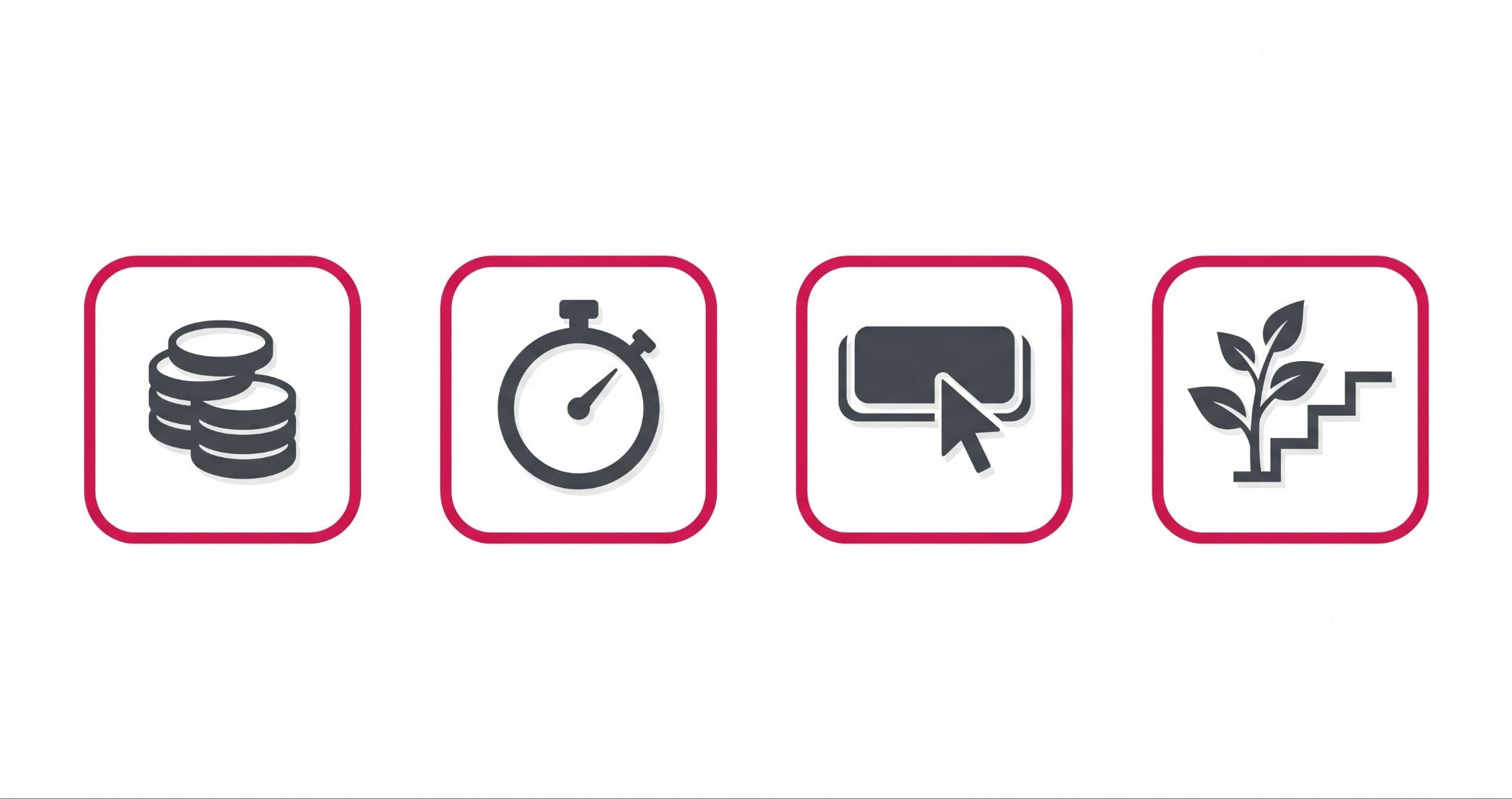
The best CRM for startups must be cheap to start, quick to set up, and easy for a small team to use. It should also grow with you. That means your sales, marketing, and customer service can all run from the same contact records later, so you never have to move your data again.
Here is what to check before you sign up for any CRM:
- Low cost to start. Cash is tight in the early days. You should be able to start for free and only pay when you need more.
- Fast setup. Your CRM should be working in days, not months. If it needs a developer just to add a field, it is too heavy for a startup.
- Easy to use. If your team finds the CRM hard, they stop logging calls and emails. An empty CRM is worse than no CRM, because you think you have data when you don't.
- Room to grow. Adding email marketing, a help desk, or more users should not mean buying a new system.
Most startups only test the first two points. The last two are the ones that cost you money a year from now.
Why HubSpot is the best CRM for startups in Australia?
HubSpot ticks all four boxes, and the free plan is a real CRM, not a short trial. HubSpot's free tools work for up to two users, with no time limit.
You get contacts, deals, tasks, forms, and basic email marketing. Free accounts can send up to 2,000 marketing emails a month, with HubSpot branding on them.
When you need more, the Starter Customer Platform lists at A$20 per seat per month. It removes HubSpot branding and gives you every hub at the Starter level. HubSpot sometimes runs a lower price for new customers, so check the current price in AUD on HubSpot's pricing page before you buy.
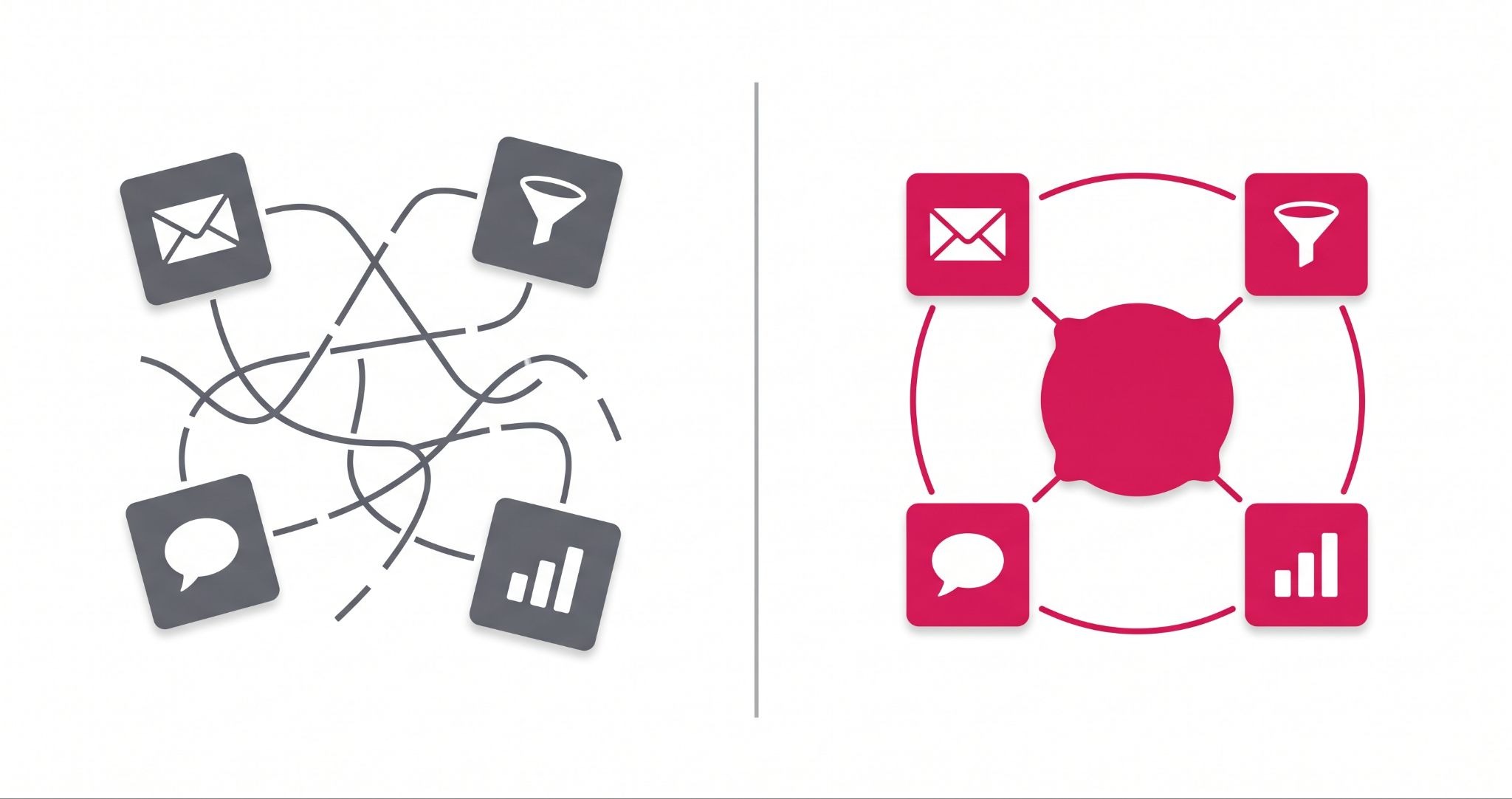
The bigger win is that everything sits on one record. Here is what that looks like in practice:
- Your first website form fill becomes a contact with its source attached.
- Your sales calls, emails and deal stage sit on that same contact.
- When that customer later asks for help, the support ticket links back to the full history.
Most startup tools only do one of these jobs. HubSpot does all three without stitching apps together.
If you later move to Professional plans, the HubSpot for Startups program can cut the price. The discount depends on your funding stage and the partner who refers you, and it applies to new Professional or Enterprise products, not Starter on its own.
When is HubSpot not the right CRM for a startup?
HubSpot is not the right CRM for a startup that only needs a simple sales list and will never run marketing or support from it. It can also be the wrong fit if you can't plan for the jump in price at the Professional level, where costs rise sharply, and some plans add a one-off onboarding fee.
Being honest about the limits helps you avoid a bad choice. Watch for these three traps:
- The two-user limit. The free plan covers two users. When you hire your third salesperson, you will start paying per seat, so budget for it early.
- The Professional jump. Advanced automation and reporting sit in Professional plans, which cost far more than Starter. Know what you need before you upgrade, not after.
- A messy setup. The most common mistake is dumping an old spreadsheet straight into HubSpot. You end up with duplicate contacts, empty fields and reports nobody trusts.
None of these is reasons to skip HubSpot. They are reasons to set it up with a plan from day one.
How IBF helps Australian startups set up HubSpot the right way
A CRM is only as good as its setup. IBF is a HubSpot Platinum Partner based in Melbourne, and we help Australian startups get HubSpot working the way their team actually sells.
A typical startup setup covers four steps:
- Map your sales stages. We turn the way you really win customers into a deal pipeline, so every deal has a clear next step.
- Clean your data first. We remove duplicates and fix fields before import, so your reports are right from the start.
- Connect your inbox and forms. Emails and website enquiries land on the right contact without anyone copying them across.
- Build one simple dashboard. Founders see new leads, open deals and won revenue on one screen each week.
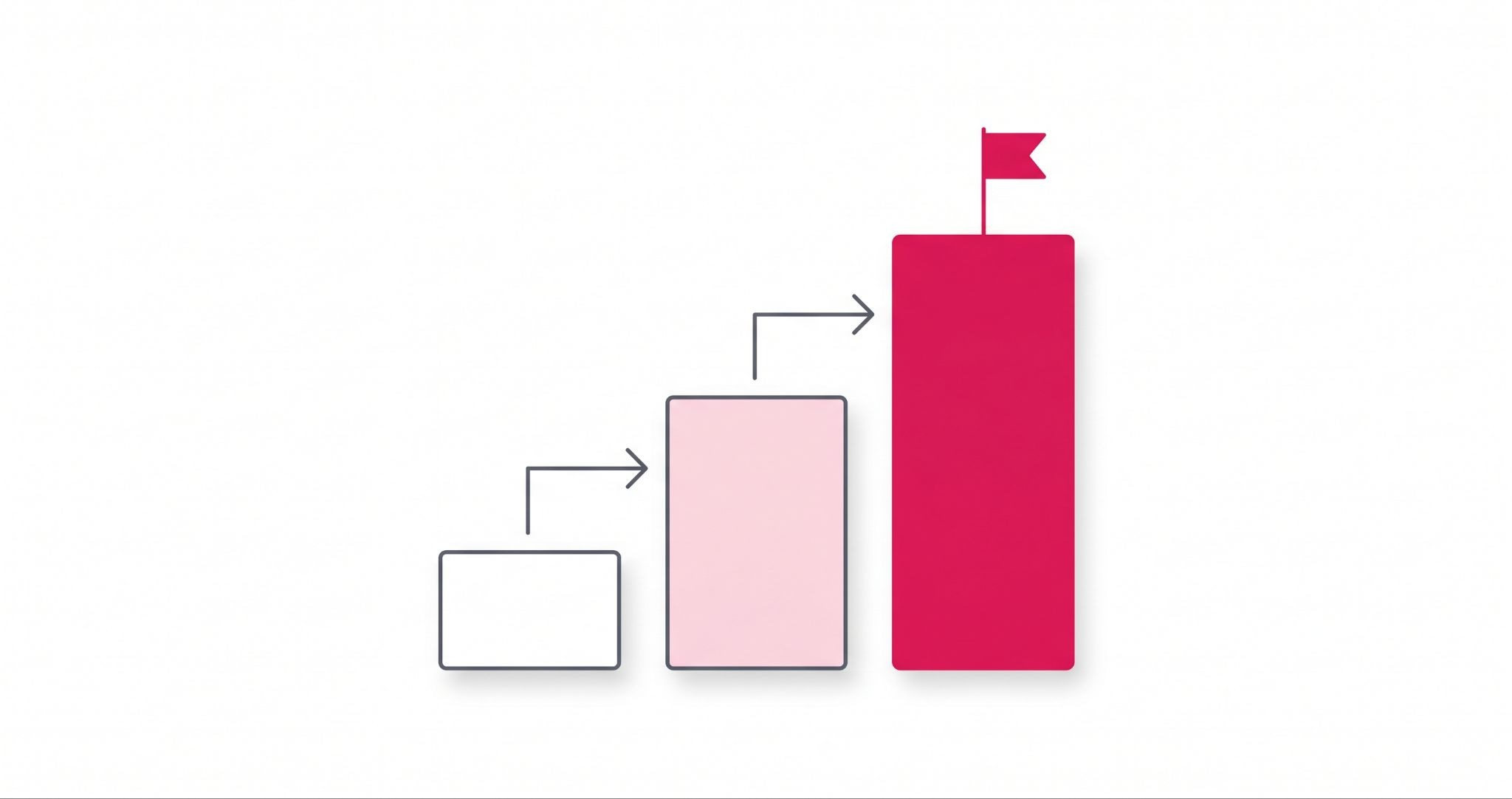
IBF's HubSpot onboarding and setup also plans your upgrade path. That way you know when moving to Starter or Professional makes sense, and you are not paying for features you don't use yet.
Frequently asked questions about the best CRM for startups
Is HubSpot CRM really free for startups?
Yes. HubSpot's free tools have no time limit and work for up to two users. You get contacts, deals, tasks, forms and basic email marketing. Free accounts can send up to 2,000 marketing emails a month, but those emails carry HubSpot branding. You only start paying when you need more users or want to remove the branding.
How much does HubSpot cost when a startup outgrows the free plan?
The next step is the Starter Customer Platform, which lists at A$20 per seat per month. It removes HubSpot branding and gives you every hub at the Starter level. HubSpot sometimes offers a lower price to new customers. Always check the current AUD price on HubSpot's pricing page before you buy.
Can a startup get a discount on HubSpot?
Yes, through the HubSpot for Startups program. The discount applies to new Professional or Enterprise products, not Starter on its own. How much you save depends on your funding stage and the approved partner who refers you. You need to apply and meet HubSpot's rules, and existing paid customers usually can't use it on current plans.
How long does it take to set up a CRM for a startup?
A simple CRM setup for a startup can take days, not months, if you plan it well. Start with your sales stages, a clean contact list and a connected email inbox. The slow part is usually cleaning old spreadsheet data. Doing that first saves you from duplicate contacts and reports you can't trust later.
When should a startup start using a CRM?
A startup should start using a CRM as soon as it has more leads than one person can remember. For most founders, that point arrives within the first few months. Starting early means every lead and deal is recorded from day one, so you never have to rebuild your customer history from old emails.
Start your startup on the right CRM from day one
Picking the right CRM early saves your startup from a painful move later and keeps every lead in one place from day one. IBF is a HubSpot Platinum Partner in Melbourne that helps Australian startups set up HubSpot so their team actually uses it. Book a business growth audit and find out what your CRM setup should look like.