
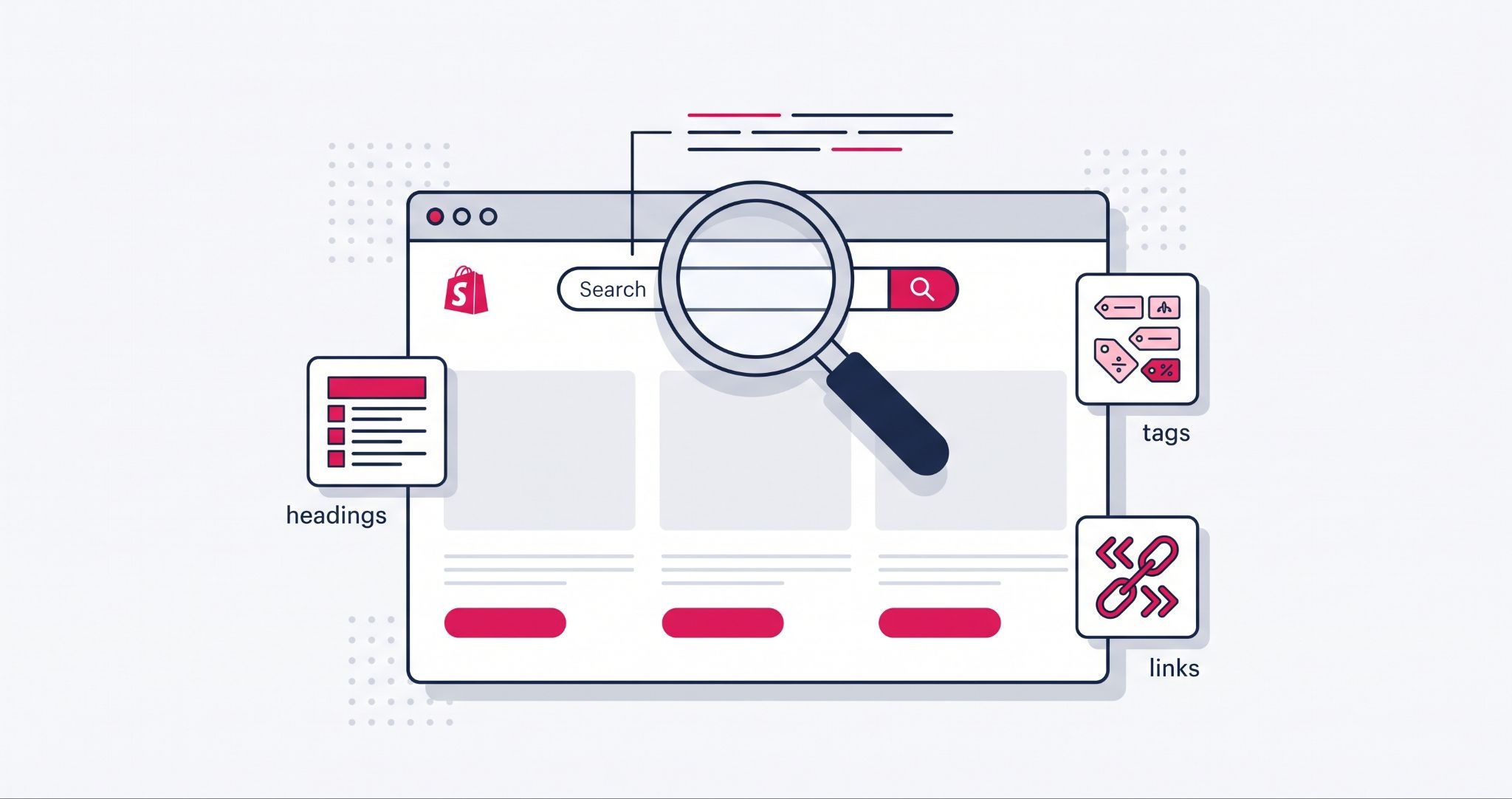
Knowing how to improve Shopify SEO is the difference between a store that ranks and one that stays buried on page two. On-page SEO for Shopify refers to the keywords, content, meta tags, and page structure you control directly inside your Shopify admin, as opposed to backlinks or other factors outside your site.
Most Australian store owners fix a title tag or two and stop, then wonder why rankings barely move. This guide walks you through the on-page changes that actually shift Shopify search visibility, in the order they matter most.
How Do You Improve Shopify SEO With On-Page Techniques?
You improve Shopify SEO by targeting one keyword per page and embedding it naturally in the title. Also include it in the product description and at least one heading.
Then back it up with fast page speed, a mobile-friendly design, and internal links between related products. These signals tell Google what a page is about and whether it deserves to rank above a competitor's.
Each element works together. A perfectly written product description with no internal links still underperforms, and a fast site with generic titles still gets outranked by a slower competitor using the right keywords.
Store owners who see results treat on-page SEO as a checklist to run across every page, not a one-off task for the homepage. Besides, there are many advanced Shopify features that can help boost your sales.
Target the Shopify Keywords Your Customers Actually Search
Keyword research is where most Shopify SEO efforts go wrong, because store owners guess instead of checking demand.
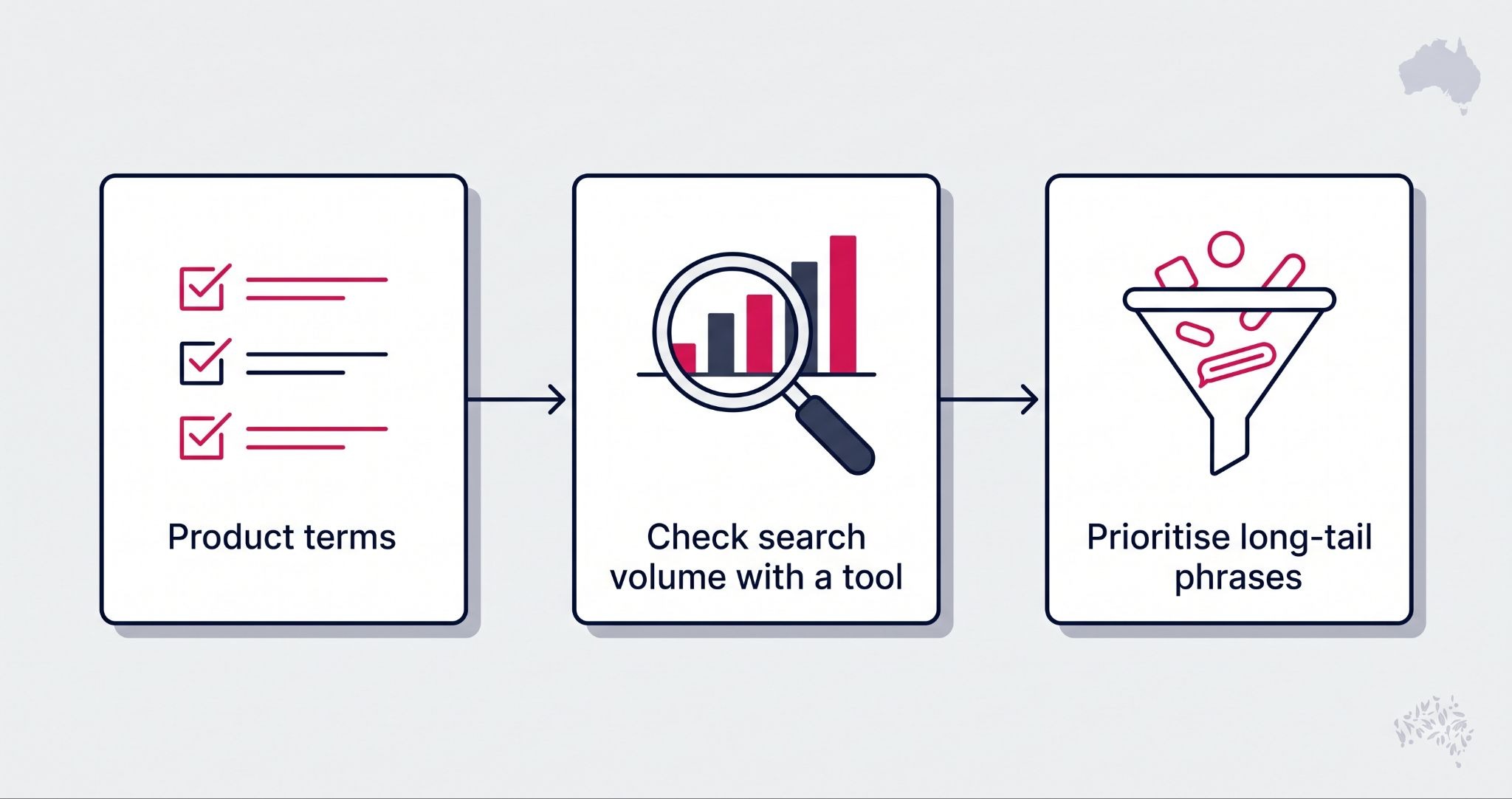
Start by listing the exact words your products and services would use if a customer described them out loud, not the technical or brand-specific terms you use internally.
From there, run those terms through Google Keyword Planner or a paid tool like Ahrefs, filtered to Australia, so the volume and competition figures reflect your actual market rather than US search behaviour.
Long-tail keywords, phrases of three or more words with lower volume but clearer intent, convert better on product pages than a single broad term ever will.
Assign one primary keyword per page. Spreading five keywords across one product page dilutes relevance and confuses Google about what the page should rank for.
Write Shopify Product Pages That Satisfy Google and Shoppers
Content optimisation is where you put keyword research to work. Every product page needs a unique title and description, because Shopify's default templates and supplier-provided copy get duplicated across dozens of competing stores selling the same item.
Use header tags (H1, H2, H3) to structure product and collection pages, not just blog posts, and work the primary keyword into at least one heading naturally. Internal links between related products and collections help both shoppers and Google find their way around your catalogue, which keeps visitors on site longer and spreads ranking value between pages.
Avoid keyword stuffing. If a sentence reads oddly to a human, it reads as manipulative to Google too, and the page risks being filtered rather than ranked.
Fix the Shopify Meta Tags and Technical Basics Most Stores Skip
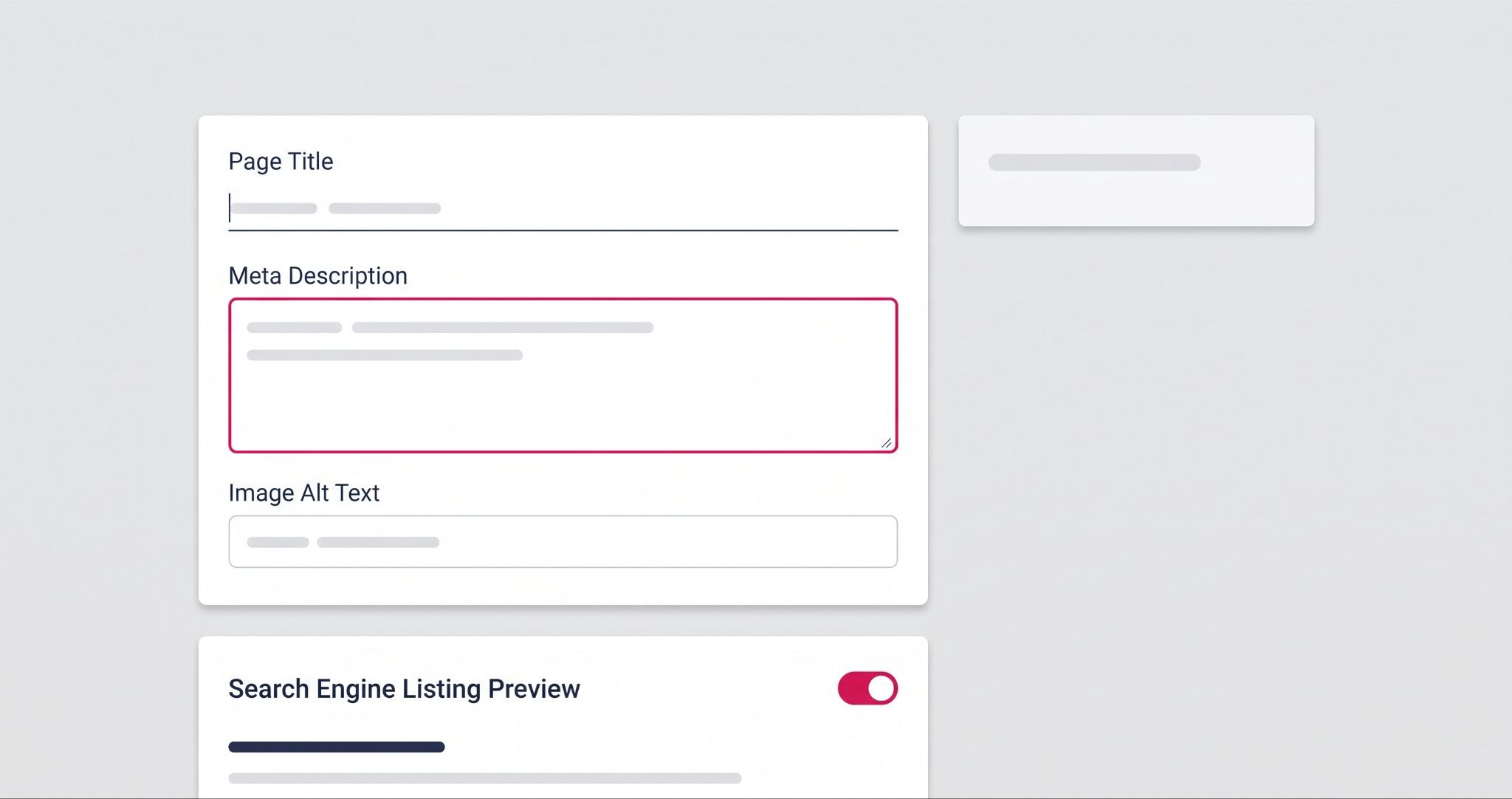
Meta tags are the first thing a searcher sees before they click, and they are also one of the fastest wins available because Shopify makes them editable on every page.
Keep title tags under 60 characters with the keyword near the front, and write a meta description of 150 to 160 characters that gives a real reason to click rather than repeating the title.
Add descriptive alt text to every product image, since Shopify leaves this blank by default and it is a missed opportunity for both accessibility and image search traffic.
Site speed and mobile responsiveness sit alongside meta tags as technical basics. A slow theme or an unoptimised hero image can undo weeks of content work, because Google factors page experience into ranking alongside relevance.
How IBF Helps Australian Shopify Stores Turn SEO Into Sales
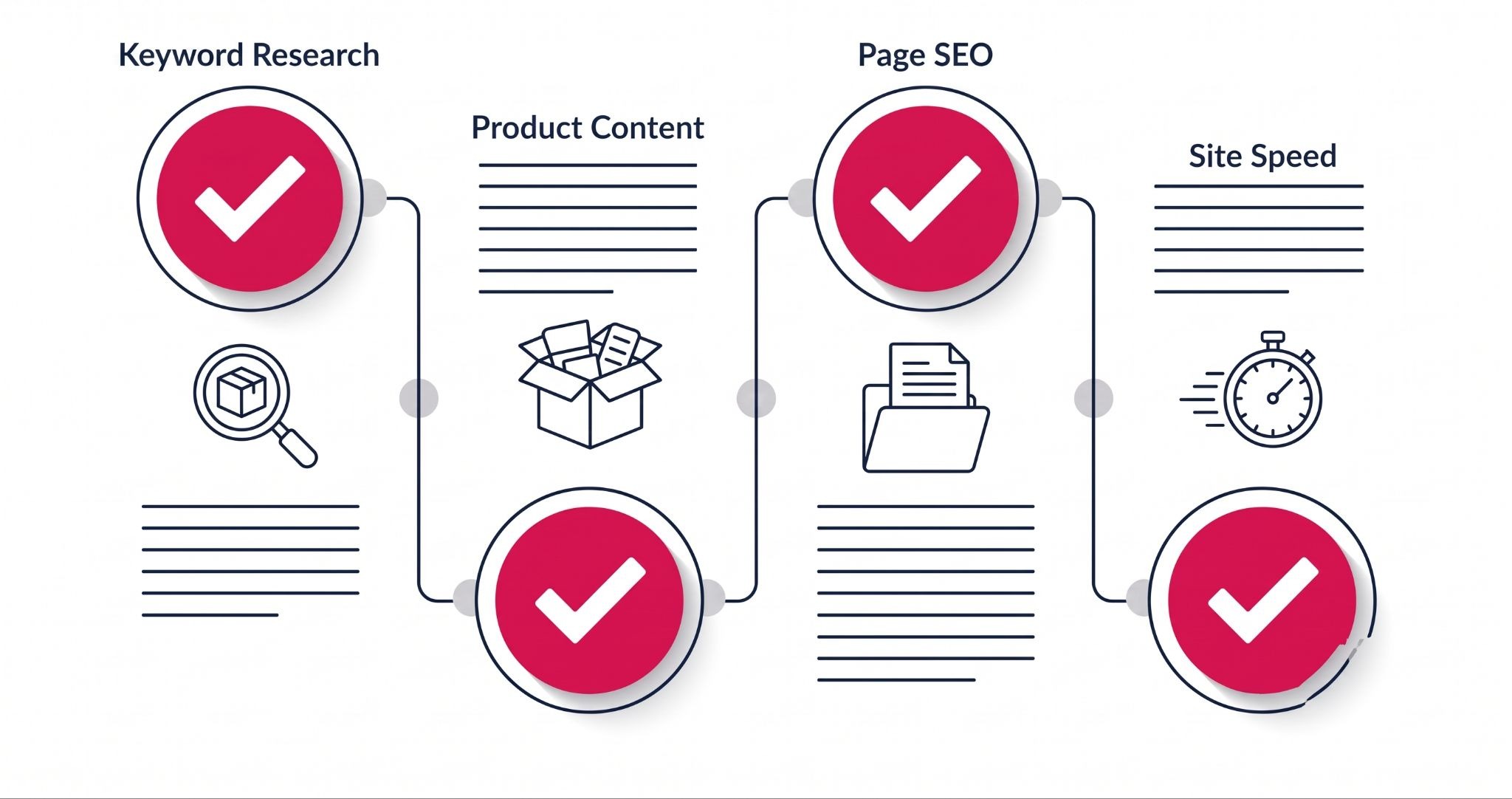
Most Shopify SEO audits IBF runs for Australian retailers turn up the same handful of missed basics: product descriptions copied straight from a supplier catalogue, blank image alt text across the whole store, and meta titles still sitting on Shopify's default placeholder. Fixing those three things alone often moves a store from invisible to competitive within a single content sprint.
If you want a second set of eyes on where your store is losing visibility, IBF's digital marketing solutions help boost your Shopify SEO. It covers on-page SEO audits, content rebuilds, and technical fixes for Australian Shopify stores, so nothing gets left on the default settings.
Frequently Asked Questions About Shopify SEO
How Long Does It Take to See Shopify SEO Results?
Most Shopify stores start seeing measurable ranking movement within 8 to 12 weeks of consistent on-page changes, though highly competitive keywords can take longer. Google needs time to recrawl and reassess updated pages, and rankings typically improve gradually rather than overnight. Store owners who treat SEO as an ongoing process, not a one-time fix, see the most stable long-term results.
Do I Need an App to Improve Shopify SEO?
No app is required for core on-page SEO. Shopify's built-in editor already lets you control title tags, meta descriptions, headings, URLs, and image alt text on every page and product. Apps can help automate bulk edits across large catalogues, but they are a convenience, not a requirement, for getting the fundamentals right.
What is the Most Common Shopify SEO Mistake?
The most common mistake is leaving Shopify's default meta titles and descriptions untouched across product and collection pages. This creates duplicate or generic metadata that gives Google nothing distinct to rank, even when the product content itself is strong. Auditing and rewriting every page's meta tags is one of the highest-impact, lowest-effort fixes available.
Does Shopify Page Speed Affect SEO Rankings?
Yes, page speed is a confirmed Google ranking factor and directly affects Shopify SEO. Large uncompressed images, heavy apps, and bloated themes slow load times and increase bounce rates, both of which signal a poor experience to Google. Compressing images and removing unused apps are the fastest ways to improve speed without a full theme rebuild.
Should I Use the Same Keyword on Multiple Shopify Pages?
No, each page should target a distinct primary keyword to avoid pages competing against each other in search results, a problem known as keyword cannibalisation. Assign one clear keyword per product or collection page based on actual search intent, and use closely related variants in supporting content instead of repeating the exact same term everywhere.
Wrapping Up
A high-converting Shopify store takes more than a great product; it takes the right structure, content, and technical foundation. IBF's Shopify development team builds and optimises Shopify stores for Australian eCommerce businesses that want to grow. Get in touch with the IBF team to find out where your store is losing search visibility.