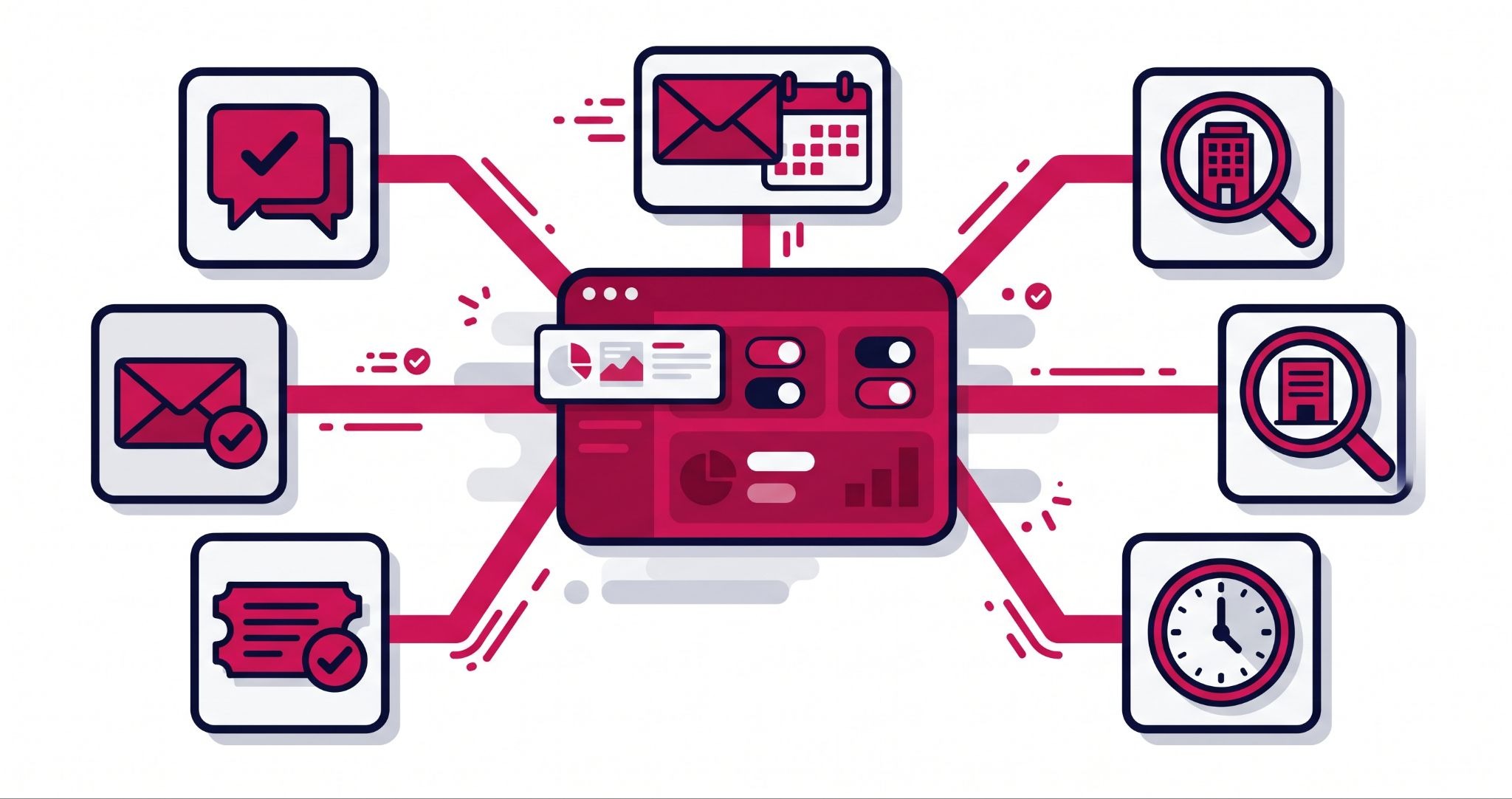
HubSpot AI has moved well past drafting emails. The newest HubSpot AI agents resolve support chats, research prospects, and update records on their own, which changes how a growing business adds capacity.
A HubSpot AI agent is software inside HubSpot that works towards a goal you set, using your CRM data and the rules you give it. This guide covers where agents cut costs, what they cost to run, how to get your data ready and the guardrails you need before switching one on.
What is the difference between HubSpot AI copilots and AI agents?
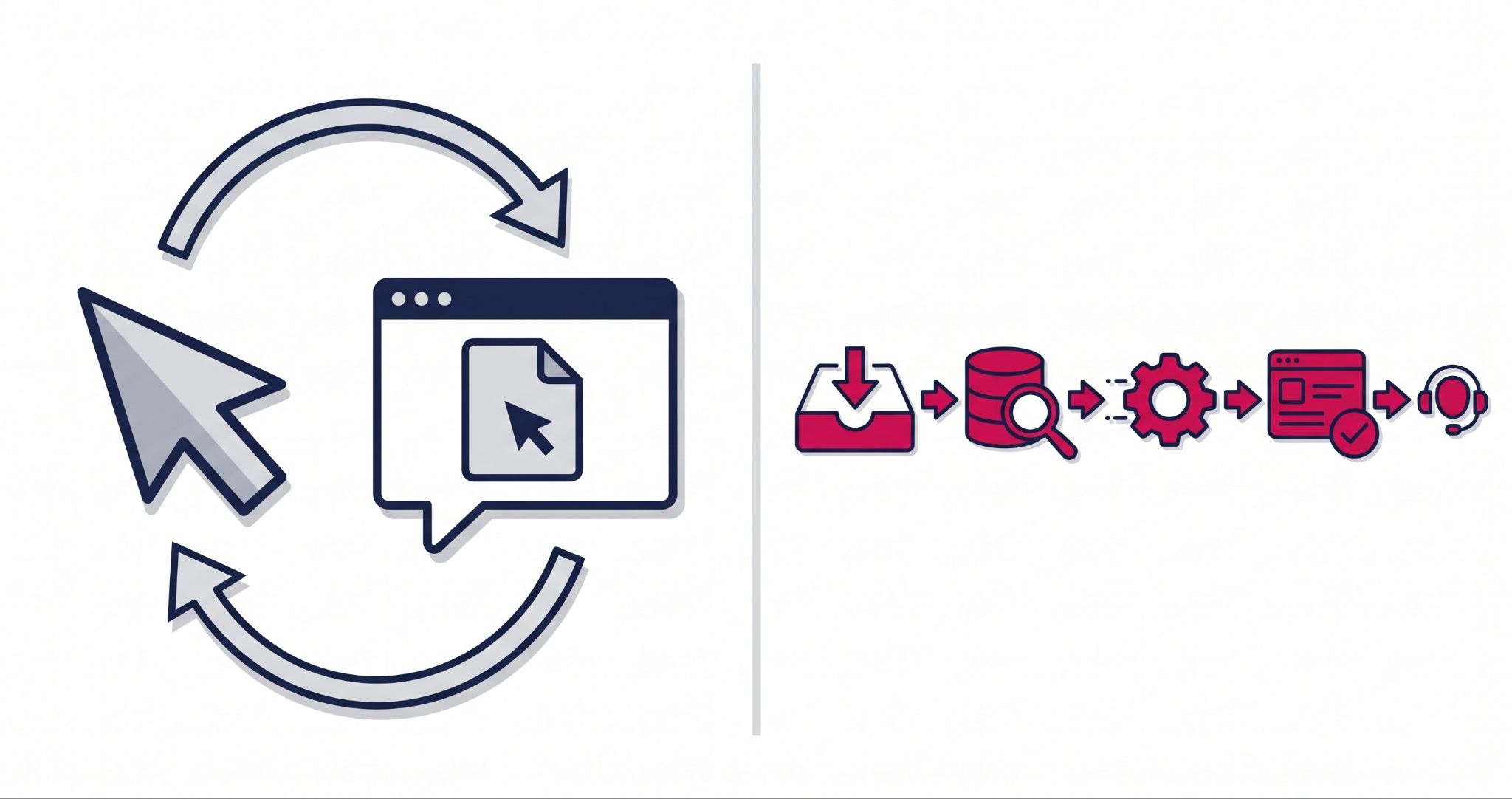
A copilot waits for your prompt and hands the result back for you to check, such as a drafted reply to a customer. A HubSpot AI agent works towards a goal on its own. It reads the request, checks your data and policies, takes the action and logs it in the CRM, handing over to a person when needed.
Here's what that looks like in practice. With a copilot, you ask for a reply to an upset customer, then read, edit and send it yourself. With an agent, you set a rule such as "resolve refund requests under $50 using our policy", and the agent handles each ticket from start to finish.
HubSpot now offers several ready-made agents, including a Customer Agent for support, a Prospecting Agent for sales and a Data Agent for researching customers. Its Agent Builder lets you create agents for tasks specific to your business, and Agent Hub is where you manage them all. If your main interest is capturing more leads from your website, our guide to HubSpot Breeze AI for lead capture covers that side.
That shift matters because an agent's output is an action, not a draft. Its quality depends on what the agent can see in your CRM, which is why the rest of this guide focuses on readiness, not features.
Where HubSpot AI agents reduce service and sales costs
Customer service and sales prospecting are where agents pay back first. Both involve high volumes of repeatable questions and tasks, which is exactly the work an agent handles well.
Customer service: more resolutions without more hires
Tradeprint, a UK trade printer with around 15,000 active customers, lifted chat deflection from about 20% to about 60% with HubSpot's Customer Agent, according to HubSpot's Tradeprint case study.
The company didn't cut staff. Its small team now calls every first-time customer, a service it previously had no capacity to offer.
Other published HubSpot case studies point the same way. eXp Realty's Customer Agent now resolves 68% of inquiries without human involvement, around the clock, and Middleby Corporation reports getting 15 hours back every week. For an Australian business fielding enquiries after hours or across time zones, that is overnight cover without a night shift.
Sales prospecting: more meetings from the same team
Prospecting is the other big cost centre. Sales development reps spend hours researching leads and writing outreach that mostly goes unanswered.
HubSpot's Prospecting Agent identifies high-value leads and helps your team engage them with personalised outreach. RevenueWell, which sells software to dental practices, booked 40% more meetings with it, according to HubSpot. Your reps spend their time in sales conversations rather than on research.
What HubSpot AI agents cost to run
An agent only saves money if it costs less than the work it replaces, so check the running cost before you compare it with a hire. The Customer Agent needs a HubSpot Professional or Enterprise subscription, and deploying it to live channels uses HubSpot Credits, charged per resolved conversation rather than per message. Other agents have their own plan requirements.
HubSpot introduced a 28-day free trial for agents in April 2026. Use it to measure resolution rate and credit use on your own traffic before you commit.
Getting your CRM ready for HubSpot AI agents
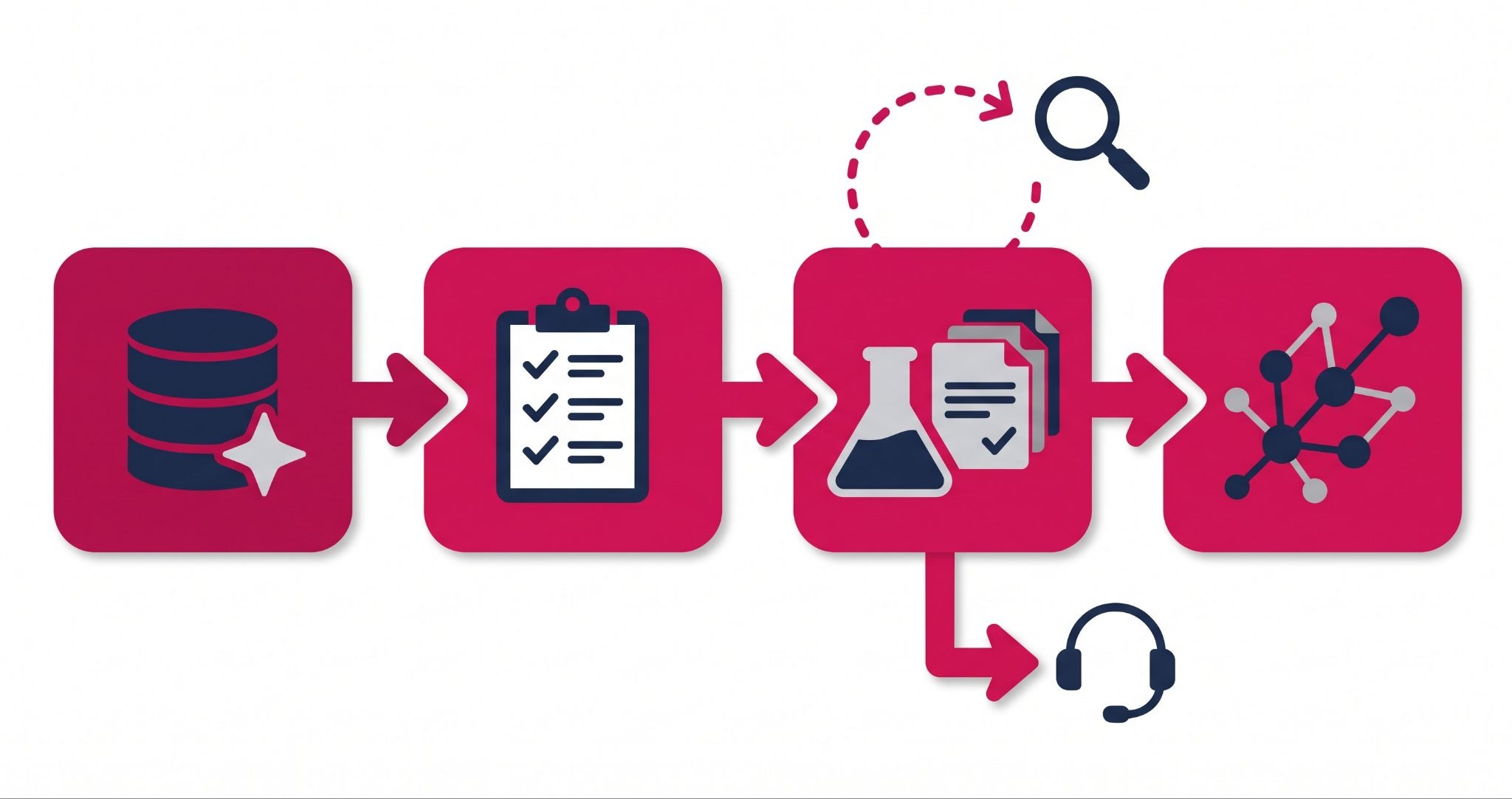
Agents run on your data and your rules. Tradeprint's biggest jump, from about 40% to about 60% deflection, came after roughly six months of knowledge base work and feeding live order data into HubSpot - the agent itself stayed the same.
Step 1: Clean your CRM data
An agent reading duplicate contacts or outdated records will email the wrong person or miss account history. Audit your HubSpot data, merge duplicates and decide which fields are your single source of truth.
If key information still lives in spreadsheets or a separate order system, bring it into HubSpot first. Tradeprint's most common question, "where's my order?", only became answerable once order data sat in the CRM.
Step 2: Document your workflows
Most businesses run on tribal knowledge. One person knows how to handle a tricky invoice, and it isn't written down anywhere, so an agent can't follow it.
Start by writing down three processes: how you qualify a lead, how you onboard a new client and how you handle a service outage. These logic-based, repeatable tasks are the first jobs worth handing to an agent.
Is it safe to let HubSpot AI agents act on their own?
HubSpot AI agents are safe to run when you set clear limits on their actions and on when they hand over to a person. Start with one low-risk task, test it on a small group of customers, review the conversations every week and expand only once accuracy is consistent.
Agents can get things wrong. If your website or knowledge base holds stale content, an agent will repeat that mistake at scale.
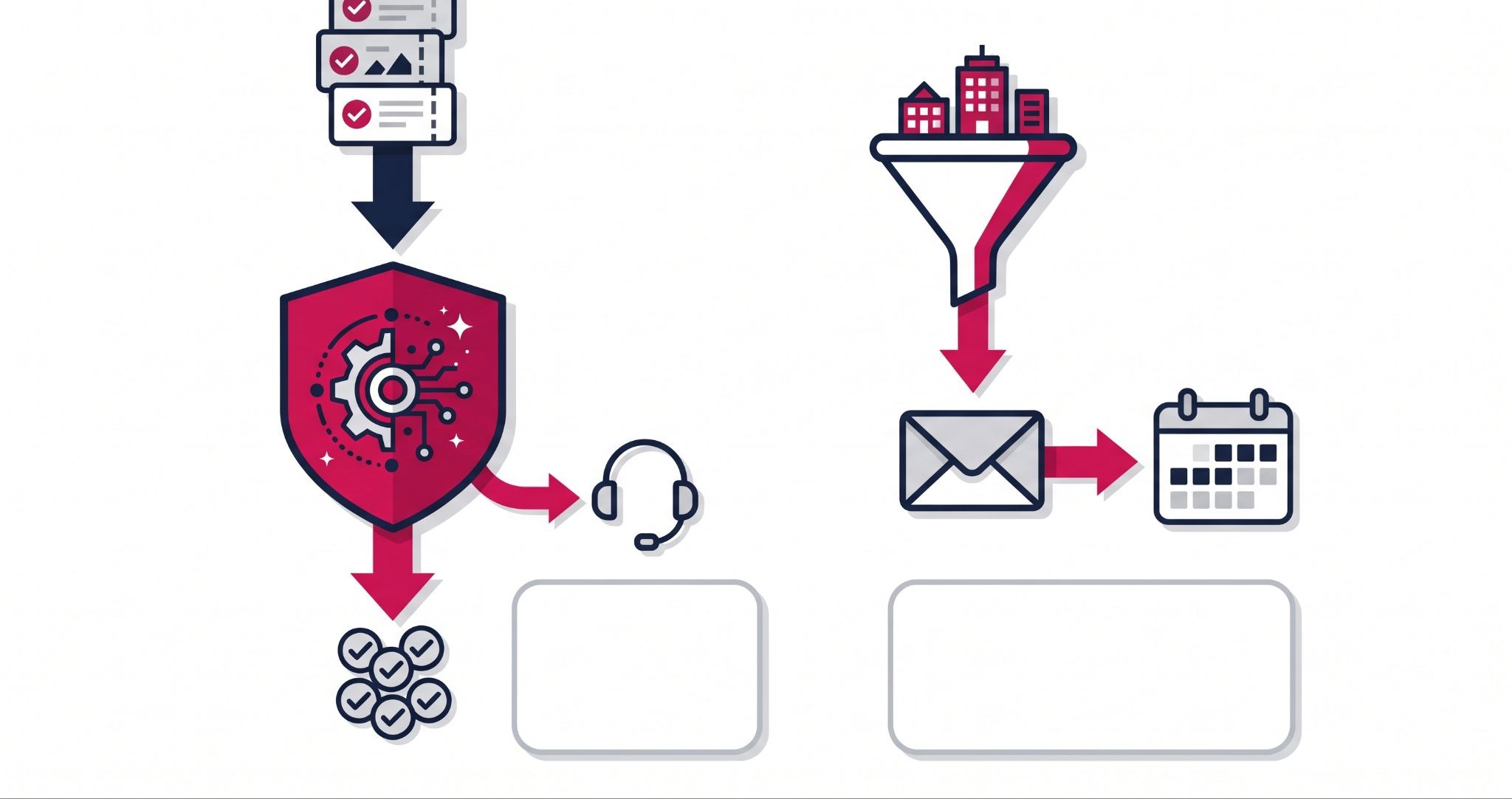
Tradeprint learned this early. Switching off its old chatbot and letting the agent run alone didn't work, because chats weren't being routed correctly. Keeping a triage layer in front of the agent fixed the routing and lifted deflection from about 20% to about 40%.
Running agents safely also changes your role. You spend less time doing the work and more time setting goals, reviewing results and refining the agent's instructions.
For Australian businesses, check how your agent handles personal information against your obligations under the Australian Privacy Principles. The OAIC's guidance on using commercially available AI products recommends updating your privacy policy and being transparent about AI use, so decide which data the agent can see, what it can change, and which requests - complaints or refunds above a set limit - should always go to a human.
How IBF helps Australian businesses put HubSpot AI agents to work
Rolling out an agent is mostly preparation and testing, which is where most businesses need help. IBF's HubSpot implementation services work in a fixed order: clean the CRM, document workflows, pilot one agent on a narrow task, then expand.
That starts with your portal, before any agent goes live. IBF checks data quality and connects the systems an agent needs to read, such as order or booking data. We also set the handoff rules between the agent and your team.
Once the agent is live, IBF reviews its conversations with you and refines its instructions. We track the numbers that matter: resolution rate, response time and meetings booked. The goal is a team with capacity for more valuable work, not a smaller team.
Frequently asked questions about HubSpot AI agents
What is HubSpot AI?
HubSpot AI is the set of artificial intelligence features built into the HubSpot customer platform, also branded as Breeze. It ranges from assistant tools that help you write and summarise to AI agents that complete tasks on their own, such as answering customer chats or finding prospects. Which features you get depends on your HubSpot subscription, so check your plan before you start.
What can a HubSpot AI agent do for a small business?
A HubSpot AI agent can take on repeatable work that usually needs extra staff: answering customer questions around the clock, researching prospects and pulling answers from your CRM data. For a small business, that means after-hours support and more sales outreach without hiring. The agent does need clean CRM data and clearly documented processes to follow.
Do I need clean CRM data before using HubSpot AI agents?
Yes. HubSpot AI agents make decisions from your CRM records, so duplicate contacts, missing fields or outdated details lead to wrong answers and emails to the wrong people. Before launch, merge duplicates, fill in key fields and bring important data such as orders or bookings into HubSpot so the agent sees the full customer history.
Will HubSpot AI agents replace my customer service team?
No. HubSpot AI agents handle repeatable questions and pass complex or sensitive issues to your team, so businesses that use them well tend to redeploy staff rather than cut them. In HubSpot's published Tradeprint case study, the support team used the time it gained to call every first-time customer personally.
How long does it take to see results from HubSpot AI agents?
An early improvement can appear soon after launch, but the larger gains usually follow data and content work. In HubSpot's published Tradeprint case study, a routing fix lifted chat deflection from about 20% to about 40% almost immediately. The jump to about 60% came after roughly six months of knowledge base and order data improvements.
Find out where AI agents could add capacity
Scaling with HubSpot AI starts with knowing which jobs to hand over and whether your data is ready for them. IBF is a HubSpot Platinum Partner helping Australian businesses implement, integrate and scale on HubSpot every day. Book a business growth audit and find out where agents could add capacity to your business.