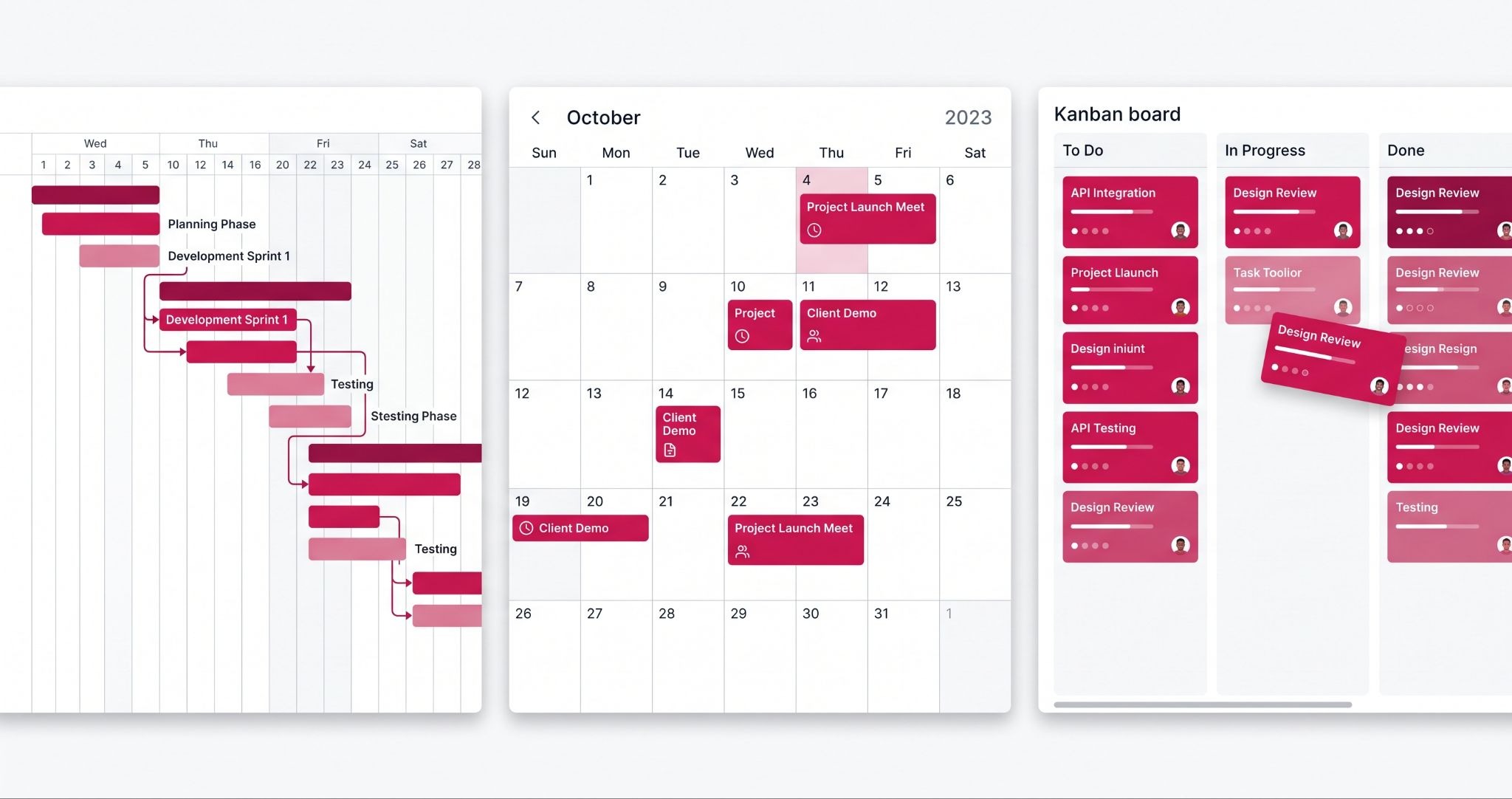
Most businesses treat their CRM like a filing cabinet, somewhere contacts go to sit. HubSpot for project management changes that assumption. Since HubSpot introduced Flexible CRM Views, you can now track deals, projects, and service tickets as Gantt charts, calendars, and boards, all inside the same system that already holds your customer data.
HubSpot for project management refers to using these built-in visualisation tools, plus HubSpot's Projects object, to plan and track work without a separate project management subscription. This guide breaks down what it includes, where it genuinely helps, and where it still falls short of a dedicated tool.
What Does HubSpot for Project Management Actually Include?
HubSpot for project management means using Gantt, calendar, and board views on CRM records, including deals, tickets, and the dedicated Projects object, to plan timelines, assign tasks, and track progress. It's built into every HubSpot Hub at no extra cost, so Australian businesses can manage projects without buying a separate tool like Asana or Monday.com.
IBF has already built exactly this. Drapeco, a bespoke drapery and curtain retailer based in Brisbane that delivers custom orders Australia-wide, needed every order to generate two coordinated HubSpot Projects: an internal project and a client-facing external project, each with its own staged tasks, assignees, and due dates.
IBF configured HubSpot so creating an order automatically spins up both projects, and each stage automatically generates its predefined tasks as the order progresses, removing the manual project and task setup that previously had to happen for every single order.
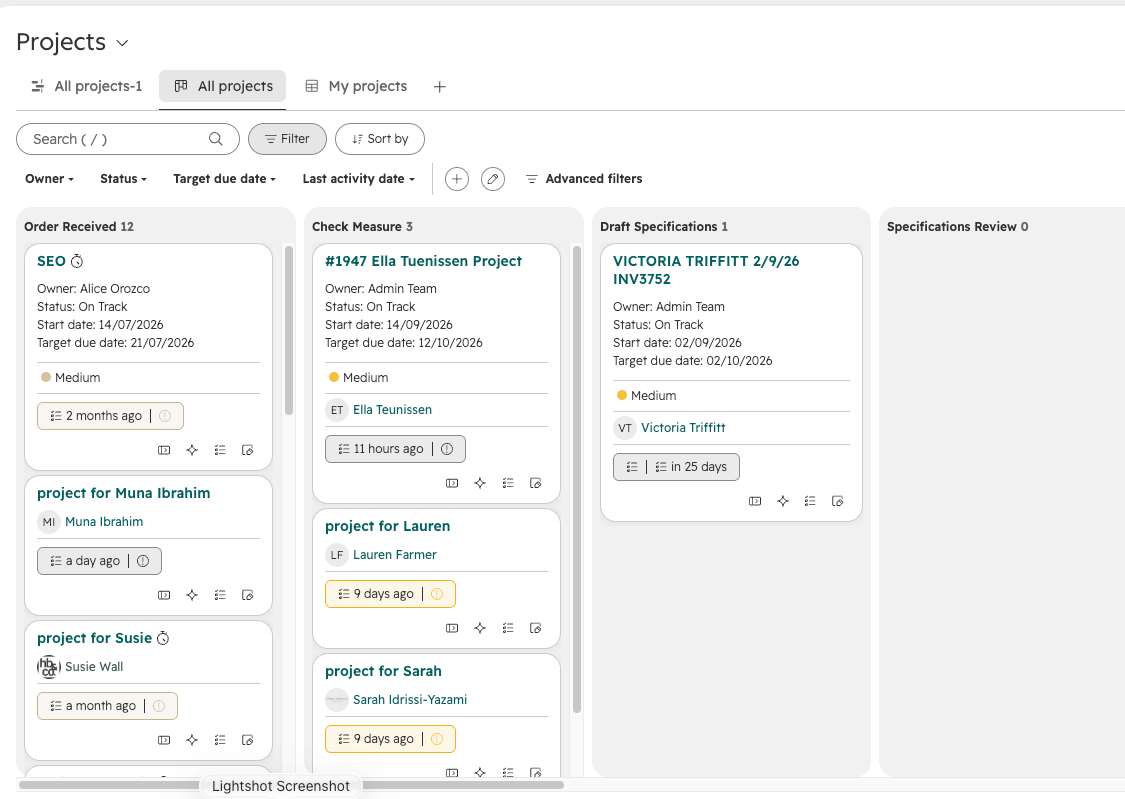
Previously, project tracking in HubSpot meant repurposing deal pipelines and hoping the stages roughly matched your workflow. The Projects object and Flexible CRM Views change that.
You can now open any index page, whether that's Deals, Tickets, or Projects, and switch between a table, a Gantt timeline, a calendar, or a kanban-style board with a few clicks, without exporting anything or setting up a sync.
HubSpot's Gantt, Calendar, and Board Views for Tracking Work
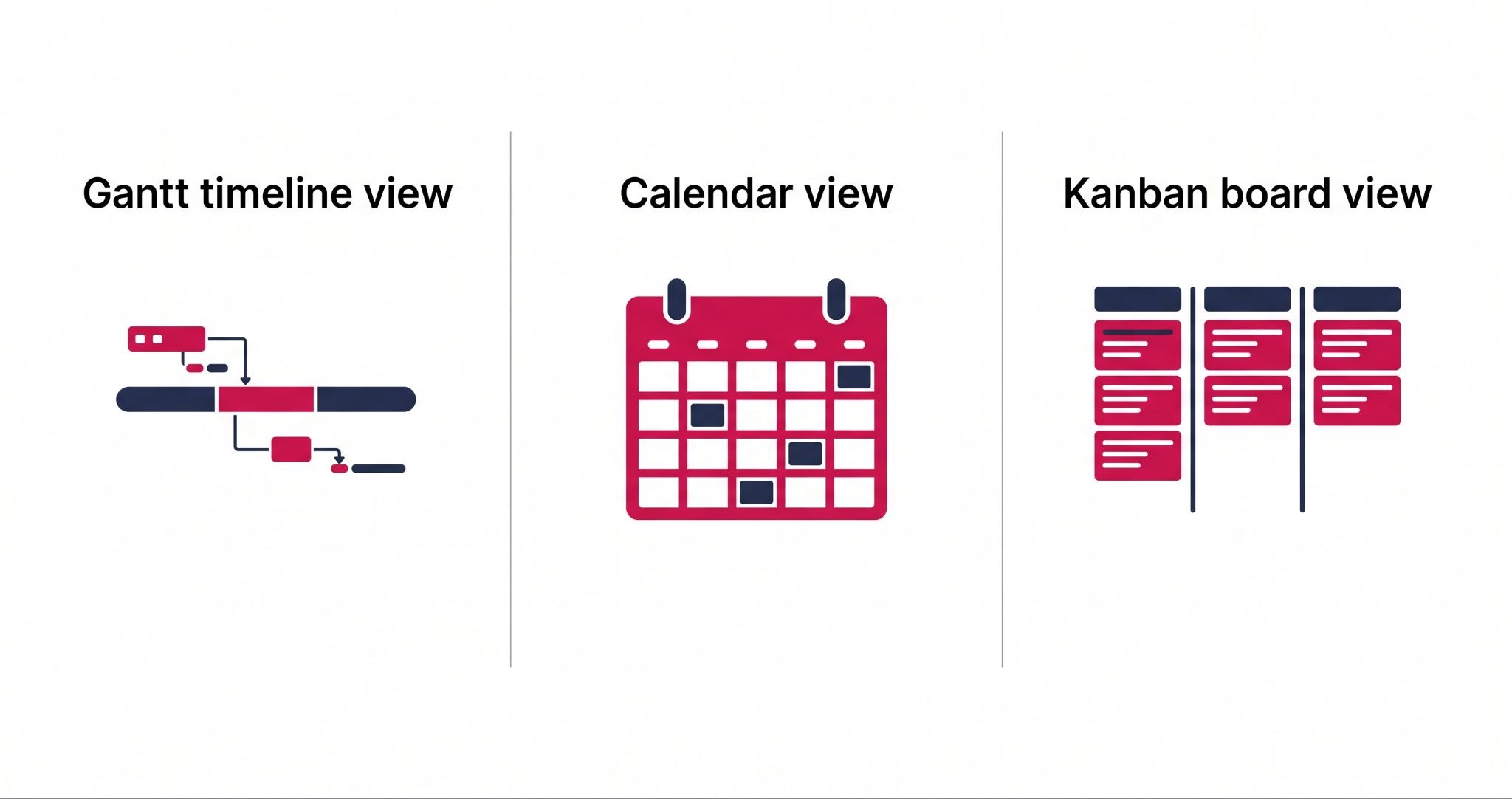
If you run a construction or fit-out business, the Gantt view is the standout. You can see a project's full timeline, including task dependencies, so a three-day delay in the foundation stage shows up immediately in the framing and roofing schedule.
Because this sits inside your CRM, your sales team can check a live Gantt view instead of calling the site manager every time a client asks for an update.
The calendar view solves a different problem. If you run a registered training organisation (RTO) or any business with enrolment or booking cycles, you can see intake dates, assessment deadlines, and trainer or staff availability laid out visually, rather than buried in list rows.
An overbooked cohort, or a week with two classes and one available trainer, becomes obvious at a glance instead of something you find out too late.
The board view groups records by any field you choose, such as owner, priority, or stage, which suits teams that think in kanban columns rather than calendars or timelines.
Where HubSpot's Project Tools Reach Their Limits
HubSpot for project management is not a full replacement for dedicated tools like Asana or Monday.com if your business runs complex, multi-team projects with heavy dependency chains, resourcing across dozens of staff, or detailed budget tracking per task.
HubSpot's Projects transforms your CRM into a lighter-weight system, built primarily around the CRM's deal, ticket, and contact data rather than as a standalone project management platform.
For most Australian SMEs, whether that's a construction business managing a handful of concurrent builds or an RTO tracking cohorts and trainer schedules, that lighter-weight system is enough, and it keeps everything in one place instead of two.
If your business already runs a mature, dedicated project management tool with workflows your team relies on daily, switching for the sake of consolidation alone probably isn't worth the disruption. The right call depends on how complex your projects actually are, not just on cost.
How IBF Sets Up HubSpot for Project Management for Your Business
Getting real value out of Flexible CRM Views and the Projects object takes more than turning them on. It means mapping your actual workflow, whether that's construction milestones, RTO intake cycles, or service delivery stages, onto HubSpot's views, setting up the right properties so the Gantt and calendar views show what your team actually needs, and training staff to use the view that matches their role.
IBF's HubSpot implementation services cover exactly this: configuring Projects, Gantt, and calendar views around how your business actually operates, not a generic template. As a certified HubSpot Platinum Partner, IBF has done this setup work across construction, education, and service-based businesses in Australia, so the rollout accounts for the workflow quirks a generic HubSpot guide won't cover.
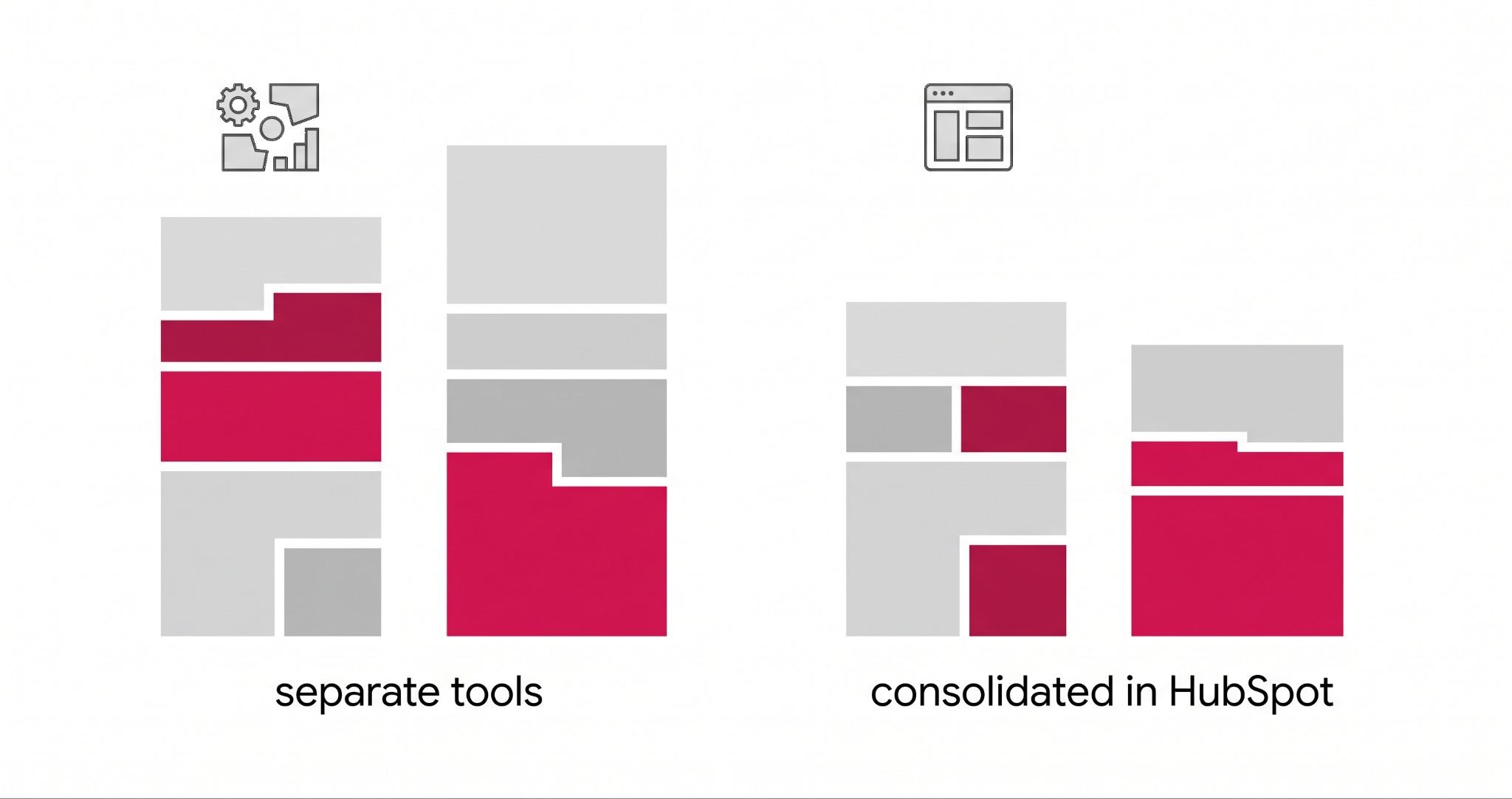
If you're currently paying for a separate project management subscription alongside HubSpot, this is also the point to properly assess whether consolidating makes sense.
As a worked example only: if you're paying $20 to $30 per user per month for a standalone tool across 50 staff, that's roughly $12,000 to $18,000 a year, a figure worth checking against your own team size and current software spend before you decide, not a number to take as given for your business.
Frequently Asked Questions About HubSpot for Project Management
Q: Is HubSpot good for project management?
A: HubSpot works well for project management if your projects are moderately complex and you want everything in one system with your CRM data. It includes Gantt, calendar, and board views across deals, tickets, and its dedicated Projects object, all included in every Hub. For highly complex, multi-team projects with heavy dependencies, a dedicated tool like Asana may still serve you better.
Q: Does HubSpot have a Gantt chart feature?
A: Yes. HubSpot's Gantt chart view lets you visualise deal, ticket, and project timelines directly on the CRM index pages, including task dependencies. You can see how a delay in one task affects downstream tasks without leaving HubSpot or exporting data to a separate planning tool.
Q: How much does HubSpot's project management feature cost?
A: HubSpot's Flexible CRM Views, including Gantt, calendar, and board views, are included in every HubSpot Hub and tier at no extra cost. You don't need Enterprise or a paid add-on to access them, which makes them available to small and mid-sized Australian businesses on any HubSpot plan.
Q: Can HubSpot replace Asana or Monday.com for my business?
A: For straightforward projects tied to your existing CRM data, such as construction jobs, RTO enrolments, or service delivery, HubSpot can realistically replace a lightweight project tool. For businesses running large, complex projects with detailed resourcing and budget tracking, HubSpot's Projects object is not yet a full substitute for a dedicated platform.
Q: How do I turn on Gantt and calendar views in HubSpot?
A: From any CRM index page, whether that's Deals, Tickets, or Projects, click the view type selector in the top right and choose Gantt, calendar, or board view. No setup, integration, or additional purchase is required, though configuring the properties and fields each view displays takes some initial setup to match your workflow.
Wrapping Up
You don't need to guess whether HubSpot's project tools suit your business, or set them up by trial and error. Get a free business growth audit from IBF's HubSpot implementation team and see exactly how Flexible CRM Views and the Projects object should be mapped to your business, before you touch a single setting.