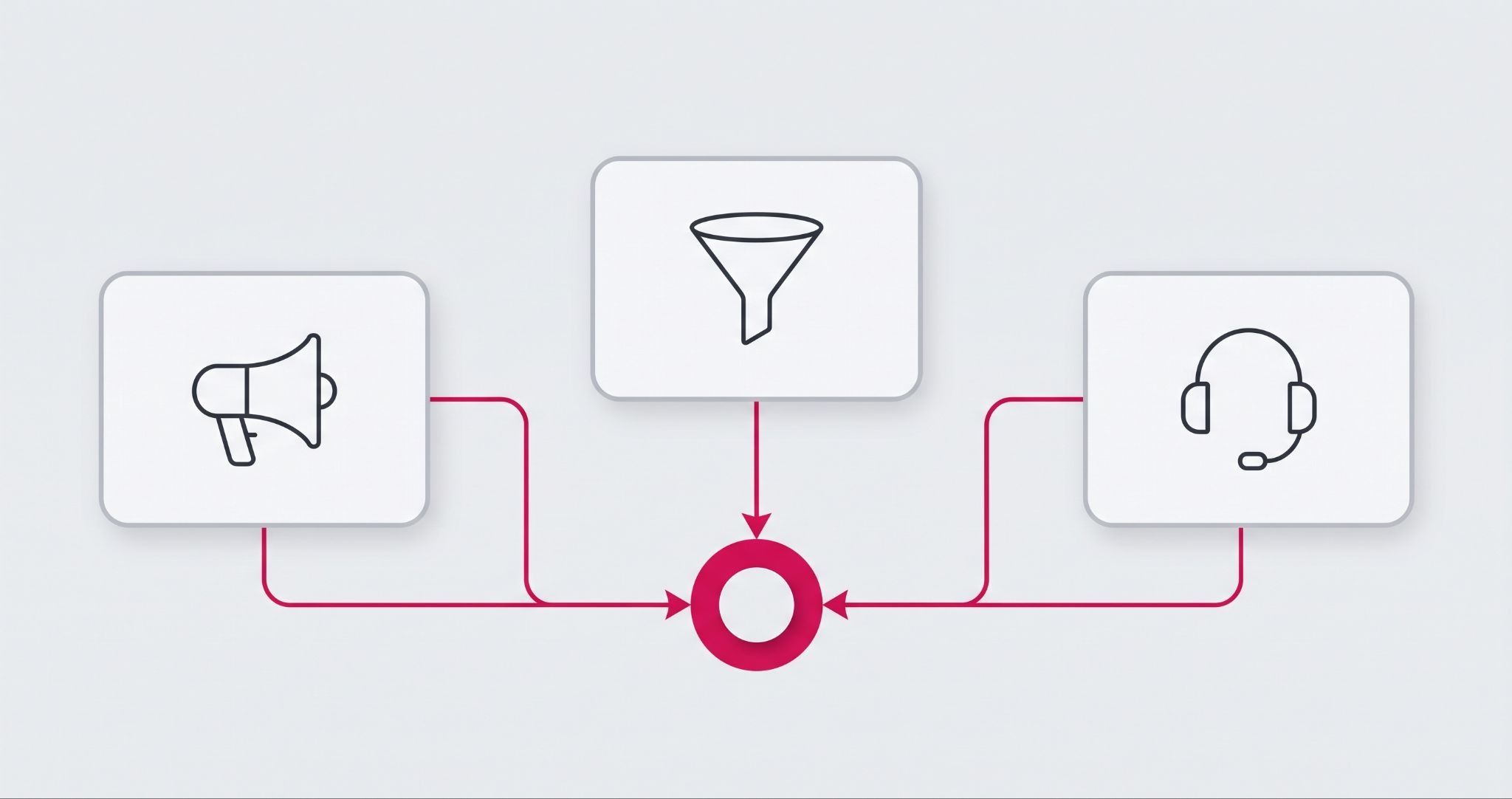
Your marketing, sales, and service teams can't work well together if each one has different customer facts. HubSpot Operations Hub is the part of HubSpot that syncs, cleans, and automates your business data, so every team sees the same records.
Without it, small things slip. A lead gets two calls, a happy customer gets a sales email, and a complaint never reaches the right person.
This guide shows what Operations Hub does, what changed when HubSpot renamed it, and what to set up first so it pays off.
What is HubSpot Operations Hub?
HubSpot Operations Hub is a HubSpot product that connects your other business apps to your CRM, cleans messy data, and runs custom automation. In 2025, HubSpot renamed it Data Hub and added Data Studio, a no-code tool for joining data from different sources. Existing Operations Hub settings carried over, so current setups keep working.
You'll still see both names. Many people still search for Operations Hub, and older guides use the old name. The new name tells you what the product is really about: clean data in one place, which makes every other hub work better.
Here's what that looks like in practice. Eastridge, a US workforce solutions company, ran sales in Microsoft Dynamics and marketing in HubSpot. With no link between the two, staff merged spreadsheets and re-entered updates by hand, and marketing couldn't trust the data enough to send campaigns.
Operations Hub's data sync connected both systems in both directions. Sales could tick a box in Dynamics to add leads to a HubSpot campaign, and HubSpot lead scores flowed back to sales automatically.
In a HubSpot case study, Eastridge reported saving more than four hours a week. After rolling out HubSpot with Operations Hub, it also grew customers by 10% and lifted employee satisfaction by 25%.
Why your marketing, sales, and service teams drift apart
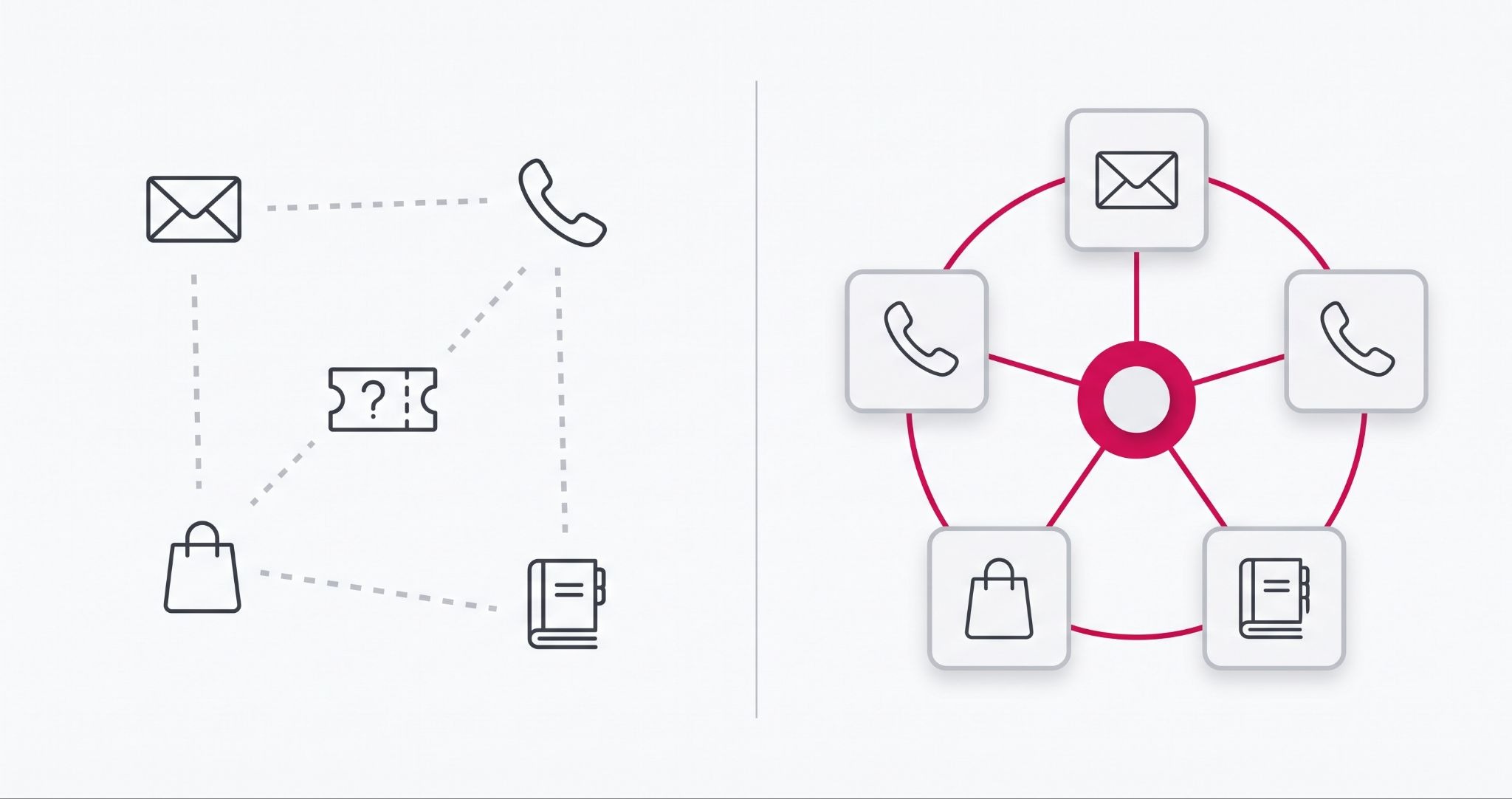
Teams drift apart when their tools don't talk. Marketing lives in email and ads, sales live in the CRM, and service lives in a help desk. Finance often sits in Xero or MYOB.
Each tool holds one part of the customer story, and that gap costs you a little every day. Someone copies a contact from one tool to another and makes a typo.
A sales rep can't see that a customer has an open complaint. A marketer sends a promo to people who have already bought. None of these is big on its own, but they add up.
HubSpot's Smart CRM puts marketing, sales, and service in one database, which fixes a lot on its own. But most Australian businesses also run tools outside HubSpot, like an accounting package, an online store, or a booking system. Operations Hub pulls those tools into the same picture and keeps the data tidy once it's there.
Four HubSpot Operations Hub tools that connect your teams
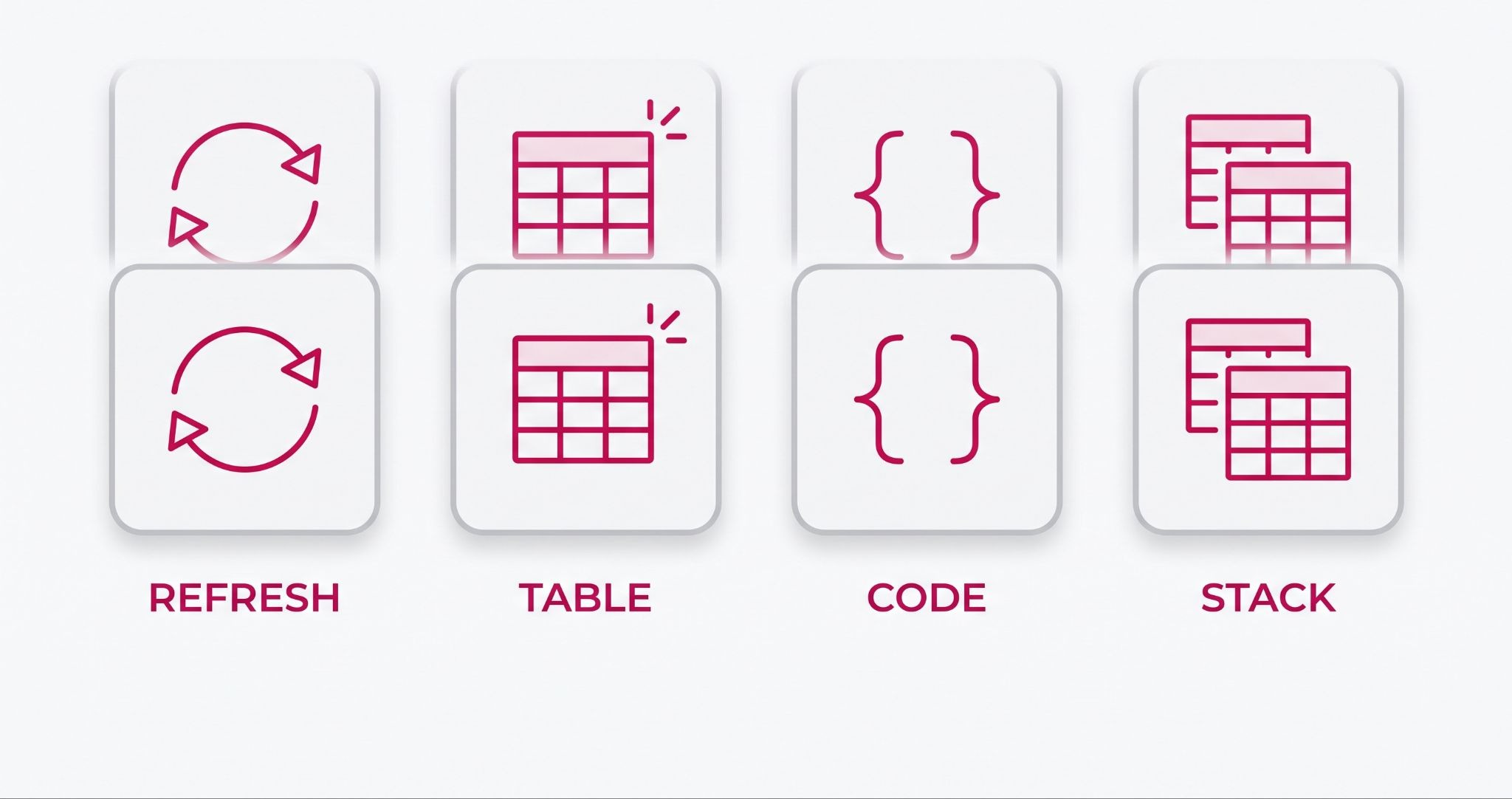
Operations Hub gives you four main tools. Each one fixes a different part of the problem.
• Data sync. This links HubSpot to your other business apps and keeps records matched both ways. Change a phone number in one app, and it updates in the other.
• Data quality automation. This fixes messy data for you, like odd capital letters and mixed date formats. It also flags duplicate contacts before they pile up.
• Programmable automation. This lets a developer add custom code to HubSpot workflows. It's for jobs that the standard workflow tools can't do on their own.
• Data Studio. This lets you join data from spreadsheets, databases, and HubSpot records without writing code. It arrived with the Data Hub name and sits in the Professional and Enterprise plans.
Here is what that looks like for a real team. A customer buys from your online store, and the order syncs to their HubSpot contact.
Sales can see what they bought. Service can see it when a ticket comes in. Marketing can leave them out of the next first-order offer, and no one has to copy anything.
What to fix before you turn on Operations Hub
Most Operations Hub problems come from how it is rolled out, not from the software. Sort out these four things before you switch anything on.
• Don't start too big. Pick one or two jobs first, like syncing your accounting tool or cleaning duplicate contacts. Get those working well, then add more.
• Clean your data first. If you sync messy data, you just spread the mess faster. Fix duplicates and empty fields before you connect a new app.
• Give it an owner. Someone on your team needs to watch the sync, check for errors, and decide what each field means. Without an owner, small errors grow for months before anyone notices.
• Check the plan you need. Custom code and Data Studio are only on higher plans, and some features now draw on HubSpot credits. Check HubSpot's current pricing in Australian dollars before you commit.
How IBF sets up Operations Hub for Australian businesses
IBF is a HubSpot Platinum Partner that implements HubSpot for Australian businesses. For Operations Hub, we follow the setup order HubSpot sets out in its own knowledge base, because each step depends on the one before it.
First, connect the app and choose the sync direction. Data can flow one way into HubSpot, one way out to the other app, or both ways. Pick the wrong direction, and one system can overwrite good data in the other.
Next, review the field mappings. These decide which HubSpot property matches each field in the other app, and custom mappings need a paid Data Hub plan. HubSpot's guidance flags three details that are easy to miss:
• Map both name fields. First Name and Last Name must both be mapped, or contact names won't sync correctly.
• Set up owners in both systems. Record owners need to exist as users in HubSpot and in the other app for owner data to sync.
• Match your stage labels. Deal stages and ticket statuses only sync when the labels match exactly in both systems.
Then set your sync rules to choose which records move between the two apps, and switch the sync on.
IBF's HubSpot implementation services cover each of these steps, plus data clean-up and custom automation, so you end up with a system your teams trust, not just a tool that is switched on.
Frequently Asked Questions About HubSpot Operations Hub
Is HubSpot Operations Hub the same as Data Hub?
Yes. HubSpot renamed Operations Hub to Data Hub at its INBOUND event in 2025. The main tools stayed the same, including data sync, data quality automation, and programmable automation. Prices did not change either. HubSpot also added Data Studio, a no-code tool for joining data from different places. If you already had Operations Hub, your setup keeps working as before.
Do I need Operations Hub if I already use HubSpot Sales Hub and Marketing Hub?
Not always. Sales Hub and Marketing Hub already share one CRM, so those teams see the same contacts. You need Operations Hub when your data also lives in other tools, like accounting software, an online store, or a booking system. It is also worth it if duplicate or messy records keep causing mistakes for your team.
What apps can HubSpot Operations Hub connect to?
Operations Hub data sync links HubSpot to more than 100 common business apps. These include tools for accounting, eCommerce, customer support, and email. Data flows both ways, so a change in one app updates the other. If your app isn't on the list, a developer can build a custom link using programmable automation or HubSpot's own API.
Who should own Operations Hub in my business?
One named person should own Operations Hub. This is often a marketing operations, sales operations, or CRM manager. Their job is to watch syncs for errors, keep data rules up to date, and decide what each field means. In a small business, this can be part of one person's role. Without an owner, small data errors build up quietly.
What is Data Studio in HubSpot?
Data Studio is a HubSpot tool that lets you join data from spreadsheets, databases, and HubSpot records without writing code. HubSpot added it when it renamed Operations Hub to Data Hub. You can use the joined data in lists, workflows, and reports. Data Studio is part of the Professional and Enterprise plans, and some uses draw on HubSpot credits.
Get your teams working from the same data
Clean, connected data is what lets your marketing, sales, and service teams work as one. IBF is a HubSpot Platinum Partner that helps Australian businesses set up HubSpot so every team can trust the same numbers. Start with a business growth audit, and we'll show you where your data is holding your teams back.