

Whether HubSpot justifies its subscription depends less on its feature list and more on how much manual work you hand over to automation. Ask "Is HubSpot worth it?" without that context, and you get vague answers. A portal that only stores contacts is an expensive address book.
HubSpot workflow automation is a set of rules-based tools that carry out routine actions automatically when a defined trigger fires. Those actions include sending emails, creating tasks, rotating leads, and updating CRM records.
This review covers what that automation does, which plan you need, and where implementations go wrong. It also shows how to measure whether HubSpot is paying for itself.
Is HubSpot worth it for Australian businesses?
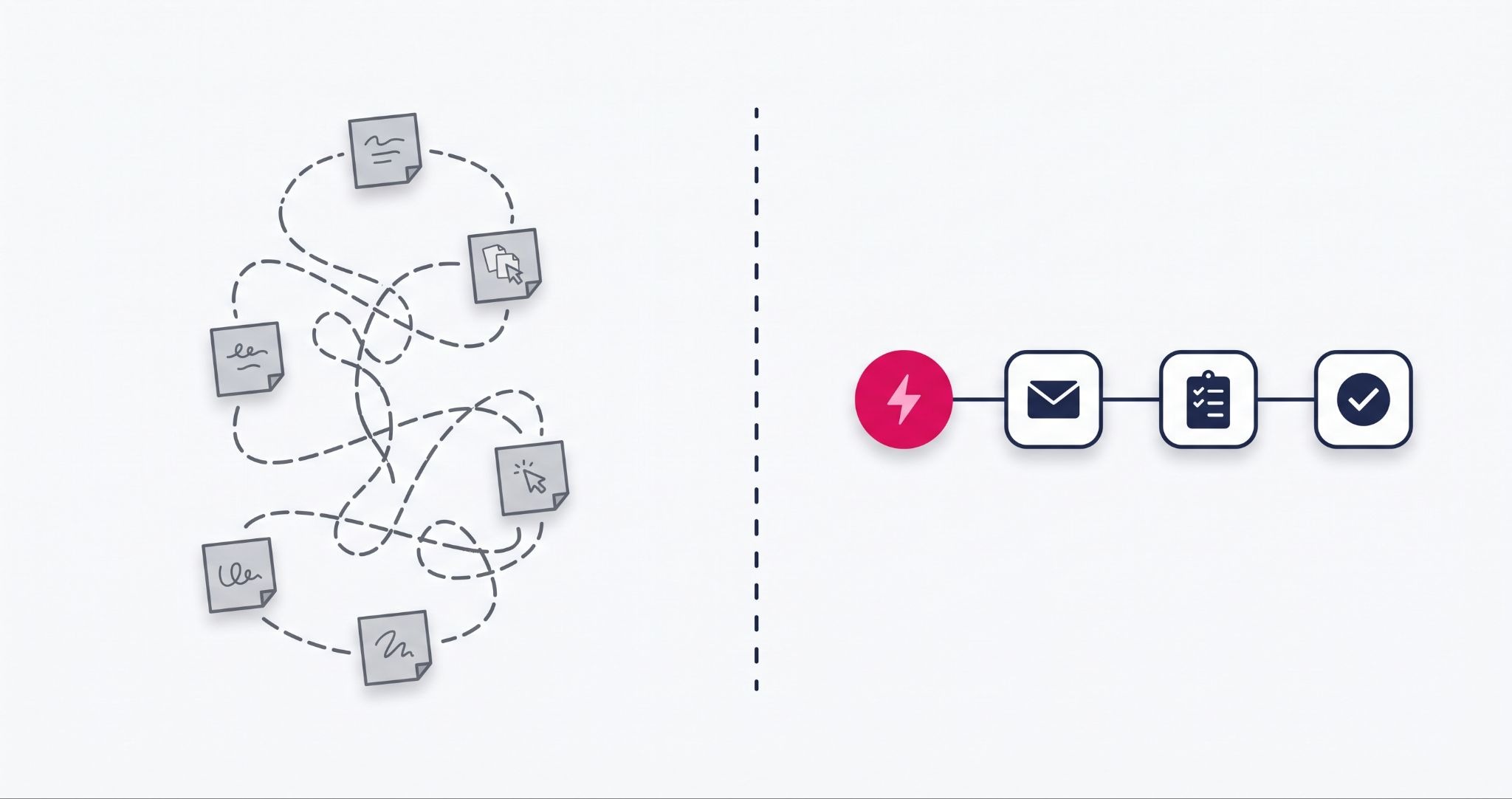
HubSpot is worth it for Australian businesses that will use its workflow automation, not just its free CRM. If your team spends hours each week on follow-up emails, deal updates, task creation or ticket routing, HubSpot's Professional tiers can absorb that work. If you only need a contact list, cheaper tools will do the job.
The honest caveat is that the value isn't automatic. HubSpot rewards businesses that map their processes before they build, and it punishes those who switch it on and hope.
The pattern to look for in your own business is a repetitive step that happens on every order, deal or ticket. Think of a sales team creating the same follow-up task for every new enquiry, or a service team assigning each ticket by hand. The more of those steps you have, the stronger the case for HubSpot becomes.
What HubSpot workflow automation actually does for your team
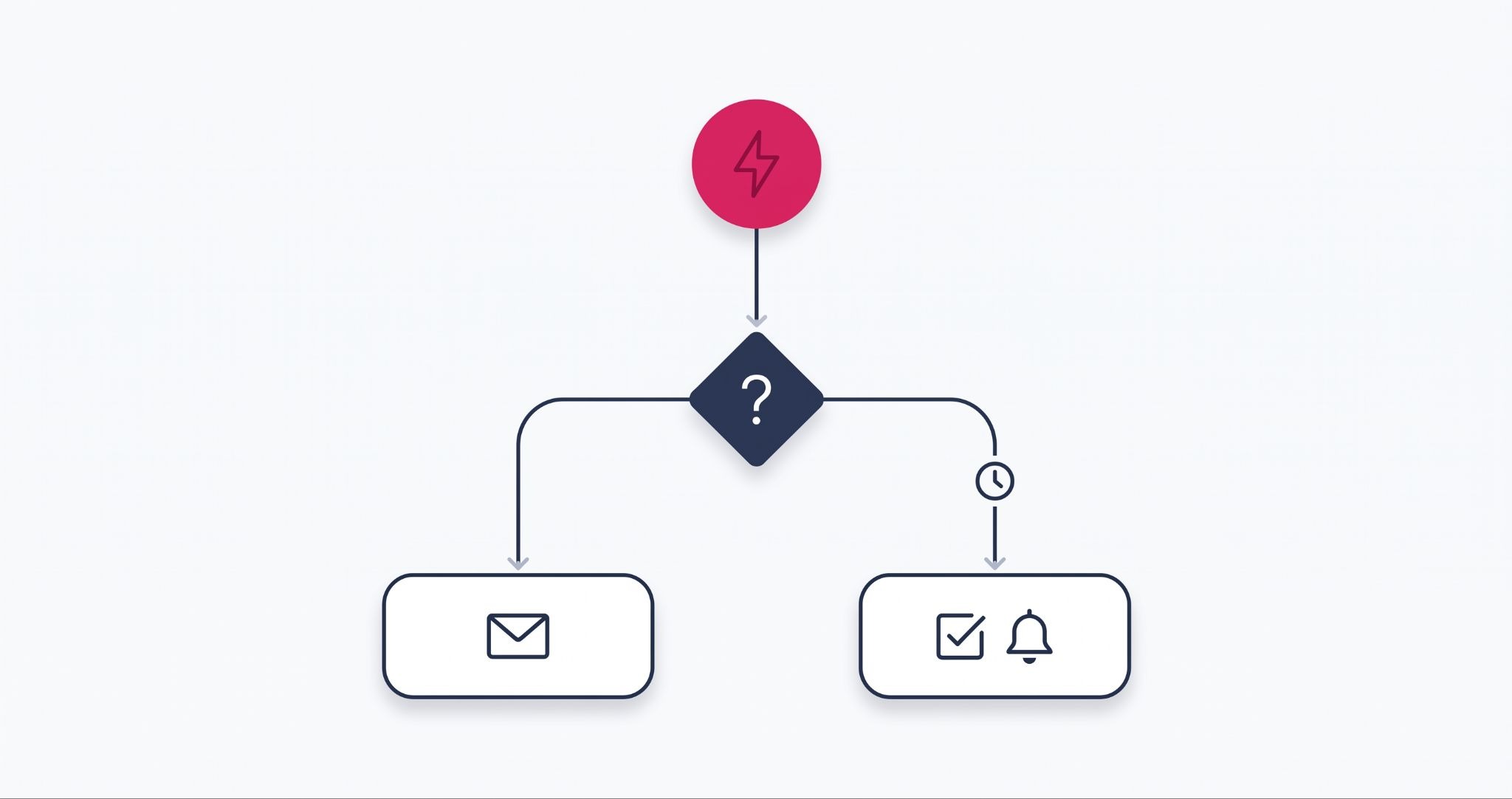
HubSpot workflows replace the repetitive tasks that eat into your team's week. A workflow watches for a trigger, such as a form submission, a deal stage change or a new ticket, then runs the actions you define.
The areas most SMEs automate first are:
- Lead nurturing: sending a timed series of follow-up emails after a download or enquiry, so no lead waits for a rep to remember.
- Sales pipeline updates: creating follow-up tasks and notifying deal owners when a deal changes stage or stalls.
- Customer support routing: assigning tickets to the right team member by category, product or priority, which shortens first response times.
The features underneath are what make this useful. If/then branches send contacts down different paths based on their behaviour or properties. Delays time each action, and property updates keep CRM data current without anyone typing it in.
Lead scoring and lifecycle stage automation build on the same foundations. Scoring flags high-intent prospects for your sales team, while lifecycle rules move contacts from subscriber to lead to customer as they act.
Integrations extend the reach further. Connecting HubSpot to your eCommerce platform, accounting software, or booking tool means a workflow can act on data that lives outside the CRM.
Which HubSpot plan do you need for workflow automation?
You need a Professional or Enterprise tier to use HubSpot's full workflow automation. Starter plans include only simple, single-trigger automation without branching or multi-step logic. Professional adds the visual workflow builder, time delays, if/then branches and cross-object automation across Marketing Hub, Sales Hub and Service Hub.
This is where the cost question gets real. Moving from Starter to Marketing Hub Professional is a significant jump in monthly cost. Professional also carries a one-off onboarding fee, before you add extra seats or contacts.
That spend only makes sense if you'll build and run workflows from the first quarter. A practical test is to list the repetitive tasks your team does each week, estimate the hours involved, and compare that time against the subscription.
If the list is short, Starter or the free CRM may be enough for now. If it's long, Professional is usually the point where HubSpot starts earning its cost rather than adding to it.
Pricing and tier inclusions change often, so check HubSpot's Australian pricing page before you commit. Confirm in writing which workflow limits apply to the specific Hub and tier you're buying.
Where HubSpot workflow implementations go wrong
Most HubSpot automation problems come from setup, not the software. Workflows fail quietly, so a broken trigger can run for months before anyone notices the reporting no longer adds up.
The most common mistakes are:
- Duplicated or overlapping workflows: two workflows acting on the same trigger send double emails or overwrite each other's property updates.
- Unclear objectives: workflows built because a feature exists, rather than to fix a specific bottleneck, add complexity without saving time.
- No testing or maintenance: workflows that reference retired properties, old lists, or departed staff keep running long after they stop being useful.
Prevention is mostly discipline. Document the logic behind each workflow, use a consistent naming convention, and audit your active workflows at least once a quarter.
Involve marketing, sales and whoever manages your data in the planning stage. Automated emails and data handling must also comply with the Australian Privacy Principles and the Spam Act 2003 rules set by the ACMA. That means consent, clear sender identification and a working unsubscribe in every commercial email.
How to measure whether HubSpot is paying for itself
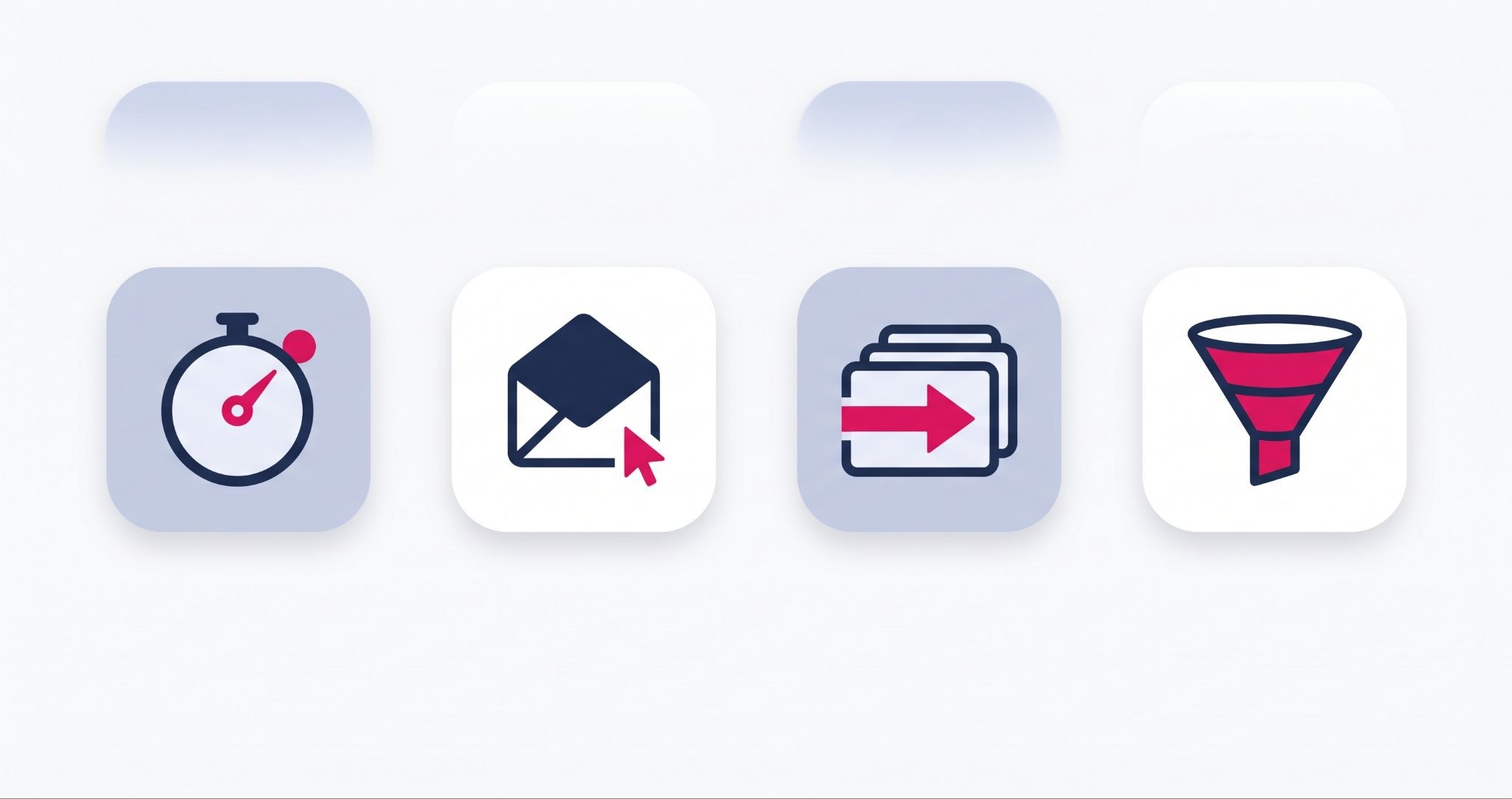
Automation isn't set and forget. The only reliable way to know whether HubSpot is worth it for your business is to track the metrics your workflows are meant to move.
Four metrics tell you most of what you need:
- Lead response time: how quickly a new enquiry gets its first contact, which routing and notification workflows should shorten.
- Email engagement: open and click rates on nurture emails, which show whether your timing and segmentation are relevant.
- Deal velocity: how fast deals move between pipeline stages, which reveals whether task and reminder automation is working.
- Conversion rate by lifecycle stage: the share of leads becoming opportunities and customers, which measures how well your nurture workflows perform.
Record a baseline for each metric before you switch new workflows on. Without one, you can't separate HubSpot's impact from seasonal swings or a strong sales month.
On Professional tiers, A/B testing on marketing emails lets you refine subject lines and send timing. Review results monthly, then retire or rebuild any workflow that isn't moving its metric.
How IBF helps make HubSpot worth it for your business
The gap between a HubSpot portal that pays for itself and one that becomes shelfware is usually the implementation. Buying the licence is the easy part. Mapping your processes, building clean workflows and getting your team to use them is where the value comes from.
IBF is a HubSpot Platinum Partner working with Australian SMEs across Marketing, Sales, Service and Content Hub. IBF's HubSpot implementation services cover process mapping, workflow and pipeline builds, CRM migration and team training, so you're fully operational, not just installed.
For businesses already on HubSpot, the work is often an audit and clean-up. That means consolidating duplicate workflows, fixing broken triggers and rebuilding reporting so the numbers can be trusted.
A sensible starting point is one repetitive process that touches every lead, deal or order: automate it properly, then report on it. Once that first workflow proves its value, you have a clear basis for deciding what to automate next.
The honest verdict on whether HubSpot is worth it
HubSpot is worth it when it takes over work your team repeats every week, and not before. Use these three signs to make the call:
- Your team handles the same follow-up, task or routing step on every lead, deal or order.
- Leads or tickets slip through because nobody clearly owns the next action.
- You can't report on your pipeline or response times without building a spreadsheet first.
If two or more of these apply, a Professional tier will likely earn its cost. If none do, start with the free CRM and revisit HubSpot once your volume grows.
Frequently asked questions about whether HubSpot is worth it
Is HubSpot worth it for a small business in Australia?
HubSpot is worth it for a small Australian business when the team will use its automation, not just store contacts. The free CRM suits businesses that only need a shared contact database and basic deal tracking. Once follow-ups, task creation and lead routing take up hours each week, a Professional tier usually justifies its cost through time saved.
Can you automate workflows on HubSpot's free CRM?
HubSpot's free CRM does not include the workflow builder. Starter plans add simple, single-trigger automation, such as creating a task or sending an internal notification when a record changes. Multi-step workflows with branching logic, time delays and cross-object actions require a Professional or Enterprise subscription on Marketing Hub, Sales Hub, or Service Hub. Check HubSpot's current tier inclusions before buying, as limits change.
How long does it take to see results from HubSpot automation?
Results from HubSpot automation appear at different speeds depending on the metric. Lead response time and task completion change as soon as routing and notification workflows go live. Conversion rates and deal velocity need several full sales cycles before a reliable trend shows, which is why recording a baseline for each metric before launch is the only way to measure the difference accurately.
What's the difference between HubSpot workflows and sequences?
HubSpot workflows are system-level automation that act on records and internal processes, such as updating properties, assigning owners or sending marketing emails. Sequences are a sales tool that sends a series of personalised one-to-one emails and task reminders from an individual rep's inbox. A sequence stops automatically when the prospect replies, while a workflow keeps running based on its enrolment and exit rules.
Do I need a HubSpot partner to set up workflows?
You don't need a HubSpot partner to set up workflows, because the builder is visual and HubSpot Academy offers free training. A partner helps when your processes span several teams, involve integrations with other systems, or need clean data before automation can run. Businesses migrating from another CRM often use a partner to avoid duplicated records and broken triggers at launch.
Make HubSpot worth it from the first workflow
Getting real value from HubSpot starts with knowing which processes to automate, not with switching on every feature. IBF is a HubSpot Platinum Partner helping Australian businesses implement, integrate and scale on HubSpot. Book a business growth audit and find out where HubSpot can save your team the most time.