HubSpot lead management decides whether the enquiries you pay for become revenue or quietly go cold. Most Australian SMEs don't have a lead problem. They have a follow-up problem: slow responses, no agreed definition of a sales-ready lead, and customers who hear nothing after the first invoice.
This guide shows you how to set up HubSpot so every lead is captured, qualified, worked by the right person, and, once they buy, kept.
What is HubSpot lead management?
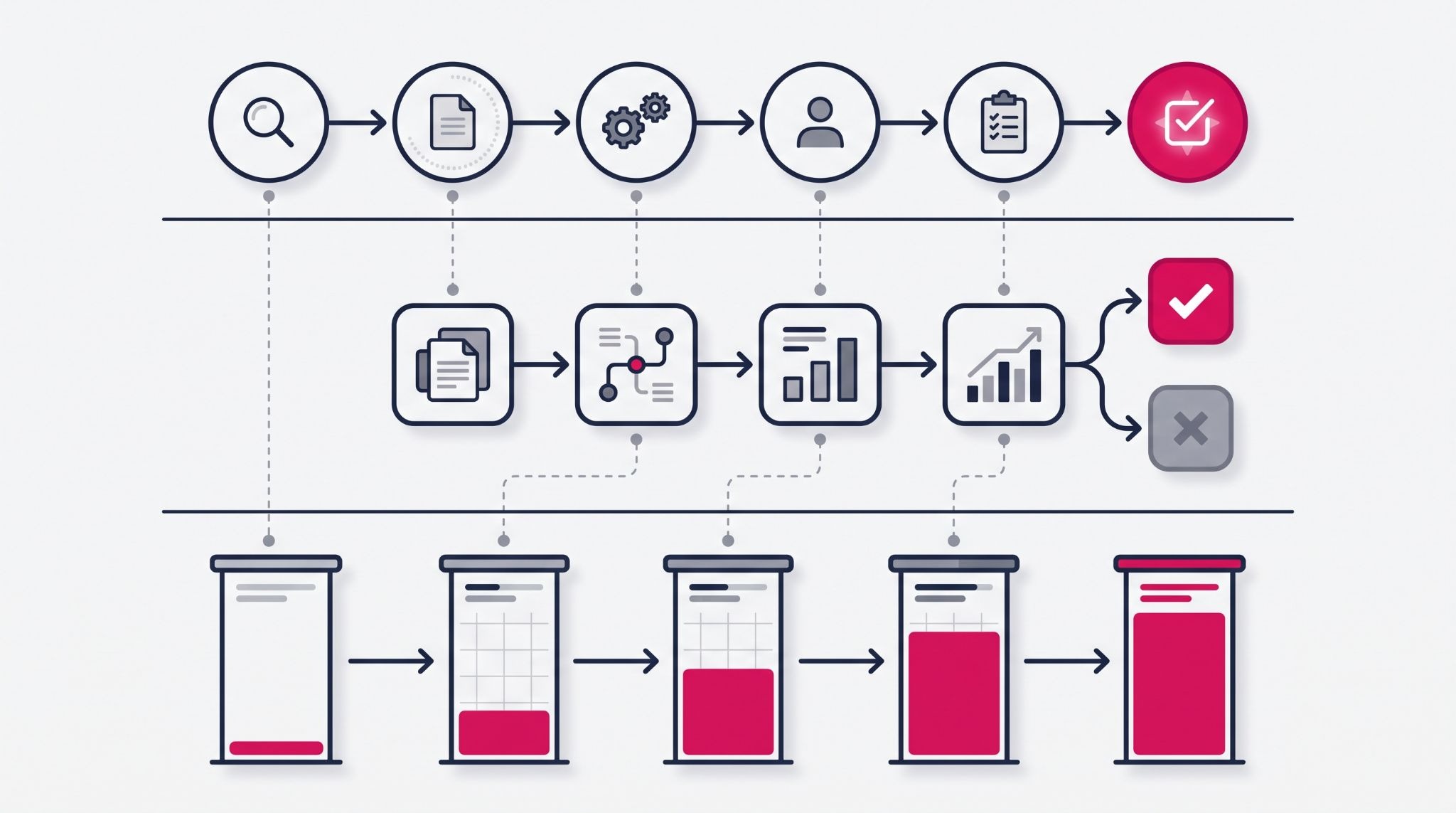
HubSpot lead management is the process of capturing, qualifying, assigning and nurturing prospects inside HubSpot's CRM until they become customers. It combines lifecycle stages, lead scoring, the sales workspace's leads object and automated workflows. Marketing and sales then track every prospect in one shared record, not separate spreadsheets and inboxes.
In practice, HubSpot tracks a prospect at three levels. Lifecycle stages show where a contact sits in the overall relationship, from subscriber through marketing qualified lead (MQL) and sales qualified lead (SQL) to customer.
The leads object tracks a salesperson's active prospecting work. Its stages move a lead from new, through attempted contact and connected, to qualified or disqualified. Deals take over once a lead is qualified and there's a real opportunity to forecast.
That separation matters for a small team. When marketing, sales and service share one contact record, nobody has to ask who called last or whether the lead has already bought.
The payoff from a shared record is speed. Cold Jet, an Ohio-based dry ice equipment maker selling worldwide, ran sales on a legacy CRM that couldn't connect to its ERP system. Teams re-keyed data by hand and sometimes sent customers training material for machines they didn't own.
Cold Jet moved lead management, deal tracking and automated outreach sequences into HubSpot Sales Hub. According to a case study in HubSpot's customer story library, first-touch lead outreach time fell 66%, from three hours to under one. The team also created 2,428 new deals in its first six months.
Setting up HubSpot lead management from first enquiry to qualified deal
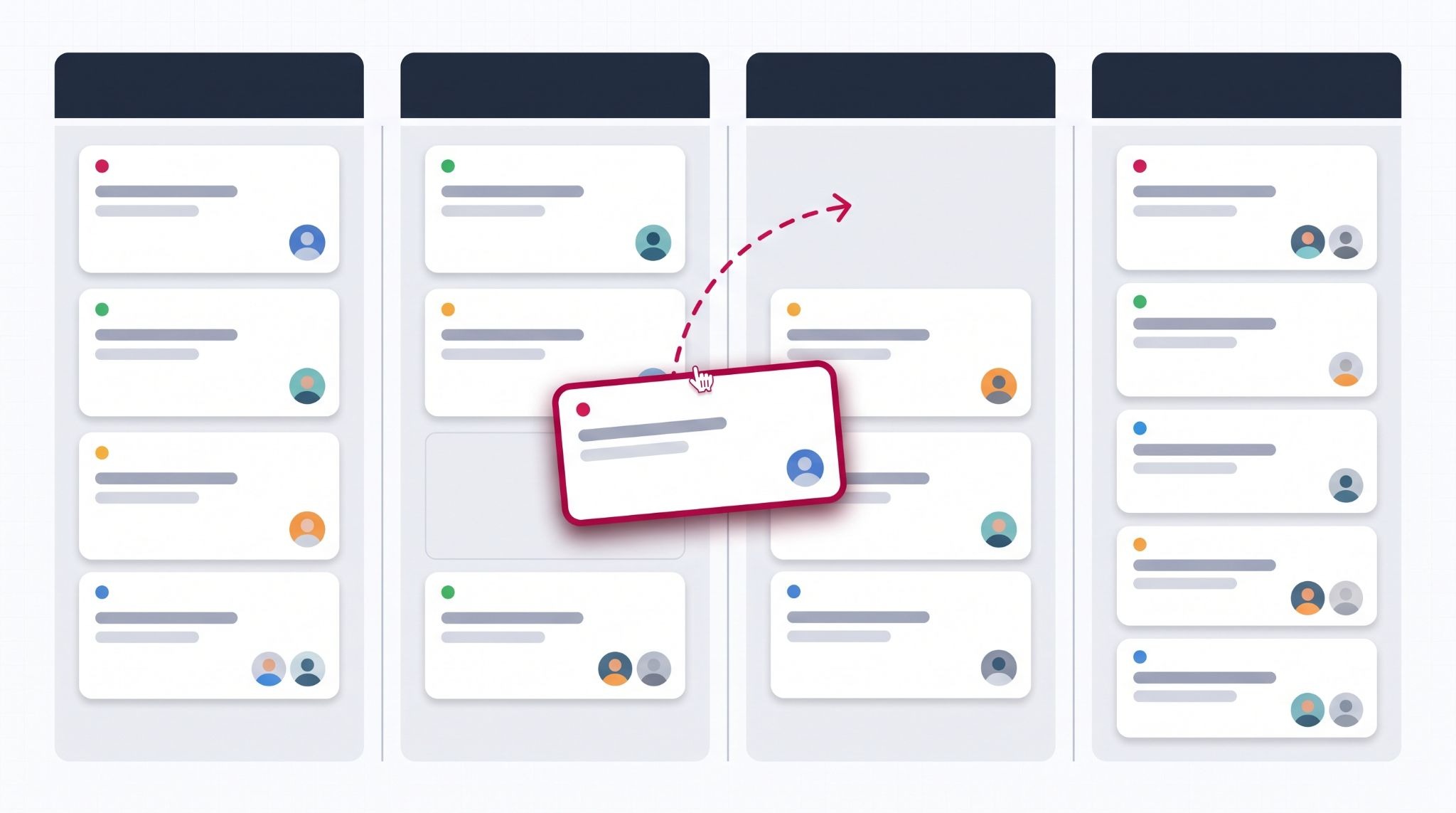
Good lead management follows the order a prospect actually experiences your business, so set it up in this sequence.
- Capture every enquiry in one place. Connect website forms, live chat, booking links and ad lead forms so every contact lands in HubSpot with its source recorded.
- Agree what "qualified" means before you build anything. Settle with sales which job titles, company size, location and behaviour make someone an MQL or SQL, then map them to lifecycle stages.
- Score leads on fit and engagement. HubSpot's lead scoring tool combines who a contact is with what they've done. Contact scores need Marketing Hub Professional or Enterprise; Sales Hub scores companies and deals instead.
- Route leads to the right person quickly. Use workflows to assign leads by product, state or round robin, with a same-day task in the owner's sales workspace.
- Nurture the ones that aren't ready yet. Leads that score well on fit but low on engagement belong in an automated email sequence, not on a salesperson's call list.
Here's how that plays out. UK electric tug maker MasterMover ran a basic CRM and a separate email tool, with no automation and no view of which campaigns produced sales. One Facebook campaign generated plenty of brochure-download MQLs that, once tracked, weren't turning into revenue.
After moving to Marketing Hub, Sales Hub and Service Hub, MasterMover automated its handover. Every new MQL now receives a follow-up resource, and each SQL is routed to the right salesperson with a contact task. HubSpot's published MasterMover case study reports that 30% of its MQLs became SQLs in a single quarter.
Where most lead management setups break down
HubSpot rarely fails because of missing features. It fails because the setup doesn't match how your team actually sells.
These four problems cause most of the damage:
- Importing every old contact as a lead. Thousands of cold records bury your active prospects. If they're set as marketing contacts, they can also push you into a higher marketing contacts tier, which raises what you pay.
- Lifecycle stages edited by hand. When reps change stages manually, your funnel reports stop meaning anything. Let lead qualification workflows set stages based on the criteria you agreed on.
- A score built once and never reviewed. If deals keep closing from leads your score rated low, the criteria are wrong. Check them each quarter against closed-won deals.
- No reason recorded for disqualified leads. Without a required disqualification reason, you can't tell whether the real issue is lead quality, pricing or timing.
The catch is that none of these shows up on day one. They surface months later, when your reports stop matching what the sales team sees on the ground.
Turning new customers into repeat buyers with HubSpot
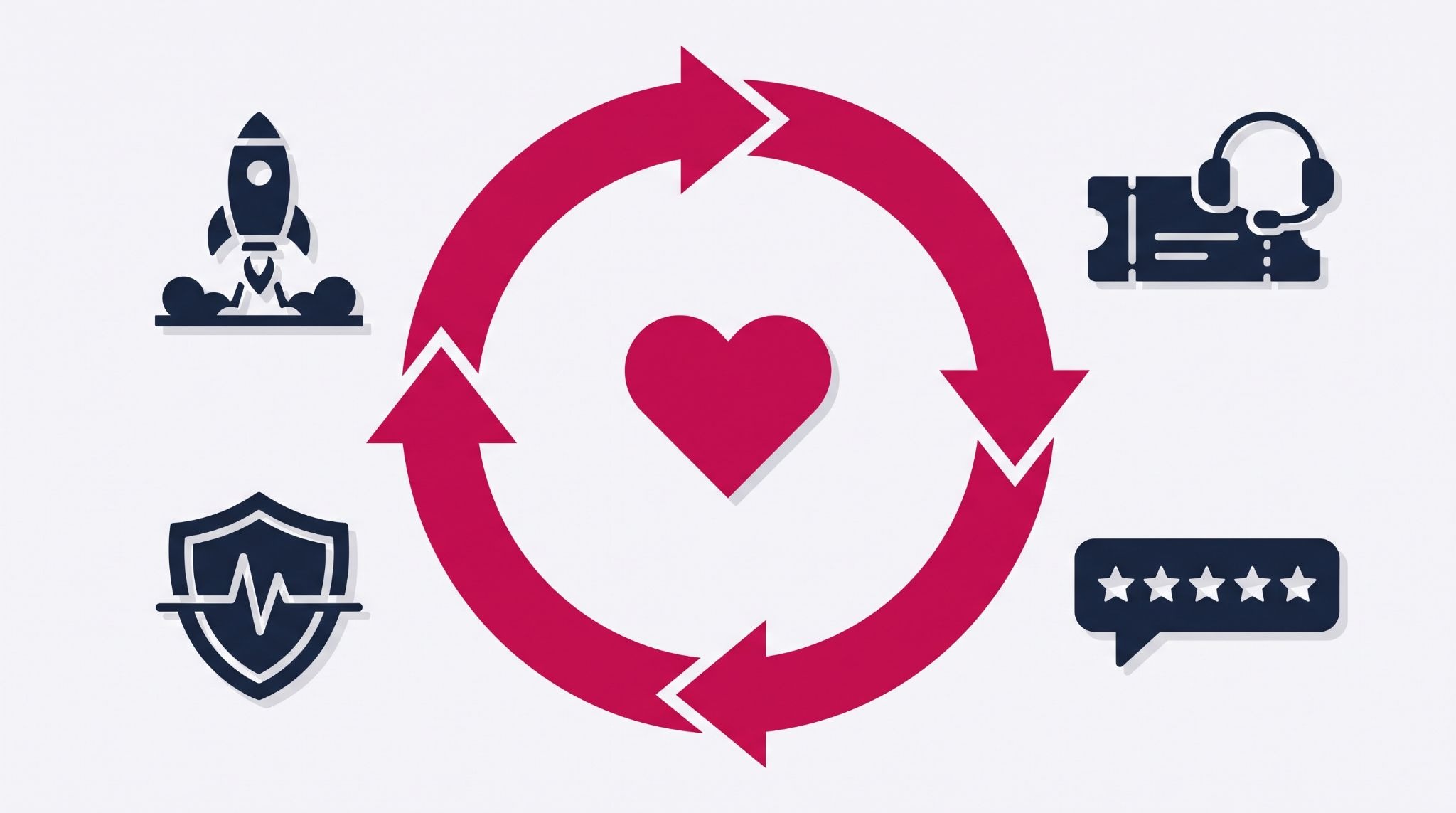
Closing the deal is where most lead management stops, and it's where lifelong customer value starts. HubSpot keeps the same record working after the sale, so everything learned during qualification carries into onboarding and service.
Start with an onboarding workflow that triggers when a deal is marked closed won. It can assign a kick-off task, send a welcome sequence and set a check-in date, so no new customer waits to hear from you. Multi-step automation like this needs a Professional or Enterprise plan.
From there, Service Hub adds the retention layer:
- Help desk tickets keep every support request tied to the customer record, so account managers see open issues before a renewal conversation.
- Customer feedback surveys, including Net Promoter Score (NPS), show you which customers are likely to refer you and which are at risk. These sit in paid Service Hub plans.
- Health scores in the customer success workspace, available on Service Hub Professional and Enterprise, flag accounts whose engagement is dropping.
That shared history is also where upsell opportunities come from. When your team can see what a customer bought and asked for, the next offer is an informed one rather than a guess.
How IBF sets up HubSpot lead management for Australian businesses
The tools above only work when they're configured around your sales process, not HubSpot's defaults. That means agreeing lead definitions with your sales team, cleaning existing data before migration and building workflows your team will trust.
IBF is a HubSpot Platinum Partner working with Australian businesses across Sales Hub, Marketing Hub and Service Hub. IBF's HubSpot implementation services cover lifecycle and lead scoring design, lead routing workflows, CRM migration, sales workspace setup and team training.
If you're already on HubSpot, the same thinking applies. A review of your lifecycle stages, scoring criteria and workflows will show where leads are slipping through. Fix that before you spend more generating new ones.
Frequently asked questions about HubSpot lead management
Is HubSpot good for lead management in a small business?
Yes, because HubSpot's free CRM already records contacts, form submissions, emails and deals in one place, which suits a small team. As you grow, paid Marketing Hub and Sales Hub plans add automation, lead scoring and the sales workspace. Start with the free tools, agree your lead definitions early, and upgrade once manual follow-up starts costing you deals.
What's the difference between a contact and a lead in HubSpot?
A contact is any person stored in your HubSpot CRM, whether they're a subscriber, prospect or customer. A lead is a separate record created when a salesperson starts actively prospecting that contact, tracked through lead stages in the sales workspace. Lifecycle stages describe the contact's overall relationship with you, while lead stages describe the current sales effort.
Do I need HubSpot Professional for lead scoring?
Yes. Scoring contacts on fit and engagement needs Marketing Hub Professional or Enterprise; Starter plans don't include the lead scoring tool. On Starter, you can still qualify leads with lifecycle stages, form questions and contact lists until lead volume makes manual qualification too slow.
How do I stop leads falling through the cracks in HubSpot?
Give every new lead an owner automatically, using workflows that route by product, state or round robin, and create a task the moment it appears. Then build a sales workspace view of leads with no logged activity and review it daily. Making a disqualification reason mandatory also stops leads being dropped without explanation.
Can HubSpot help you keep customers after the sale?
Yes, because the same HubSpot record supports onboarding workflows, help desk tickets and customer feedback surveys once a deal closes, on paid Service Hub plans. Service Hub Professional adds health scores that flag accounts with falling engagement, giving your team time to act before renewal. Account managers can also spot upsell opportunities based on what customers actually bought.
Get your HubSpot lead management working properly
Turning leads into lifelong customers starts with a HubSpot setup that matches how your business actually sells. IBF is a HubSpot Platinum Partner helping Australian businesses design, implement and refine lead management in HubSpot. Start with a business growth audit and see exactly where your leads are slipping through.