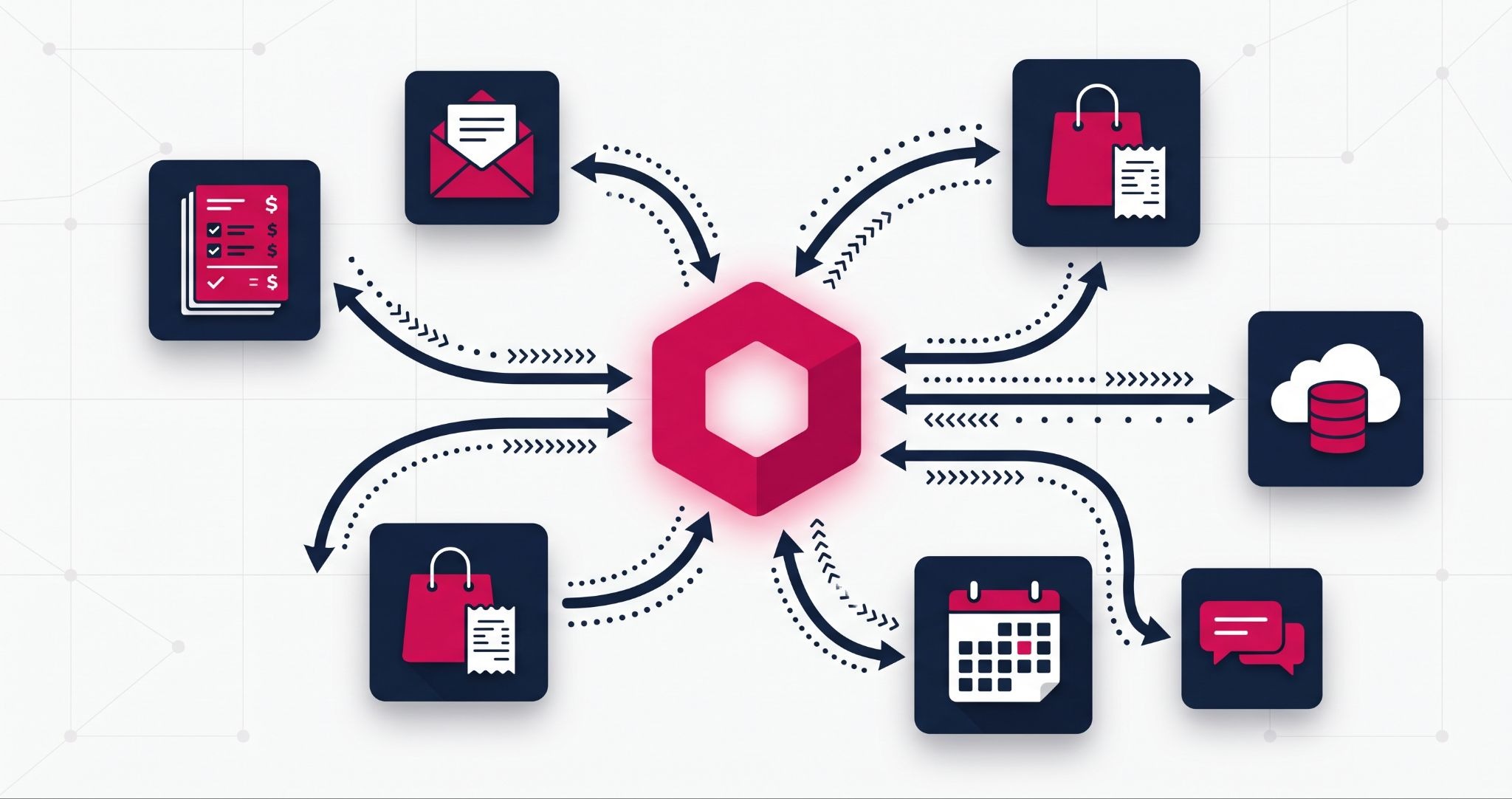
HubSpot CRM integration decides whether your CRM becomes the single source of truth for your business or just another place where data goes stale. Most Australian teams run HubSpot alongside Xero, Outlook, Shopify or Salesforce, and every unconnected tool means someone retyping the same customer details.
This guide covers which integrations matter most, which HubSpot subscription each one needs, and the setup mistakes that quietly corrupt your data.
What is HubSpot CRM integration and why does it matter?
HubSpot CRM integration is the process of connecting HubSpot to your other business tools, so contacts, deals, invoices and activity move between systems automatically. Instead of retyping data, your sales, marketing and finance teams share one current record of every customer. That makes reporting and follow-up far more reliable.
For an Australian SME, the cost of not integrating rarely shows up as one big failure. It shows up as a sales rep chasing a customer who already paid in Xero, or an email list that still includes accounts you lost last year. Together, these small gaps erode trust until your team drifts back to spreadsheets.
Integration also changes what you can report on. When invoices and payments sit next to deals, you can see which campaigns produced revenue, not just form fills.
Here's what that looks like in practice. HungryHungry, a digital ordering platform for hospitality venues across Australia and New Zealand, connected HubSpot to its onboarding tool Arrows and to Slack. Customer progress in Arrows now flows back into HubSpot, and Slack alerts the team the moment a customer stalls.
According to HubSpot's published HungryHungry case study, customers now finish onboarding twice as fast. Onboarding completions rose 18 percentage points, and each onboarder saves at least two hours a week.
The HubSpot integrations Australian businesses rely on most
HubSpot's App Marketplace lists a long tail of connectors, but a handful do most of the heavy lifting for Australian SMEs. Here's what each one actually does, and where the limits sit.
HubSpot Xero integration
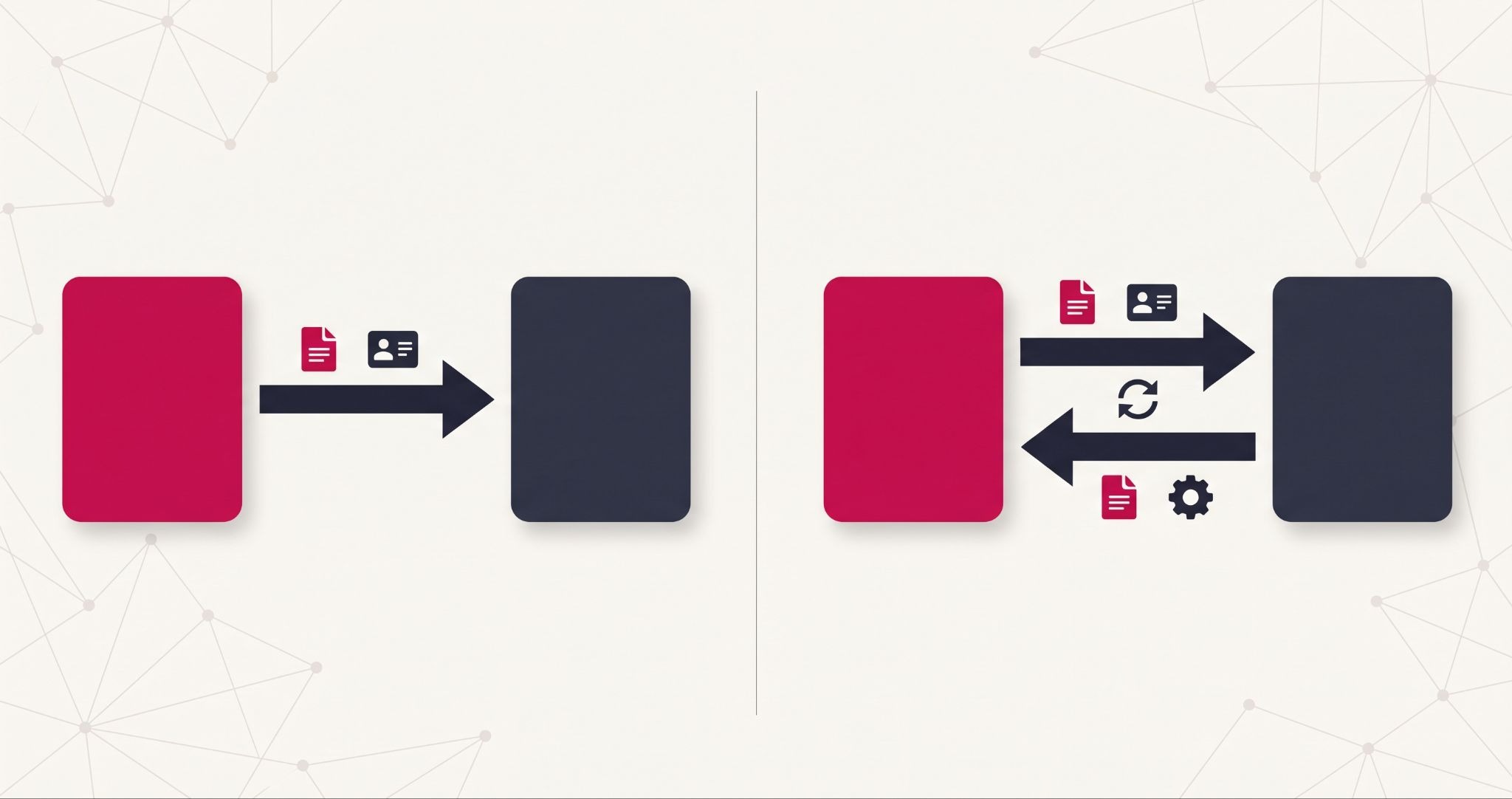
HubSpot's own Xero integration is free to install, and syncs contacts, products, invoices and payments, with AUD support. You can set the sync direction for each object, either one-way or two-way. Custom field mappings require at least Data Hub Starter.
The catch is in the detail. Invoices created in HubSpot must be edited in HubSpot, or they fail to sync. Invoices using HubSpot's automated sales tax won't sync to Xero either, so set up your GST rates in Xero before you turn on invoice sync.
If you bill in deposits or instalments, a third-party Xero app from the marketplace may suit you better.
HubSpot Salesforce integration
The native Salesforce connector costs nothing extra, but it only works on a Professional or Enterprise HubSpot subscription. On the Salesforce side, you need an edition with API access or Salesforce Professional, and Group Edition isn't supported.
The connector also consumes Salesforce API calls, and a single contact sync can use up to four. If you sync a large database on a capped Salesforce plan, monitor your daily API usage from day one. Existing records don't sync automatically once you install it either, so plan an import or let records sync gradually as they change.
HubSpot Outlook integration
Connecting Outlook or Microsoft 365 logs emails against the right contact, tracks opens and syncs your calendar for meeting booking. It's the integration that most directly affects whether sales reps keep the CRM up to date, because logging happens without extra clicks.
HubSpot Shopify integration
The Shopify integration brings customers, orders and products into HubSpot. That lets you segment by purchase behaviour and trigger follow-up such as abandoned cart emails, with the automation available depending on your Marketing Hub subscription.
Other integrations worth knowing
- Slack: sends deal and lead notifications to a team channel, so nobody misses a hot enquiry while away from HubSpot.
- Stripe: connects payment data to customer records, which helps when you take card payments outside an invoicing tool.
- Mailchimp: syncs subscriber lists if you're still running email outside HubSpot, though most teams eventually consolidate into Marketing Hub.
- Zapier: bridges HubSpot to apps without a native connector, using simple trigger-and-action rules.
Do you need Data Hub to integrate HubSpot with other tools?

You don't need a paid Data Hub subscription to connect most tools to HubSpot. Every HubSpot account includes free two-way data sync with default field mappings for supported apps. Data Hub Starter adds custom field mappings, while higher tiers add data quality automation and programmable workflows for complex setups.
Data Hub is the product HubSpot called Operations Hub until 2025. Our guide to HubSpot Operations Hub, now Data Hub, covers how it keeps synced data clean once it arrives.
In practice, you have three ways to connect a tool to HubSpot:
- Native integrations and data sync: built and maintained by HubSpot or the app vendor. Start here whenever one exists, because updates and support are someone else's problem.
- Third-party marketplace apps: paid connectors that fill gaps native options leave, such as complex Xero invoicing. Check recent reviews and support response before you commit.
- Middleware or custom API work: tools like Zapier, or a developer building directly on HubSpot's API. Use this when your process is unusual enough that no packaged connector fits.
The right choice depends on how much the data matters. A Slack notification can run through Zapier, but invoice and revenue data deserves a native or well-supported connector.
Mistakes that turn a HubSpot integration into a data problem
Most integration failures aren't technical. They come from decisions nobody made before the sync was switched on.
- No single source of truth: if HubSpot and Xero can both edit a billing address, the latest change wins, even when it's wrong. Decide which system owns each field before enabling two-way sync.
- Syncing dirty data: connecting two systems full of duplicates gives you one system with twice the duplicates. Merge and clean records first, then sync.
- Mapping every field "just in case": every extra mapped field is another place for conflicts. Map what your team actually uses for reporting, workflows or follow-up.
- No owner after go-live: integrations break quietly when someone changes a property or a password expires. Assign one person to check sync errors every week.
These problems are easy to avoid at setup and expensive to untangle six months later, once bad data has flowed into reports and automated emails.
How IBF approaches HubSpot integration projects
A good integration project starts with your processes, not the App Marketplace. The first job is mapping how a customer moves from enquiry to invoice, and which system each team works in at every stage.
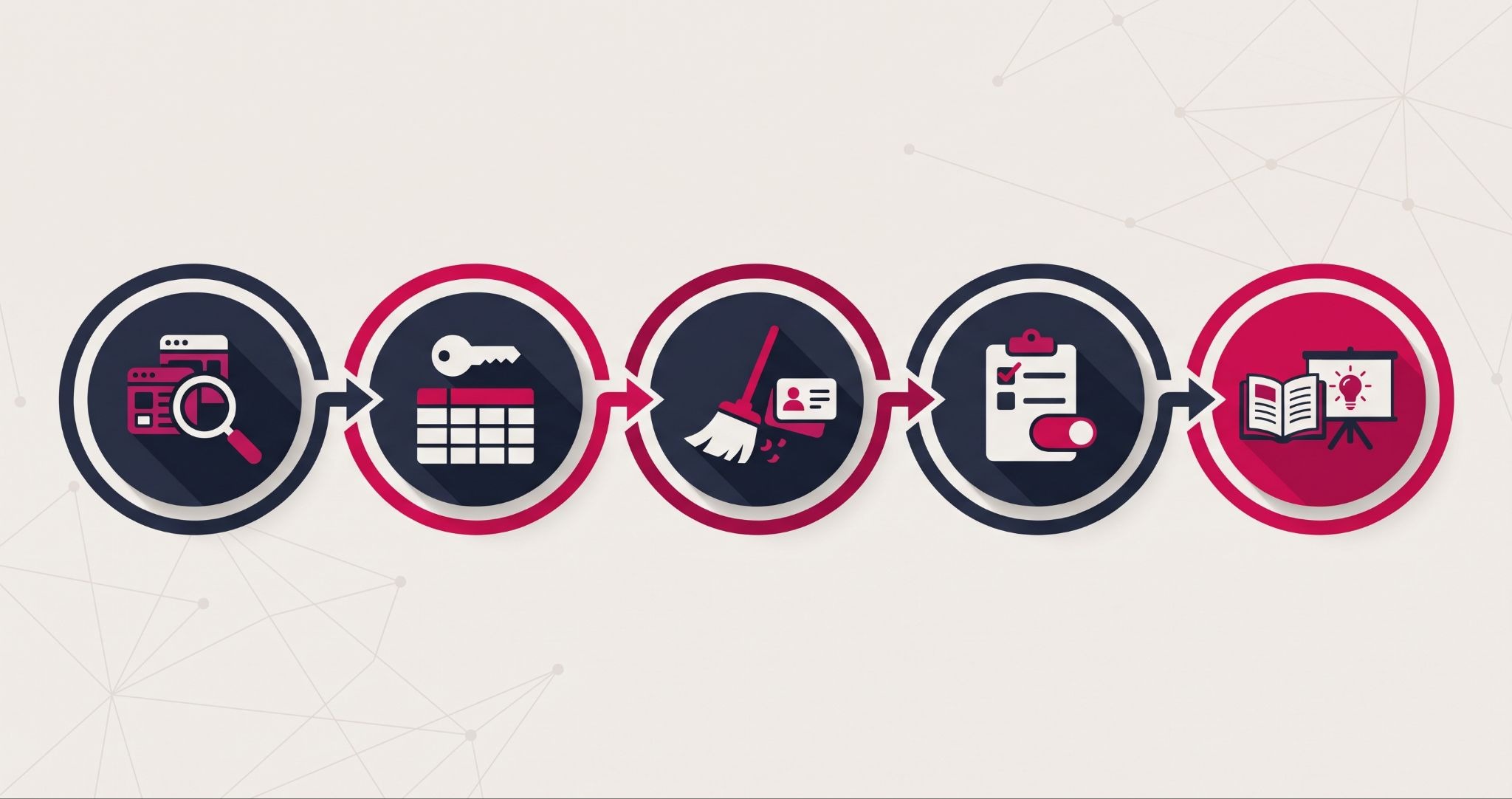
From there, IBF works through every integration in the same order:
- Audit the stack. List every tool that holds customer data, who uses it and what it's used for.
- Decide field ownership. Agree which system owns each field before anything syncs, for example, Xero for billing details and HubSpot for lifecycle stage.
- Clean and migrate the data. Merge duplicates and fix incomplete records first, so the sync starts from a clean base.
- Connect and test. Use the native integration wherever one exists, and test the sync on sample records before switching it on for everything.
- Rebuild workflows and train the team. Update any workflows that depend on synced data, train the people who use it, and name an owner for sync errors.
IBF's HubSpot implementation services cover this end-to-end, from choosing between native and third-party connectors to setting up sync rules and training your team. As a HubSpot Platinum Partner, IBF works with Australian businesses connecting HubSpot to Xero, Salesforce, Outlook and Shopify.
Frequently asked questions about HubSpot CRM integration
Is the HubSpot Xero integration free?
Yes, HubSpot's own Xero integration costs nothing to install, though you still need active HubSpot and Xero subscriptions. It syncs contacts, products, invoices and payments, with custom field mappings requiring at least Data Hub Starter. For complex billing such as deposits or recurring instalments, paid third-party Xero apps on the HubSpot App Marketplace give you more control.
Can I connect HubSpot to Salesforce on the free CRM?
No. The native HubSpot Salesforce connector requires a Professional or Enterprise HubSpot subscription, so it won't run on the free CRM or Starter plans. You also need a Salesforce edition with API access or Salesforce Professional — Group Edition isn't supported. The connector carries no extra charge, but it does consume Salesforce API calls each time records sync.
How long does a HubSpot CRM integration take to set up?
A single native integration, such as Outlook, can be connected in under an hour. Projects involving several systems take longer, because the real work is deciding field ownership, cleaning existing records and testing the sync. Rushing those steps is the most common reason HubSpot integrations get rebuilt later, so build time for them into your plan from the start.
What happens if two connected systems update the same record?
With two-way sync, the most recent change usually overwrites the older one, regardless of which value is correct. That's why you should decide which system owns each field before switching sync on, for example, Xero owning billing details and HubSpot owning lifecycle stage. Clear ownership rules stop good data being overwritten by an outdated or mistaken edit.
Should I use Zapier or a native HubSpot integration?
Use a native HubSpot integration whenever one exists, because it's maintained by HubSpot or the app vendor, and many support two-way sync. Zapier works well for simple one-way automations, such as posting a new lead to Slack, or for apps with no native connector. For revenue or invoice data, stick with native or well-supported connectors.
Connect your tools to HubSpot properly
A HubSpot CRM integration done properly gives your team one accurate view of every customer, from first enquiry to paid invoice.
IBF is a HubSpot Platinum Partner that connects HubSpot to the finance, sales and ecommerce tools Australian businesses already use. Start with a business growth audit and find out where your customer data is slipping through the gaps.