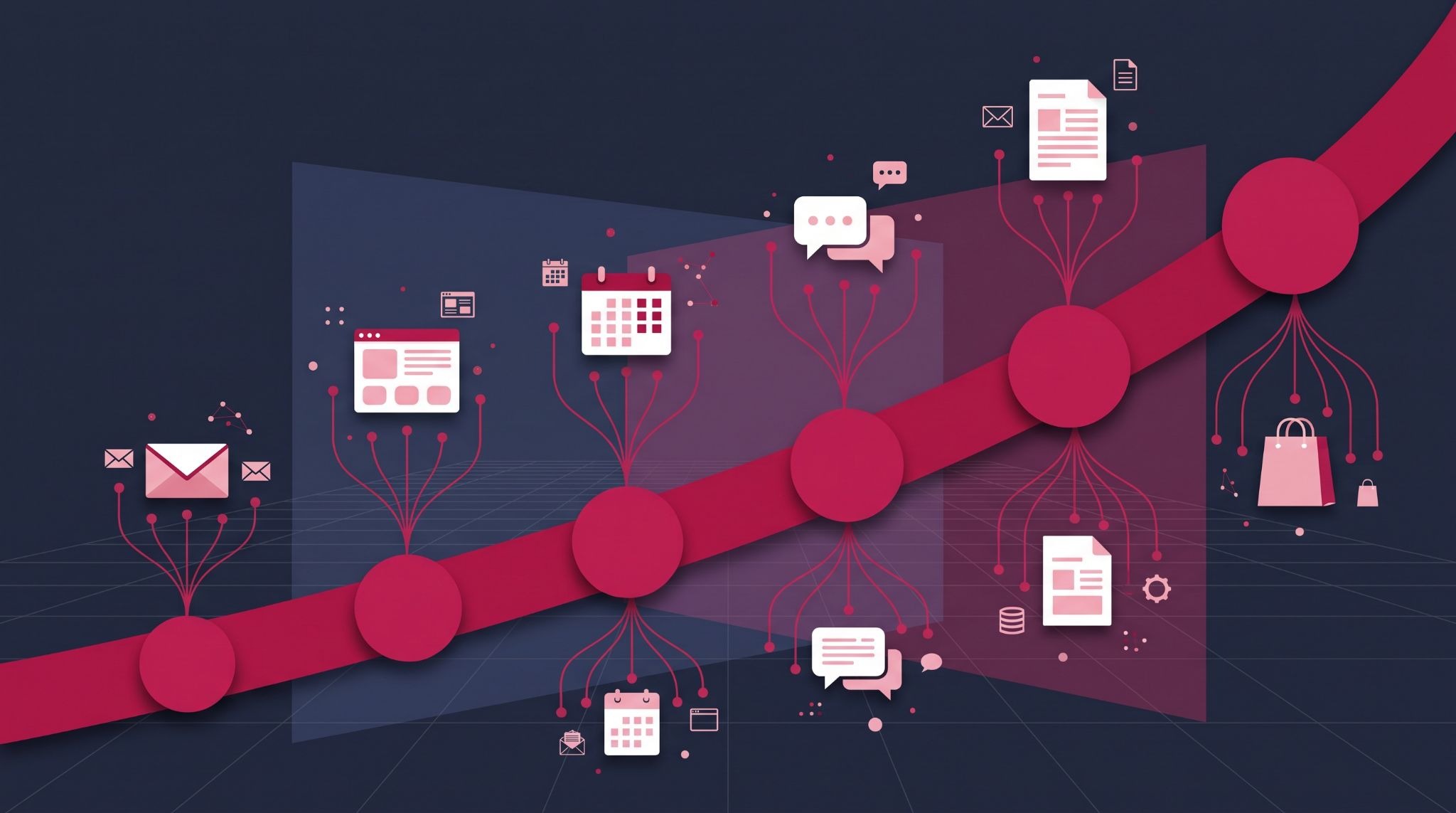
The HubSpot customer journey only works as well as your portal is set up, and most portals collect activity rather than explain it. Contacts pile up, lifecycle stages sit untouched, and nobody can say which campaign produced last quarter's deals.
This guide shows you how to configure HubSpot so every stage of the journey is tracked, automated and reported on, and which subscription tier you need to see the full picture.
What is the HubSpot customer journey?
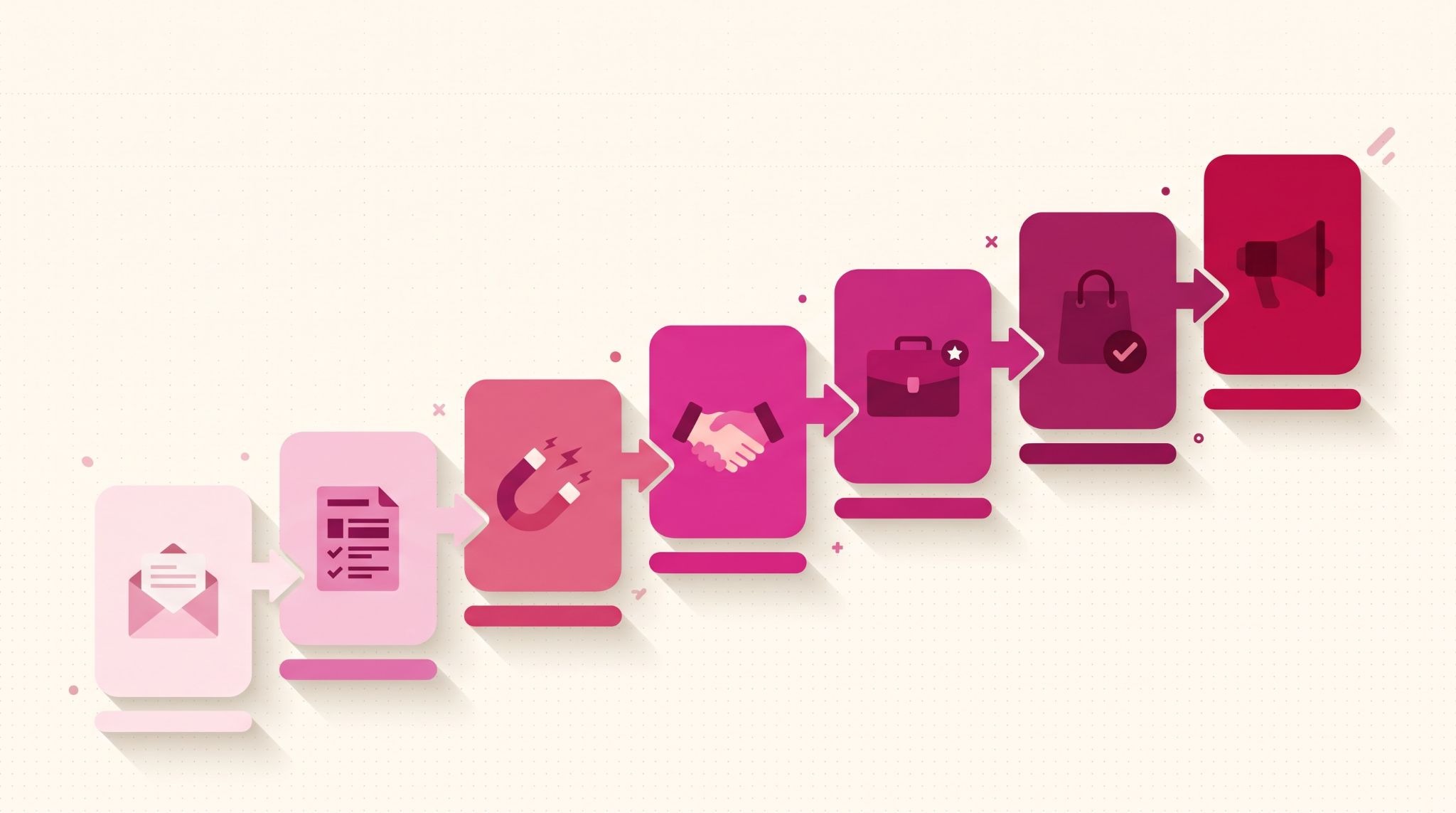
The HubSpot customer journey is the path a contact takes through your HubSpot CRM, from first website visit to paying customer and beyond. HubSpot records it through lifecycle stages, the activity timeline on each contact record, workflows that respond to behaviour, and attribution reports showing which marketing touchpoints contributed to each conversion.
Here's what that looks like in practice. UK manufacturer MasterMover ran marketing and sales on separate tools and couldn't see which campaigns produced good leads.
After moving to HubSpot with a Solutions Partner, it automated the handover at each stage: new MQLs automatically receive follow-up content, and SQLs are routed to the right salesperson with tasks attached. In one quarter, 30% of its MQLs converted to SQLs, according to HubSpot's MasterMover case study.
HubSpot's default lifecycle stages give the journey its structure:
- Subscriber and Lead: the contact has opted in or converted on a form, but hasn't shown buying intent yet.
- Marketing qualified lead (MQL) and sales qualified lead (SQL): marketing judges the contact ready for sales, then sales accepts them.
- Opportunity and Customer: a deal is open, then won.
- Evangelist: a customer who actively refers or promotes your business.
Most Australian SMEs don't need every stage. What matters is that each stage you keep has a written definition both teams agree on, because a stage nobody can define is a stage nobody updates.
Why a disconnected customer journey costs you deals
The journey breaks at the handovers, not inside any single tool. A lead fills in a form on your website; the details land in a shared inbox and sales follows up from their own spreadsheet.
Meanwhile, the customer's support history lives in a separate helpdesk. Each team sees a slice of the relationship, and nobody sees the whole person.
That gap shows up in three predictable places:
- Slow follow-up: hot leads wait because nobody is alerted when they come back to your pricing page.
- Wasted spend: without attribution, budget keeps flowing to channels that generate contacts but never revenue.
- Missed repeat business: customers drop out of view once the invoice is paid, so renewal and upsell conversations start too late.
Cold Jet, a US dry ice equipment manufacturer, saw the first of these problems up close. Its legacy CRM couldn't connect to its ERP, so teams worked from different data, and customers sometimes received irrelevant messages, such as training material for machines they didn't own.
After consolidating its sales data in HubSpot and automating outreach, Cold Jet cut first-touch response time from three hours to under one, a 66% reduction, as reported in HubSpot's Cold Jet case study.
Putting marketing, sales and service activity on one CRM record is the fix. It's also why the setup steps below matter more than any single feature.
How to set up HubSpot customer journey tracking in five steps
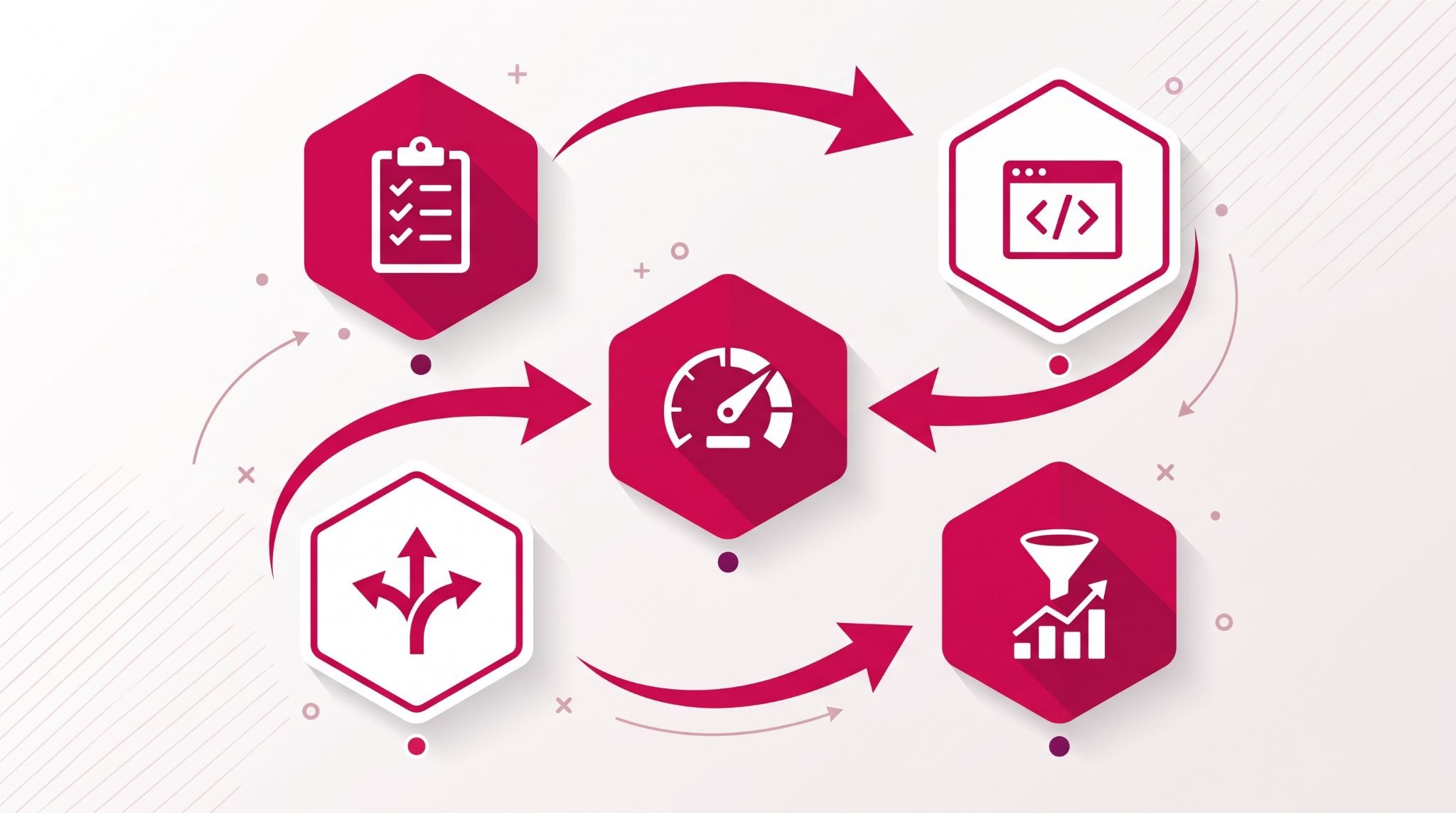
Each step builds on the one before it, so work through them in order. Skipping straight to reporting is the most common reason journey dashboards end up showing numbers nobody trusts.
1. Define your lifecycle stages and entry criteria
Write down what moves a contact from one stage to the next, for example, "downloaded a guide" for Lead and "requested a quote" for SQL. Then set those rules in workflows so the CRM applies them automatically, rather than relying on reps to remember.
2. Capture every touchpoint on the contact record
Install the HubSpot tracking code on every page of your website, including pages not hosted on HubSpot. Connect your team's inboxes and calendars so sales emails and meetings log to the same timeline as marketing activity. Both work on every tier, including the free CRM.
3. Prioritise contacts who are ready for sales
Not every contact deserves a sales call. HubSpot's lead scoring tool ranks contacts on fit and engagement, and contact scores need Marketing Hub Professional or Enterprise.
4. Automate the follow-up at each stage
Build workflows that react to behaviour rather than calendar dates. Good starting points are a sales task when an SQL revisits your pricing page, a nurture email series for Leads who have gone quiet, and a check-in two weeks after a deal closes. Multi-step workflows like these need a Professional or Enterprise plan.
5. Report on drop-off and attribution
Build a funnel report showing how many contacts move from each lifecycle stage to the next, so you can see exactly where the journey stalls. Then add attribution reports to connect those conversions back to the campaigns, pages and emails that produced them. The next section covers which tier unlocks which report.
Which HubSpot subscription do you need to track the full customer journey?
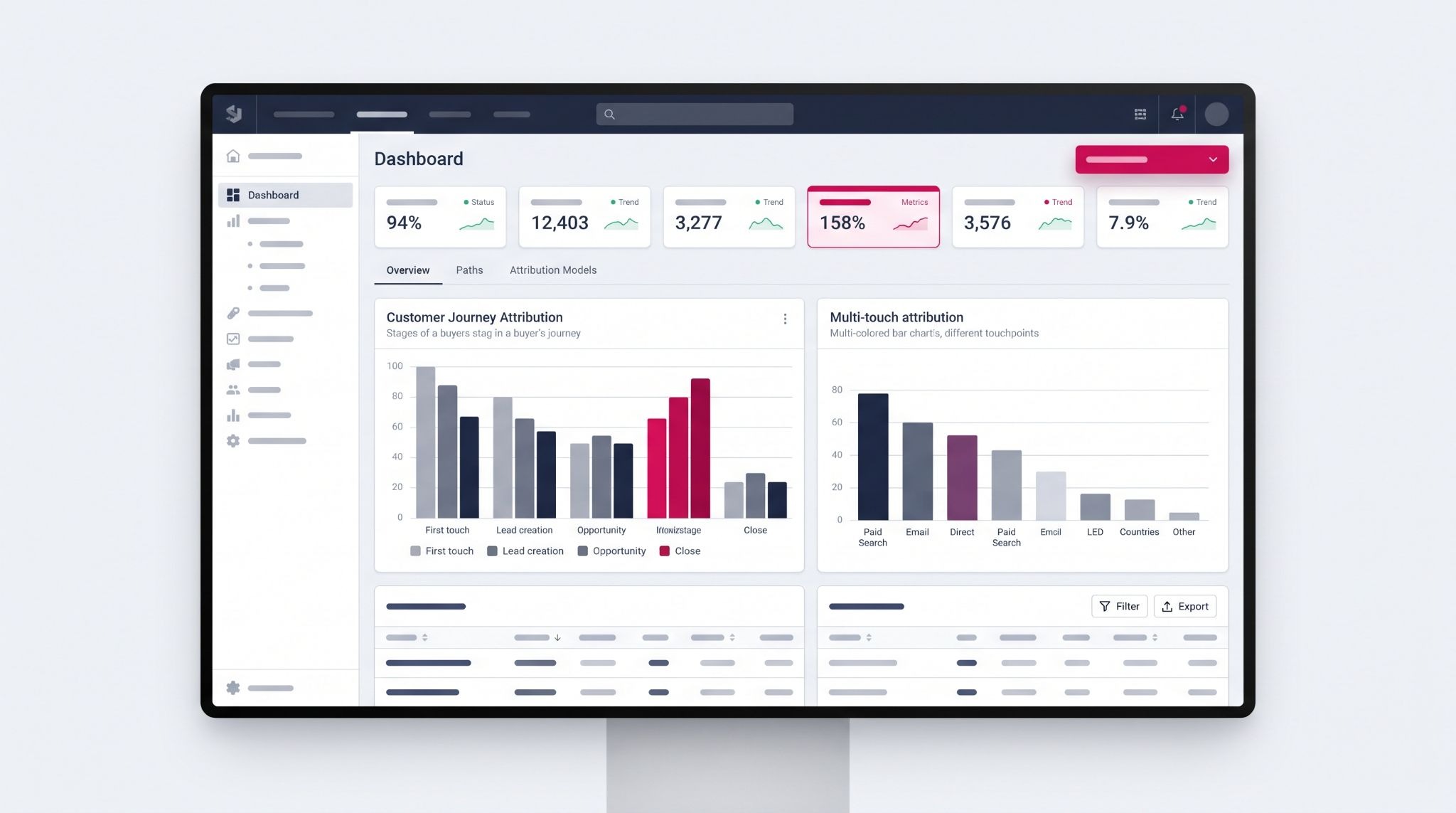
You can record the HubSpot customer journey on any tier, because lifecycle stages and contact timelines are part of the core CRM. Attribution is where tiers matter: contact creation attribution needs Marketing Hub or Content Hub Professional, while deal creation and revenue attribution, which tie marketing to closed deals, need Marketing Hub Enterprise.
That distinction catches a lot of businesses out. A Professional portal can tell you which campaigns produced new contacts, but not which ones produced revenue.
HubSpot's segment journey report, which shows how contacts in a segment progress through journey stages, also requires Marketing Hub or Content Hub Professional or Enterprise. Check your current subscription against these requirements before you promise leadership a revenue dashboard.
Before upgrading, confirm your existing data is clean enough to report on. Enterprise attribution built on duplicate contacts and unassociated deals produces confident-looking numbers that are wrong.
Common mistakes that break HubSpot customer journey data
Most broken journey reports trace back to setup decisions, not the software. These four problems cause the most damage:
- Deals without associated contacts: when reps create deals manually and skip the contact association, attribution can't connect revenue to the marketing that produced it.
- Duplicate contacts: the same person entered twice splits their journey across two records, so neither shows the full path. HubSpot's data quality tools can flag and merge them before they pile up.
- Lifecycle stages that never update: stages that depend on manual changes drift out of date within weeks, and every funnel report built on them becomes unreliable.
- Too many custom stages: adding a stage for every nuance blurs the definitions and makes reports harder to read.
Fixing these before you build reports is far cheaper than rebuilding reports later.
How IBF helps Australian businesses map the customer journey in HubSpot
Getting the journey right is mostly configuration work: agreeing stage definitions across teams, cleaning existing data, building workflows and connecting reporting to revenue. IBF's HubSpot implementation services cover that whole sequence, from lifecycle stage design and data migration to workflow builds, attribution setup and team training.
Neither MasterMover nor Cold Jet did this alone. Both brought in a HubSpot Solutions Partner for implementation and integration, and Cold Jet's partner also ran training across its international teams.
IBF follows the same sequence as a HubSpot Platinum Partner for Australian businesses: stage definitions and data clean-up first, then integrations and workflows, then attribution reporting and team training. That applies whether you're moving off spreadsheets or already on HubSpot with reports nobody trusts.
For established portals, the work starts with an audit of lifecycle stages, deal associations and duplicate records before any new reporting is built. One of the first checks is simple: export your open deals and count how many have no associated contact. That order matters, because clean data is what makes the journey reports worth reading.
Frequently asked questions about the HubSpot customer journey
Can I track the customer journey with the free HubSpot CRM?
Yes, partly. The free HubSpot CRM includes lifecycle stages, contact records with an activity timeline, forms and the website tracking code, so you can see how individual contacts move from first visit to customer. What you can't do on free tools is attribute revenue to campaigns or run advanced behaviour-based workflows, which need paid Marketing Hub tiers.
What are HubSpot's default lifecycle stages?
HubSpot's default lifecycle stages are Subscriber, Lead, Marketing Qualified Lead, Sales Qualified Lead, Opportunity, Customer, Evangelist and Other. They describe how close a contact is to buying from you. Most businesses use a subset, and the stages only work well when each one has clear entry criteria and updates automatically through workflows instead of manual edits.
What is the difference between lifecycle stages and deal stages in HubSpot?
Lifecycle stages describe a contact's overall relationship with your business, such as Lead or Customer. Deal stages track the progress of one specific sale through a sales pipeline, such as Proposal Sent or Closed Won. One customer can have several deals over time, each moving through its own deal stages, while their lifecycle stage stays at Customer.
Does HubSpot track website visitors who haven't filled in a form?
Yes. The HubSpot tracking code records page views from anonymous visitors using a browser cookie, subject to your cookie consent settings and your obligations under the Privacy Act. When that visitor later submits a form, HubSpot attaches their earlier page views to the new contact record, so you can see what they read first.
Why don't my HubSpot attribution reports show revenue?
Revenue attribution reports need Marketing Hub Enterprise, so they won't appear on Professional or Starter portals. If you are on Enterprise and revenue still looks low, the usual cause is deals without associated contacts, or closed deals missing an amount or close date. HubSpot can only credit revenue it can trace back to a contact's interactions.
Start measuring your HubSpot customer journey
A customer journey you can measure is a customer journey you can improve, one stage at a time.
IBF is a HubSpot Platinum Partner that sets up lifecycle stages, workflows and attribution for Australian businesses, so the data in your portal answers real commercial questions. Book a business growth audit to see where your customer journey is losing leads.