

Knowing how to improve website speed is one of the cheapest ways to keep the visitors you're already paying to attract. Every second a page spends loading is a second your visitor spends deciding whether to stay, and slow pages also send weaker signals to Google.
This guide covers the fixes that make the biggest difference, the targets to aim for, and the mistakes that quietly undo good work. Website speed refers to how quickly your pages load, respond to input and settle into a stable layout for real visitors.
What is website speed, and why does it matter for your business?
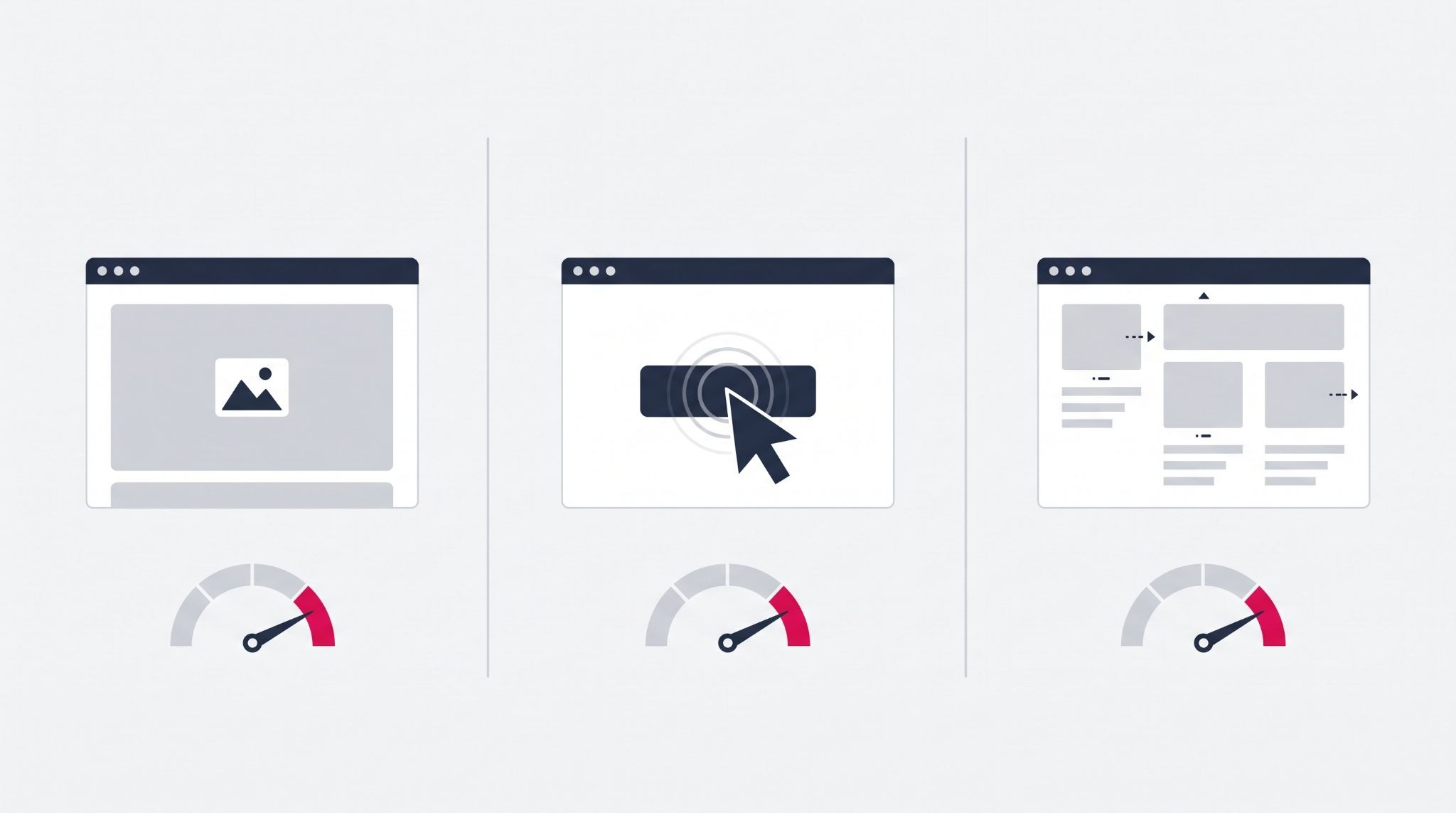
Alt Text: Core Web Vitals for website speed: icons and gauges for loading, responsiveness and layout stability
Website speed is how fast your pages load, react to clicks and stop shifting on screen. It matters because slow pages lose visitors before they see your offer, and Google uses Core Web Vitals to assess page experience. Improving website speed protects your leads and your search visibility at once.
Starfish Kids, a talent agency, came to IBF with a wishlist of website improvements and expected to get through about 80% of it. IBF delivered the full list, and the agency now describes the result as a "faster, more user-friendly website."
Google rates pages against three Core Web Vitals, measured across real visits at the 75th percentile:
- Largest Contentful Paint (LCP): how long the main content takes to appear. A good result is 2.5 seconds or less.
- Interaction to Next Paint (INP): how quickly the page responds when someone taps or clicks. A good result is 200 milliseconds or less. INP replaced First Input Delay in March 2024, so guides that still mention FID are out of date.
- Cumulative Layout Shift (CLS): how much the layout jumps while it loads. A good result is a score of 0.1 or less.
Speed won't rescue a page that doesn't answer the searcher's question, because relevance and content quality still carry more weight. When two pages are similarly useful, though, the faster one has the edge. It also gives every visitor less reason to leave before they enquire.
How to improve website speed by fixing your images first
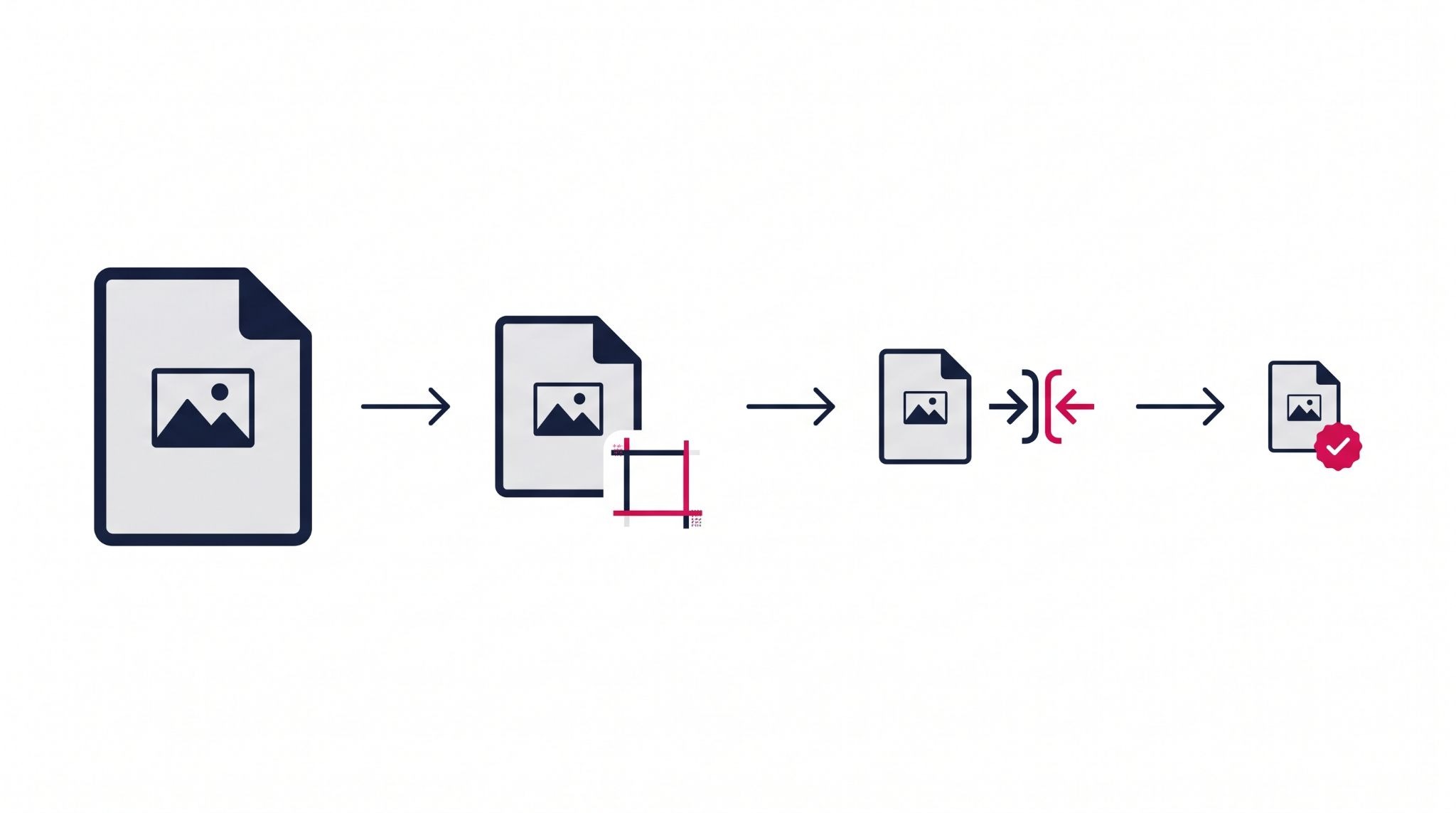
Images are usually the heaviest files on a small business website, and the hero image is often the exact element Google measures for LCP. That makes images the quickest place to find a meaningful win.
Work through these in order:
- Resize before you upload. A photo straight from a phone can be several thousand pixels wide, so export it close to its actual display width.
- Compress every file. Free tools such as Squoosh strip out data the eye doesn't notice, usually with no visible loss in quality.
- Use modern formats. WebP files are typically smaller than JPEG or PNG at similar quality, and SVG is the better choice for logos and simple icons.
- Lazy load images below the fold. The browser waits until a visitor scrolls near an image before downloading it. Never lazy load your hero image, because that delays the very element LCP measures.
- Set a width and height on every image. Reserving the space stops content jumping around as images arrive, which protects your CLS score.
Once your images are under control, the remaining delays usually come from how files are delivered and how much code each page has to run.
Browser caching, scripts and hosting: the next layer of speed fixes
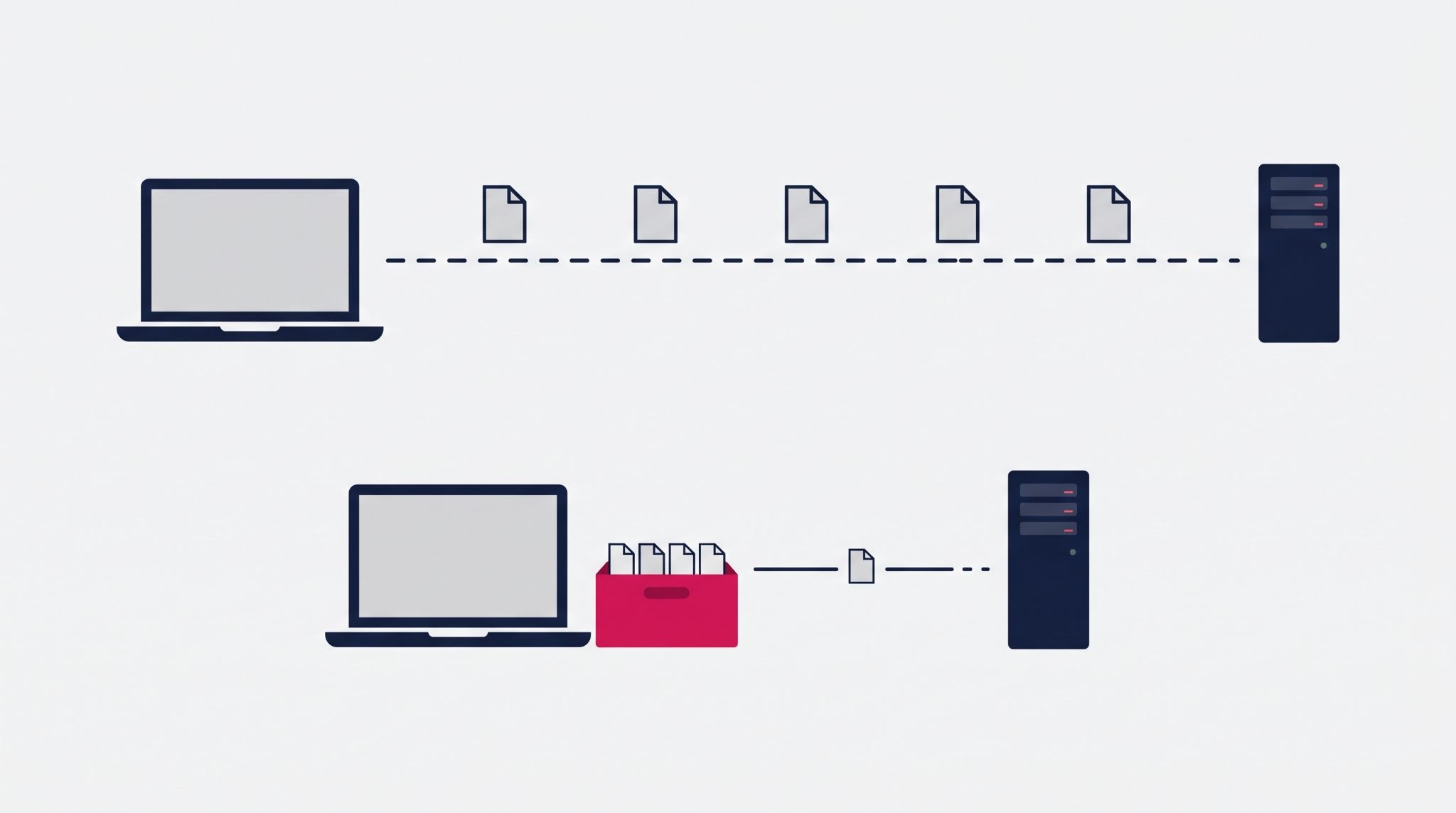
Browser caching stores files such as your logo, stylesheets and scripts on a visitor's device after their first visit. Set long cache lifetimes for files that rarely change, and returning visitors load your pages without downloading those files again.
Third-party scripts are the most common hidden drag. Chat widgets, heatmap tools, old tracking pixels and embedded social feeds all add code the browser has to download and run, which hits INP hardest.
Audit what's loading through Google Tag Manager and your site settings, then remove anything nobody has checked in months.
Hosting and delivery matter too. A content delivery network (CDN) serves your files from a location close to each visitor. If most of your customers are in Australia, make sure your host or CDN serves them from here, not only from the US or Europe.
Finally, minify your CSS and JavaScript so the files carry no unnecessary spaces or comments. Load anything non-essential, such as a chat widget, after the main content has appeared.
This is where IBF starts every build. IBF offers Australian-based hosting, so local visitors aren't waiting on a server overseas. Every site is also tested across browsers and mobile devices before launch, so slow or broken pages are caught before your customers find them.
Common website speed mistakes that undo your progress
Most slow websites weren't built slow. They got slow one plugin, pop-up and oversized banner at a time, which is why speed needs regular maintenance rather than a one-off fix.
These are the mistakes worth checking for first:
- Testing only on desktop. Google indexes the mobile version of your site, so mobile results are the ones that count. Check the Mobile tab in PageSpeed Insights before the Desktop tab.
- Relying on lab scores alone. A Lighthouse score is a simulation on a single test device. The field data in PageSpeed Insights and the Core Web Vitals report in Google Search Console show what real visitors experience.
- Letting plugins and apps pile up. Each WordPress plugin or Shopify app can add scripts to every page, and some leave code behind after you stop using them. Remove what you don't need instead of leaving it switched off.
- Skipping updates. Outdated themes, plugins and CMS versions miss out on performance and security fixes, and they get harder to update the longer you wait.
A quarterly check is enough for most SMEs. Run your key pages through PageSpeed Insights, review the Search Console report, and remove anything that no longer earns its place on the page.
How HubSpot CMS takes care of the hardest speed work
Many of the fixes above happen automatically on HubSpot CMS. HubSpot delivers sites through its own CDN, compresses images on upload, converts them to WebP, and minifies CSS and JavaScript. You're not relying on a stack of plugins to do the job.
That doesn't remove the need for good build decisions. Lazy loading still has to be set up in modules and templates. A theme packed with heavy modules or third-party scripts will be slow on any platform.
That's where the build and the ongoing care make the difference. IBF's web design and development services cover HubSpot, Shopify and WordPress sites, with a maintenance service that includes ongoing speed optimisation. Performance stays a priority after launch, rather than slipping a little with every new page you add.
Frequently Asked Questions About Improving Website Speed
What is a good page load time for a business website?
Aim for your main content to appear within 2.5 seconds, which is Google's "good" threshold for Largest Contentful Paint. Google assesses this at the 75th percentile of real visits, so most of your visitors need to hit it, not just those on fast connections. Mobile results usually lag behind desktop, so test the mobile version of your key pages first.
How can I check my website speed for free?
Google PageSpeed Insights is the quickest free option. Enter a URL to see real-visitor Core Web Vitals data, where Google has enough traffic to report it, plus a lab test with specific fixes. For site-wide trends, the Core Web Vitals report in Google Search Console groups your pages by status so you can see which templates need attention.
Does website speed affect Google rankings?
Yes, but as one signal among many. Core Web Vitals feed Google's page experience assessment, but relevance and content quality weigh more, so speed matters most between similarly useful pages. A faster site also keeps more visitors on the page long enough to read, enquire or buy, which matters regardless of where you rank.
Why is my website slow on mobile but fine on desktop?
Phones have less processing power and often slower connections than office computers, so heavy images and JavaScript hurt them more. A page that feels instant on a desktop can struggle on a mid-range phone. Resize images and remove unused third-party scripts, then retest on the Mobile tab of PageSpeed Insights, since Google indexes your mobile site first.
How often should I test my website speed?
Test your key pages at least once a quarter, and every time you add a new plugin, app, tracking script or page template. Website speed rarely drops all at once — it erodes as features pile up. A regular check in PageSpeed Insights and Google Search Console catches the slowdown before it shows up as fewer enquiries or lower rankings.
Get a faster website built and maintained properly
A fast website comes from the right platform, a disciplined build and regular maintenance, not a one-off plugin fix.
IBF's web design team builds and maintains HubSpot, Shopify and WordPress websites that load quickly and are set up to convert. Book a strategy meeting, and we'll show you what's slowing your site down.