
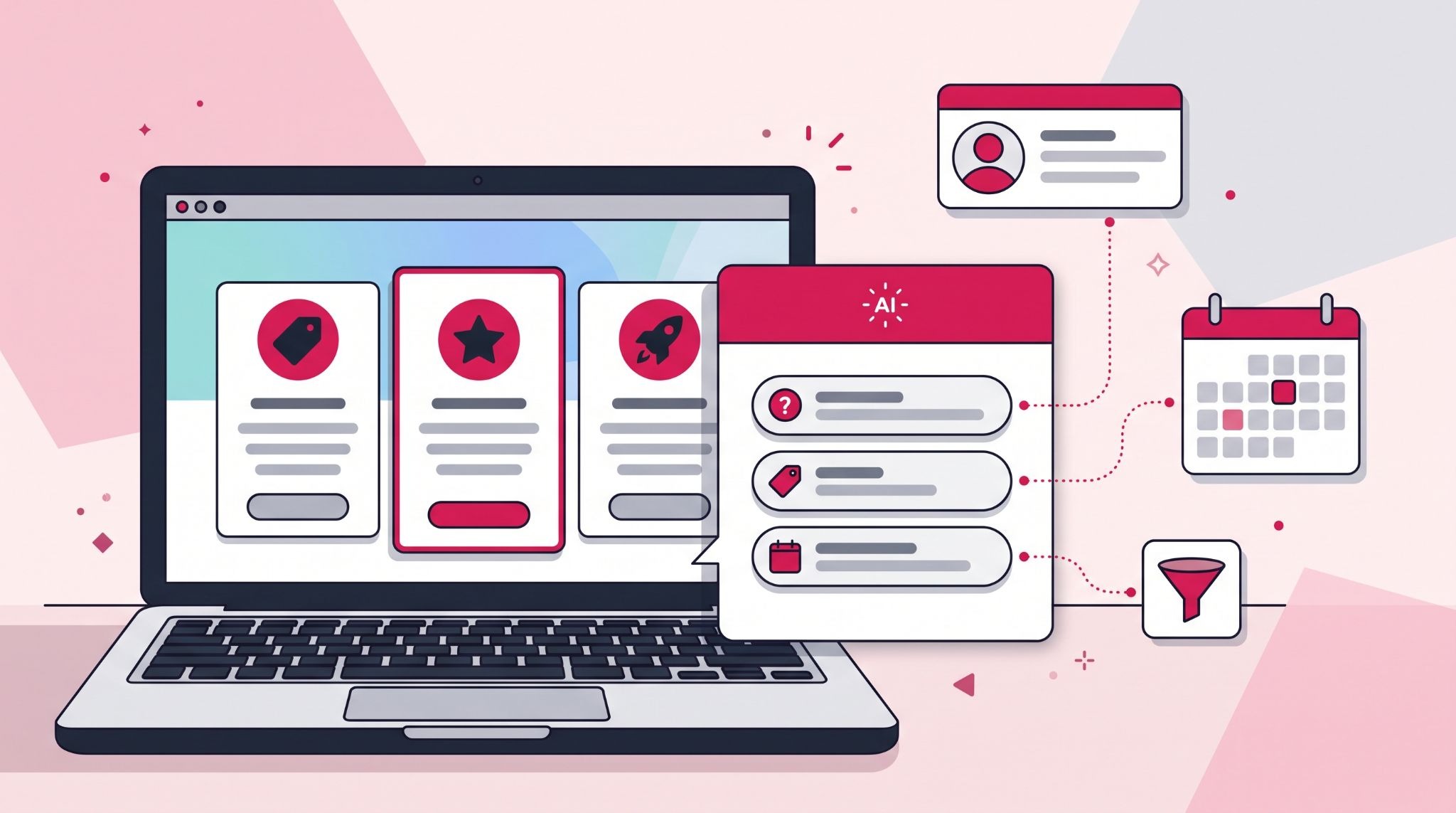
HubSpot Breeze AI has changed what a website chat can do for lead capture. Yet plenty of sites still run the same generic greeting on every page. A visitor on your pricing page and a visitor reading an old blog post want very different conversations.
HubSpot Breeze AI is HubSpot's built-in artificial intelligence layer: an assistant, specialised agents and data tools that work directly on your CRM data.
This guide covers the update that matters most for lead capture, page-aware prompts in the Customer Agent, and what to check before you switch it on. It finishes with a look at what's next: connecting your CRM to AI tools like Claude.
What does the HubSpot Breeze AI Customer Agent do for lead capture?
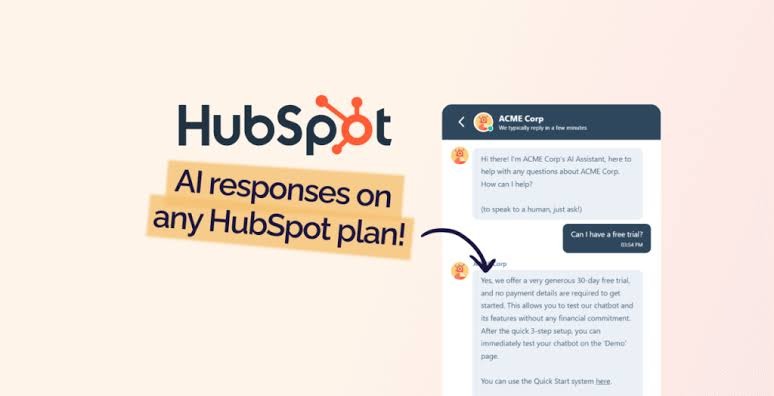
The HubSpot Breeze AI Customer Agent answers website visitors' questions using your own content, such as knowledge base articles, website pages and blogs.
It can qualify visitors against criteria you define, capture contact details, book meetings and hand complex conversations to a person. It needs a Professional or Enterprise subscription and uses HubSpot Credits.
The update that matters most for lead capture is page awareness. HubSpot's knowledge base explains that the agent detects which page a visitor is on and suggests three relevant questions based on your synced content. Visitors click a suggestion instead of typing from scratch.
That small change removes the hardest part of any chat: the first message. A prospect who has to work out what to ask often asks nothing and leaves.
HubSpot reports that customers using the Customer Agent see 90% more leads, 53% more deals and 60% more MQLs on average. Treat these as vendor-reported averages, not a forecast for your site, because results depend heavily on your traffic and content.
How page-aware prompts change the conversation on each page
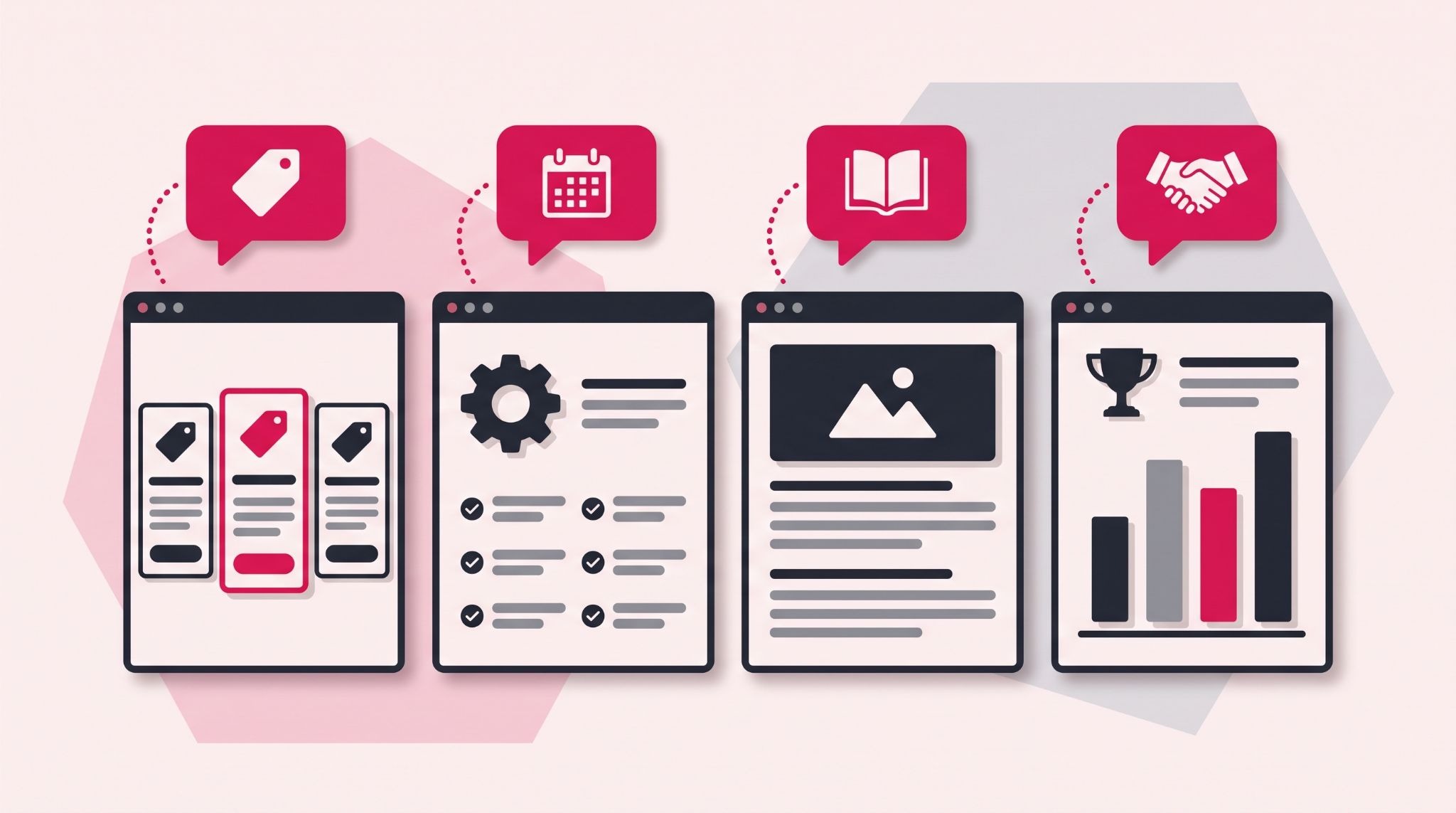
The value of a page-aware prompt depends on what the page is for. Here's what that can look like across the pages that usually carry the most commercial intent.
- Pricing page: suggested questions can centre on plan differences, inclusions and contract terms. A visitor comparing options gets an answer while they're still deciding.
- Service page: prompts can surface scope and timeline questions. These are often the real reason someone hesitates before filling in a form.
- Blog post: prompts can point a reader toward a related guide or case study. That turns an informational visit into a second, more commercial page view.
- Case study page: prompts can invite questions about similar projects. That's the natural next step for a buyer who has just read about one.
The catch is that the agent can only suggest what your content supports. Prompts come from synced content, so a thin pricing page produces thin suggestions. If no page-specific content is synced, the agent falls back to general prompts.
Before you deploy, review the pages you want the agent to cover and fill the gaps buyers ask about most.
For Australian businesses, that usually means pricing in AUD with GST treatment stated, service areas and realistic timeframes. If those answers aren't on your site, the agent can't give them.
How does the HubSpot MCP server connect Breeze AI to tools like Claude?
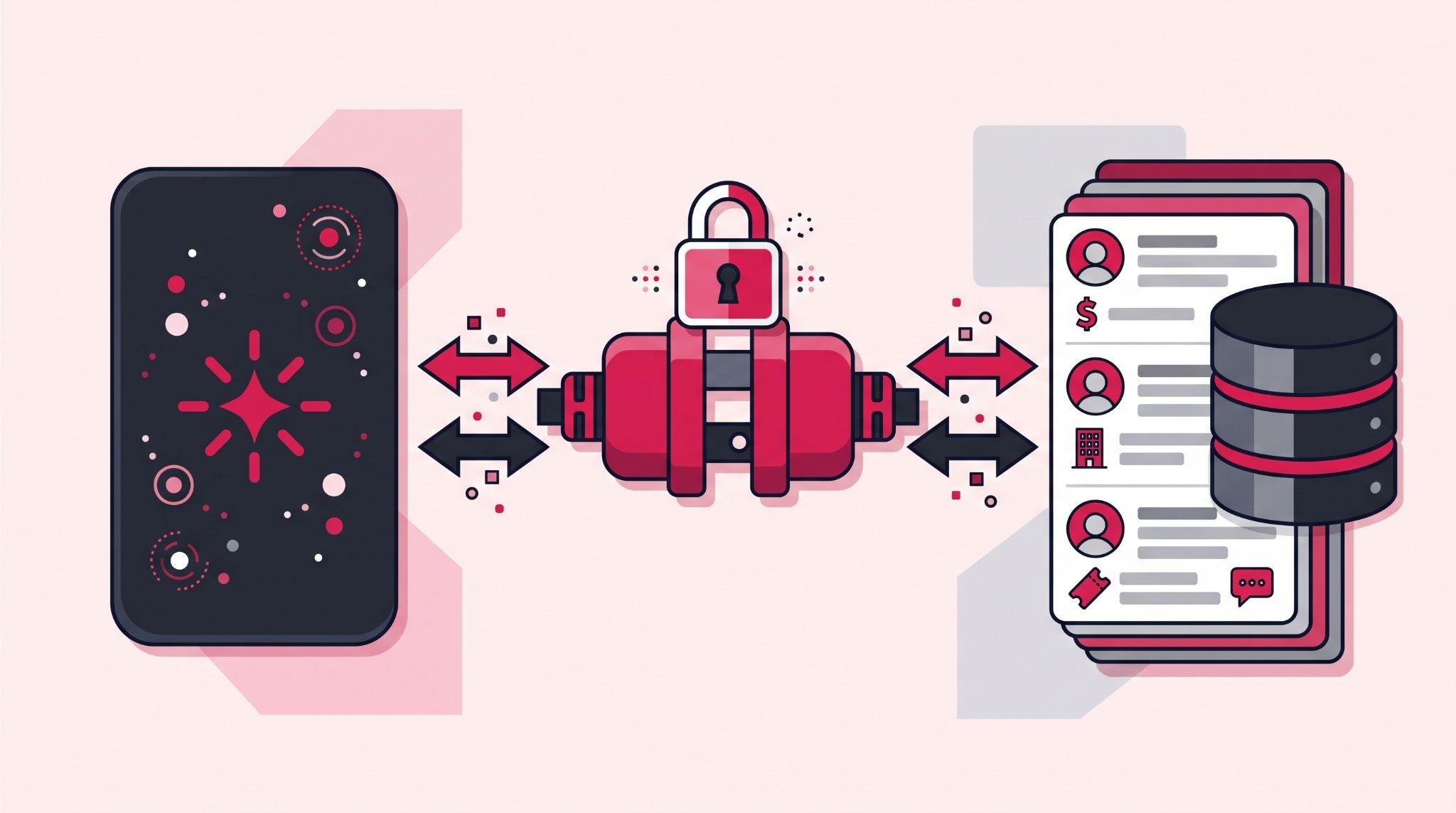
The HubSpot MCP server lets external AI tools such as Claude read and write your CRM data through a HubSpot-hosted connection.
HubSpot made it generally available in April 2026, adding write capabilities and activity history. It authenticates through OAuth, so teams can automate CRM work without building a custom integration.
Model Context Protocol (MCP) is an open standard that lets AI tools connect to other software in a consistent way. For a sales team, that means a manager could ask Claude to find every deal with no activity in 14 days, draft a re-engagement email for each and update the deal properties.
Two details catch teams out. If your account has sensitive data turned on, HubSpot blocks activity objects such as calls, emails and notes through the MCP server.
HubSpot also runs a separate developer MCP server for building apps and CMS content, which is a different tool entirely. The remote MCP server documentation covers both setups and what each one can access.
What to check before you switch on AI lead capture
Breeze agents are quick to turn on, but a rushed rollout puts a half-trained agent in front of your best prospects. These are the checks worth making first.
- Subscription and credits: The Customer Agent needs a Professional or Enterprise subscription, and deploying it to live channels uses HubSpot Credits. Credits are based on resolved conversations, not the number of messages. HubSpot introduced a 28-day free trial for agents in April 2026, which gives you a window to measure results.
- One agent per account: Each HubSpot account supports only one customer agent. Decide early whether it handles sales enquiries, support or both, and plan its instructions to match.
- Handoff rules: Set clear points where the agent passes a conversation to a person, such as a quote request or a complaint. Without them, your highest-intent visitors can end up in a dead-end chat.
- Privacy obligations: The agent collects personal information during chats. They expect businesses to update their privacy policy and make clear when a customer is talking to AI. Check that your data handling meets your obligations under the Privacy Act 1988.
Test the agent in preview mode first, because previewing doesn't use credits. Then deploy to one or two high-intent pages and review the conversation logs every week before expanding.
How IBF sets up HubSpot AI agents for Australian businesses
Most of the work in a good AI agent rollout happens before launch. It means auditing content sources, writing qualification criteria and mapping where each conversation lands in your CRM.
IBF's HubSpot implementation services cover Customer Agent setup from content audit to channel deployment. That includes connecting captured leads to your lifecycle stages, lead scoring and sales handoff, so a chat enquiry becomes a properly routed contact.
For teams ready to connect external AI tools, IBF helps scope MCP use cases against your permissions and data settings. The aim is one automation that saves your team real time, not a dozen experiments nobody maintains.
Frequently Asked Questions About HubSpot Breeze AI
Is HubSpot Breeze AI included in my HubSpot subscription?
Not entirely, because access depends on the feature. Agents such as the Customer Agent require a Professional or Enterprise subscription, and deploying them to live channels uses HubSpot Credits. Reply recommendations inside the help desk don't use credits, which makes them a low-risk way to test answers before customers see them.
Can the HubSpot Customer Agent capture leads without a form?
Yes. The Customer Agent can ask for a visitor's contact details during a chat, qualify them against your criteria and book a meeting. No separate form is required. Those details then sit in your HubSpot CRM, where lead scoring and workflows can route them. Keep your forms live, though, because some visitors still prefer them to chat.
Do I need a developer to connect Claude to HubSpot?
Not for basic use. An admin can connect the remote HubSpot MCP server by creating an MCP auth app in HubSpot and authorising it, and HubSpot has built an official connector for Claude, available in Claude's connector settings under the Web tab. A developer becomes useful when you want repeatable, multi-step automations or custom agents that run without someone prompting them each time.
Will a HubSpot AI agent give customers wrong answers?
It can, if your content is wrong or incomplete. The Customer Agent answers from the knowledge sources you sync and cites them. When it isn't confident, it asks the visitor to rephrase or hands the conversation to a person. Keeping your pricing, service and policy pages current is the most effective way to keep its answers accurate.
How long does it take to set up a HubSpot AI agent?
The basic setup is short: name the agent, choose its tone, add content sources and test it in preview. Most of the time goes into preparation. Expect to spend longer auditing content, writing qualification and handoff rules and connecting captured leads to your CRM. That's especially true if your knowledge base needs work first.
Set up HubSpot Breeze AI for better lead capture
Better lead capture comes from an agent that knows your content, your buyers and where every conversation should land.
IBF is a HubSpot Platinum Partner that helps Australian businesses set up HubSpot AI agents properly, from content audit to CRM handoff. Start with a business growth audit and find out where AI can add qualified leads to your pipeline.