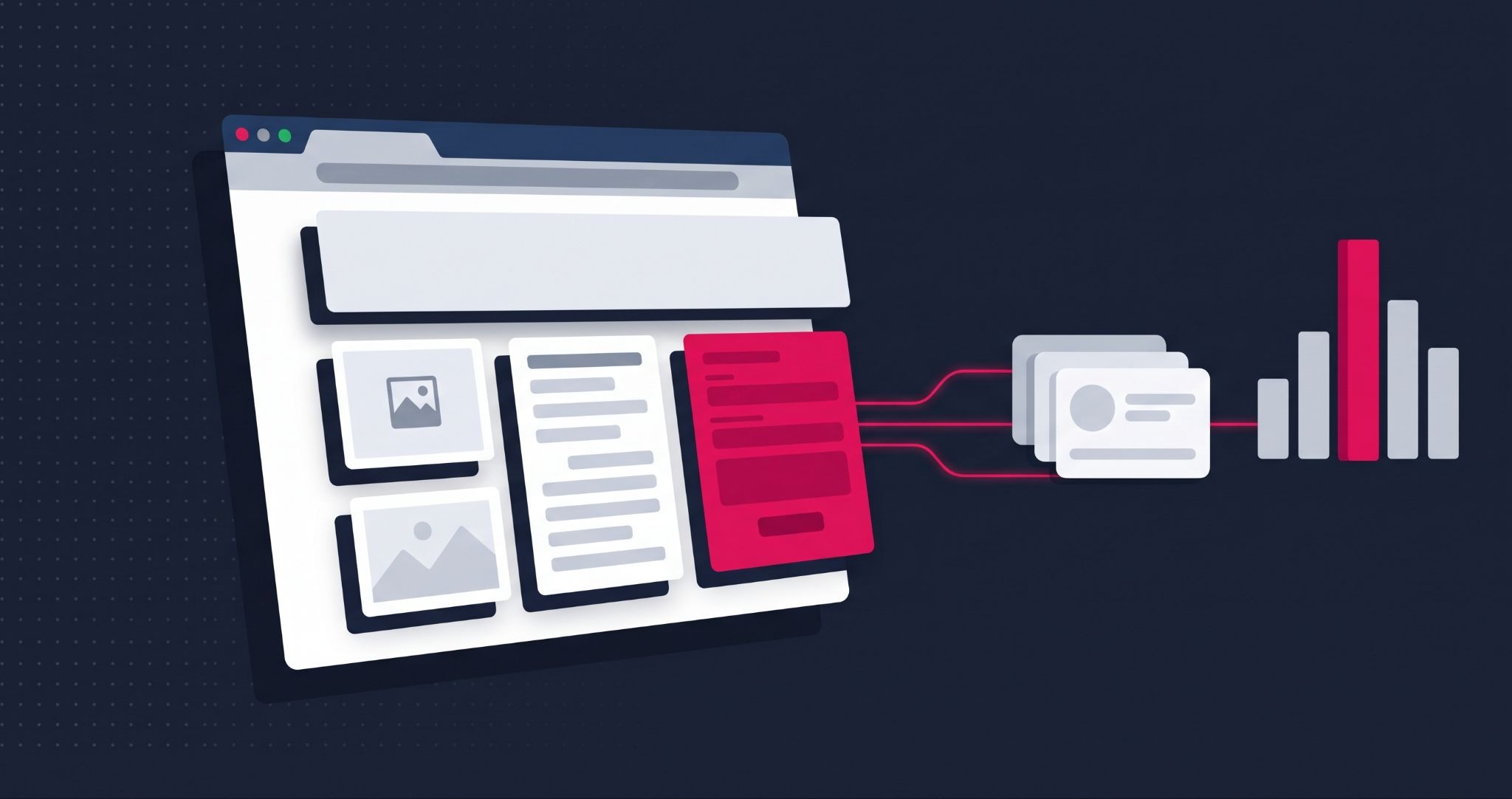
A HubSpot CMS review is only useful if it tells you where the platform fits and where it doesn't. Most comparisons stop at the feature list. That's how businesses end up on a platform that demos well but frustrates the marketing team once real campaigns start.
HubSpot CMS is the website builder inside HubSpot Content Hub, combining a drag-and-drop page editor, managed hosting and a direct connection to the HubSpot CRM. This review covers what it does well, where it falls short, what it costs and how to decide whether it suits your business.
A quick disclosure: IBF is a HubSpot Platinum Partner, so we build on HubSpot CMS. We also build on WordPress and Shopify, which is why this review includes the cases where HubSpot isn't the right choice.
What is HubSpot CMS and who is it built for?
HubSpot CMS is a hosted website platform, now sold as part of Content Hub, that lets marketers build and edit pages without code. Its key difference from WordPress or Wix is that every page, form and visitor record sits inside the HubSpot CRM. It suits businesses that want their website, marketing and sales data in one system.
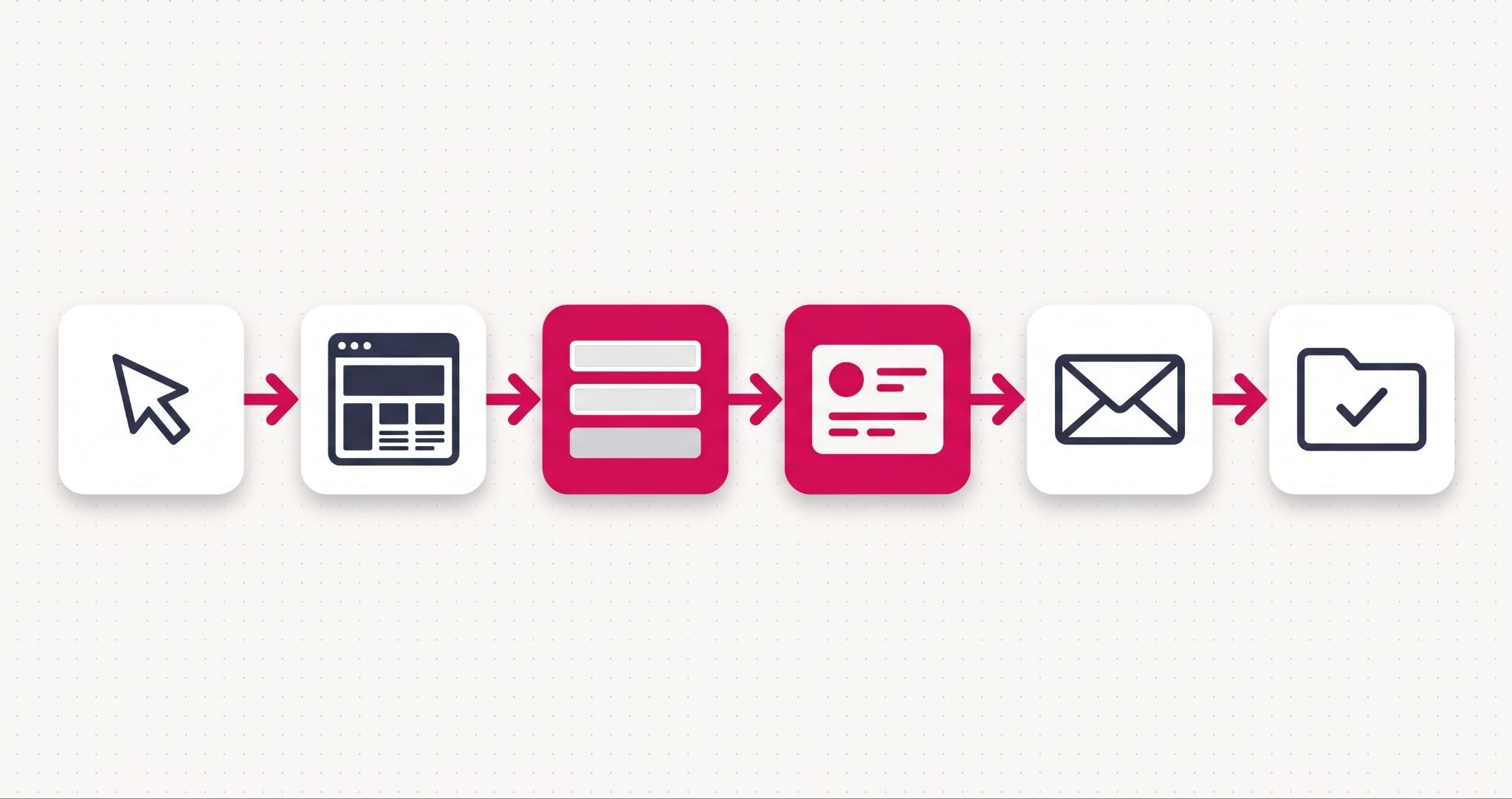
HubSpot renamed CMS Hub to Content Hub in April 2024, so you'll see both names on pricing pages and partner websites. The website builder is the same product, with AI writing and content repurposing tools added on top.
The platform earns its cost for B2B and service businesses whose website exists to generate and qualify leads, and whose sales team works in HubSpot. If your site is mainly an online store with a large catalogue, a dedicated ecommerce platform such as Shopify is usually the better fit.
HubSpot CMS features that make a practical difference
Almost every website builder offers templates and a visual editor. The HubSpot CMS features worth paying for are the ones that connect your website to the rest of your marketing and sales activity.
- Drag-and-drop editor with themes. Marketers build and edit pages visually from a theme. Developers can switch to code view for HTML, CSS and JavaScript when a page needs custom work.
- CRM-connected forms and personalisation. Every form submission creates or updates a contact record. On Professional and above, smart content can change what a page shows based on what the CRM knows about a visitor.
- SEO recommendations and AI assistance. On Professional and above, HubSpot flags SEO issues across your pages and can draft titles and meta descriptions with AI. That saves time, but the drafts still need a human edit.
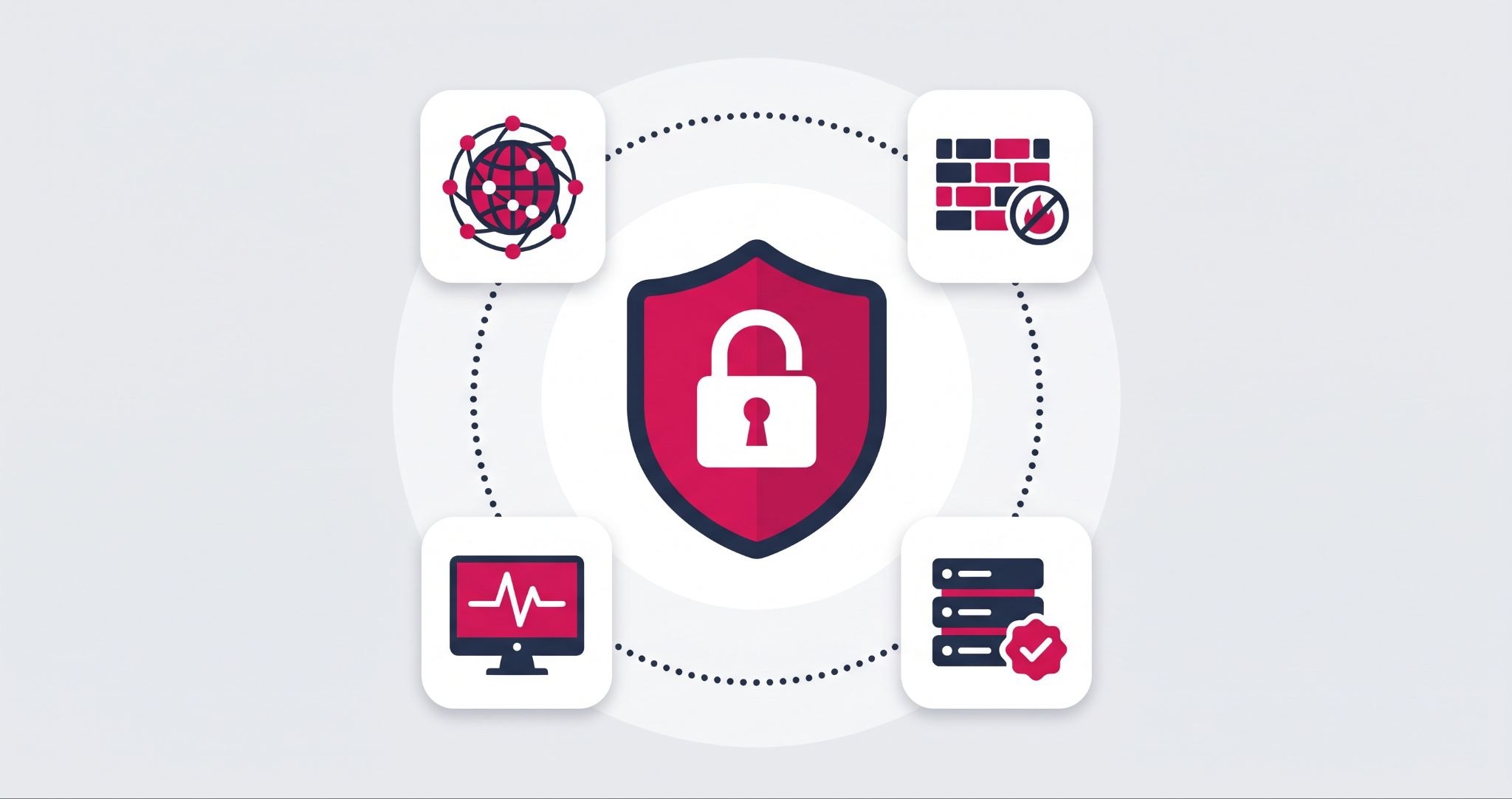
- Hosting and security included. Every site gets a managed SSL certificate, a global CDN, a web application firewall and 24/7 threat monitoring, backed by HubSpot's 99.95% uptime commitment.
- Reporting tied to revenue. Page views and form fills connect to contacts and deals, so you can see which pages produce customers, not just traffic.
That last point is where the platform pays for itself. Once you can see which pages and channels produce paying customers, you can stop spending on the ones that only produce traffic. Our guide to improving website speed also covers which performance work HubSpot CMS handles for you.
HubSpot CMS review: where the platform falls short
No platform suits every business, and the trade-offs matter as much as the features. These are the issues that most often catch businesses out.
- The price jump between tiers. On HubSpot's Content Hub pricing page, Starter starts at US$20 per seat per month on monthly billing, while Professional jumps to US$500 a month with three seats. G2 reviewers single out that gap as a key frustration for growing teams.
- Starter limits. Starter caps you at 30 website pages and 30 landing pages. That suits a small brochure site, not a growing content programme.
- Features locked to Professional. SEO recommendations, smart content, A/B testing and custom reporting all sit in Professional, so many teams outgrow Starter faster than they expect.
- Specialised developer skills. Custom themes and modules use HubSpot's HubL templating language, so you need a developer who knows HubSpot rather than a general WordPress developer.
- Free plan branding. The free tools carry HubSpot branding on your public pages.
The prices above are HubSpot's published USD list prices. Check HubSpot's pricing page from Australia for current AUD rates before you set a budget, and factor in onboarding and build costs.
Is HubSpot CMS worth it for your business?
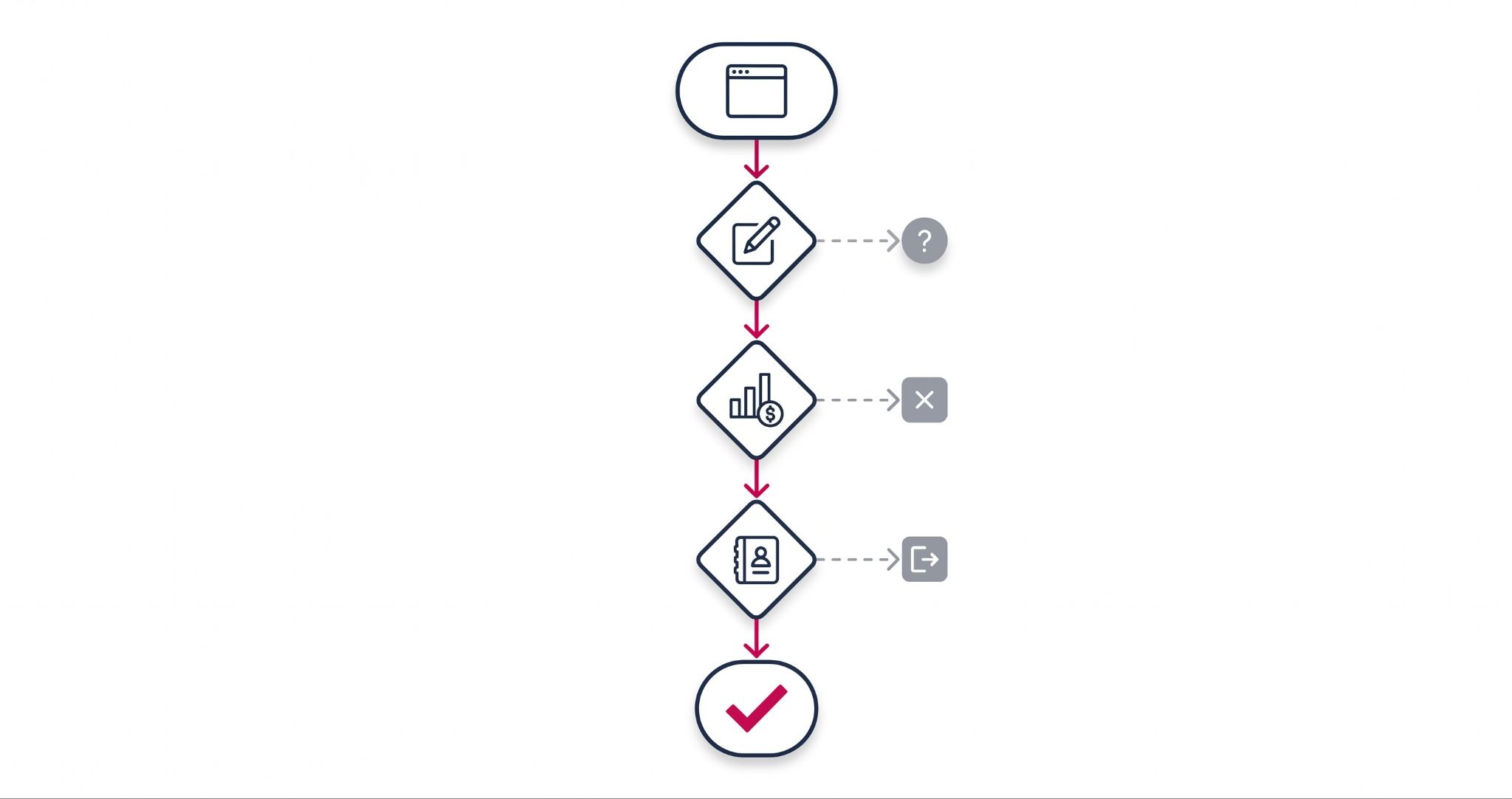
HubSpot CMS is worth it when your website's main job is generating leads and your team uses, or plans to use, the HubSpot CRM. Its value comes from connecting pages, forms and reporting to sales data. If you only need a simple brochure site, or you mainly sell online, a cheaper or ecommerce specific platform usually makes more sense.
Before you commit, answer these three questions honestly:
- Will your marketing team edit the website every week? If yes, the editor and themes remove the developer queue for routine changes, which is where most of the time savings come from.
- Do you need to know which pages produce revenue? If your reporting stops at traffic and form fills, the CRM connection is the feature that changes how you budget.
- Is HubSpot already your CRM, or will it be within a year? Running HubSpot CMS alongside a different CRM removes most of its advantage over cheaper builders.
Two or three "yes" answers usually point to HubSpot CMS. One or none suggests a simpler platform will serve you better for now.
How IBF builds and migrates websites on HubSpot CMS
A HubSpot CMS site pays off when it's planned around how you sell, not just how it looks. IBF's HubSpot CMS website development starts with your sales process and plans the site structure around it.
From there, the team migrates existing content and redirects, then connects every form to the right CRM properties. The final step is training your team to publish and update pages without waiting on a developer. That's what turns a new website into a lead-generation system rather than a one-off project.
For businesses moving off WordPress or an older custom build, careful redirect planning is what protects existing rankings and lead data during the switch. And if the three questions above point away from HubSpot, IBF builds on WordPress and Shopify too.
Frequently asked questions about HubSpot CMS
Is HubSpot CMS free to use?
Yes, HubSpot offers free tools that include the drag-and-drop website builder, hosting and an SSL certificate, but the free version shows HubSpot branding on your pages. Content Hub Starter removes the branding and adds more for a small monthly fee per seat. Professional and Enterprise add SEO recommendations, personalisation, testing and reporting for larger marketing teams.
Is HubSpot CMS better than WordPress?
HubSpot CMS is better for businesses that want hosting, security and CRM data managed in one platform without plugins. WordPress is usually cheaper and offers far more themes, plugins and developer choice. The right choice depends on whether you value an all-in-one system tied to sales data, or lower costs and full hosting control.
Can I move my existing website to HubSpot CMS?
Yes, you can migrate an existing website to HubSpot CMS, including pages, blog posts and URL redirects. Blog content can usually be imported, while the visual design is typically rebuilt as a HubSpot theme so marketers can edit it with drag-and-drop tools. Planning redirects carefully before launch protects your existing search rankings during the move.
Is HubSpot CMS good for SEO?
HubSpot CMS gives you a solid technical SEO foundation, including SSL, a global CDN and automatic sitemaps, with on-page SEO recommendations on Professional and above. It also connects to Google Search Console so you can track search performance from inside HubSpot. The platform won't rank pages on its own, though, so you still need strong content and consistent publishing.
Do I need a developer to use HubSpot CMS?
You don't need a developer for everyday HubSpot CMS work like editing pages, publishing blog posts or building landing pages from a theme. A developer becomes necessary for custom themes, bespoke modules or complex integrations. Those use HubSpot's HubL templating language, so look for someone with specific HubSpot development experience rather than general web skills.
Find out whether HubSpot CMS fits your business
The right website platform is the one your team will use to win customers, not the one with the longest feature list. IBF is a HubSpot Platinum Partner that helps Australian businesses plan, build and run websites on HubSpot CMS. Start with a business growth audit to see whether HubSpot CMS fits your goals.