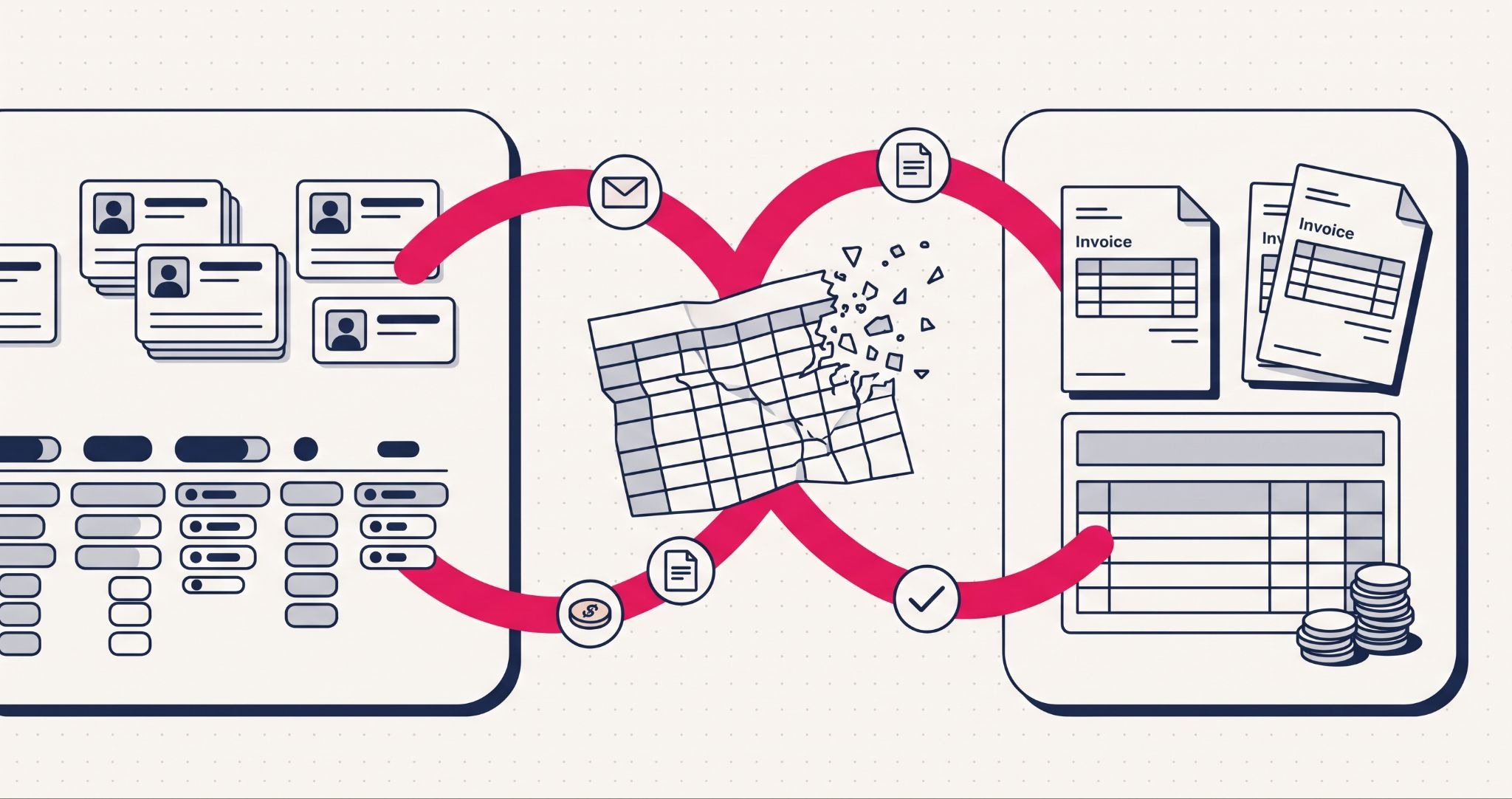
If your business runs HubSpot CRM and Xero side by side, a spreadsheet probably sits between them. Sales closes a deal in HubSpot, someone re-keys it for finance, and the invoice gets raised in Xero.
A HubSpot CRM and Xero integration is a connection that syncs customers, products, invoices and payments between your sales system and your accounting software automatically. This guide covers what syncs, which connector to choose, the mistakes that break a sync and how to set it up properly.
Why do businesses connect HubSpot CRM and Xero?
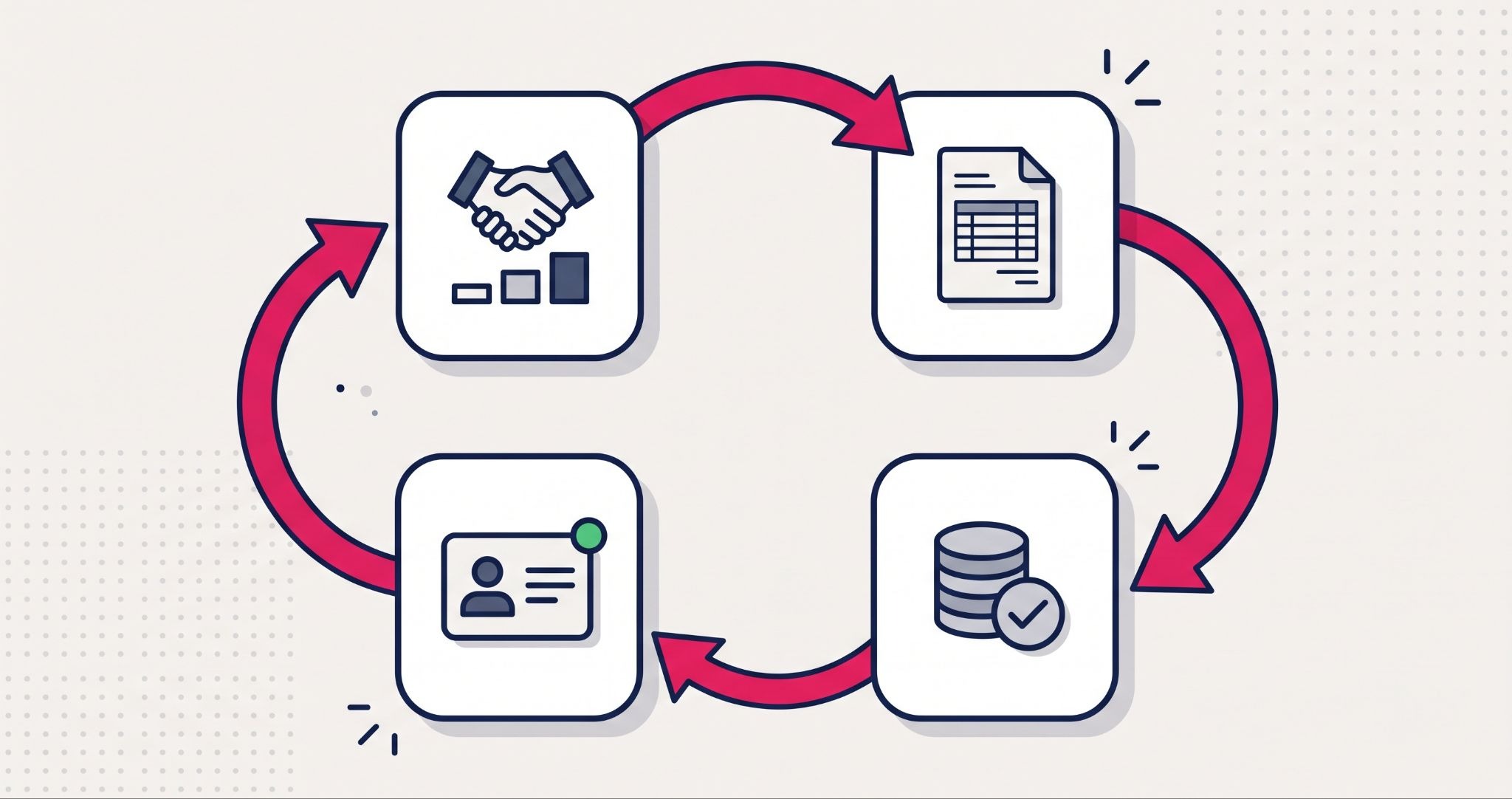
Businesses connect their CRM and Xero to stop entering the same customer and invoice details twice. Once synced, a deal closed in HubSpot can become an invoice in Xero, and payment status flows back to the customer record. Sales can see who has paid, and finance stops chasing sales for missing details.
The cost of the gap rarely shows up as one big failure. It shows up as a salesperson calling a customer who paid last week, an invoice raised with an old address, or a finance team rebuilding a spreadsheet every month to work out what was sold.
What syncs between HubSpot CRM and Xero
HubSpot's own Xero connector, listed as Xero by HubSpot (Data Sync), covers four types of records. You choose a one-way or two-way sync for each one:
- Contacts. Customer records sync between HubSpot and Xero, so sales and finance work from the same name, email and company details.
- Products and items. HubSpot products and Xero items stay matched, which keeps line items consistent on every invoice.
- Invoices. Xero invoices can appear on HubSpot records, or invoices can sync both ways if you bill from HubSpot.
- Payments. Payments applied to invoices sync back, so sales can see who has paid without logging into Xero.
According to HubSpot's documentation, changes in HubSpot reach Xero within a few minutes, while Xero changes reach HubSpot every 30 minutes. AUD and NZD are both supported currencies. Custom field mappings, such as a PO number, need at least a Data Hub Starter subscription.
Order matters during setup. Xero needs an invoice's contact and products to exist first, so HubSpot recommends syncing contacts, then products, then invoices.
Choosing the right connector for your CRM and Xero
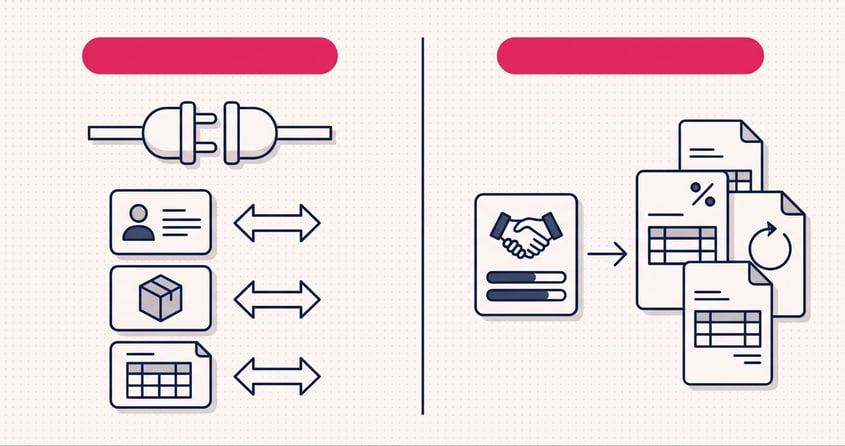
HubSpot's native connector is free to install and suits most small businesses that want contacts, invoices and payments visible in one place. If you only need to see Xero invoices and payment status on HubSpot records, start there.
If you want sales to raise invoices from HubSpot deals, look at a deal-to-invoice app from the Xero App Store or HubSpot Marketplace. Invoice Stack for HubSpot, for example, is available in Australia and handles multiple invoices per deal, deposits, payment schedules and recurring invoices. Apps like this carry their own monthly subscription on top of HubSpot and Xero.
Check the marketplace reviews before you commit. Some users of the native connector report contact mapping differences and trouble matching tax rates when syncing historical invoices. Testing with a handful of real invoices before switching on a full sync saves a messy clean-up later.
The right choice depends on where invoices start: if finance raises them in Xero, a sync that pulls invoices into HubSpot is enough, but if sales raises them, you need a connector built for deal-to-invoice billing. For the wider picture of connecting HubSpot to your other tools, see our guide to HubSpot CRM integration.
Common mistakes when connecting HubSpot and Xero
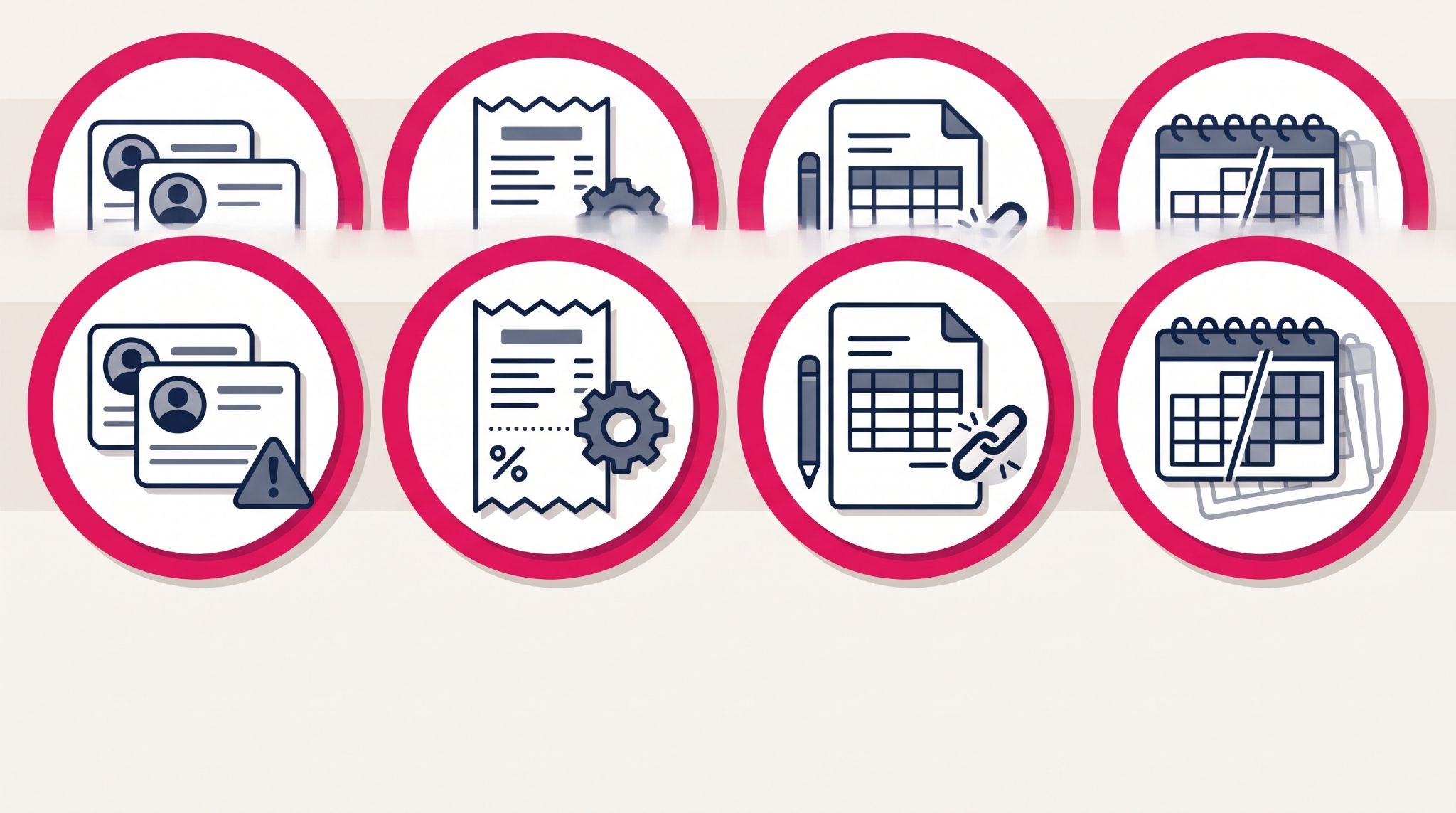
Most failed CRM and Xero syncs come down to setup, not software. These are the issues HubSpot's own documentation flags, and the ones that most often catch businesses out:
- Duplicate or mismatched contacts. Xero requires unique contact names, and invoices fail when the contact's email doesn't match the Xero customer. Clean up duplicates before the first sync - our HubSpot Operations Hub guide covers how.
- GST rates set up in the wrong place. Xero's tax rates import into HubSpot when invoice sync starts, but HubSpot-created rates don't flow back. Configure GST in Xero first.
- Editing invoices in the wrong system. An invoice created in HubSpot must be edited in HubSpot, or it stops syncing. Your finance team needs to know this rule.
- Expecting full history. Only payments created after you connect will sync, and draft invoices never sync. Plan your cut-over date with your accountant.
HubSpot also recommends checking with your accounting team before connecting. That's good advice, because the integration touches the records your bookkeeper relies on for BAS and reconciliation.
How IBF connects HubSpot and Xero for Australian businesses
IBF is a HubSpot Platinum Partner, and every CRM and accounting integration we run follows the same order:
- Process mapping. We document who raises quotes and invoices today, where the spreadsheet sits, and what finance needs from sales.
- Data clean-up. Duplicate contacts, inconsistent company names and unmatched products are fixed before anything syncs.
- Connector and sync design. We choose the right connector, set sync directions and field mappings, and confirm GST rates with your accountant.
- Testing and training. We test with real invoices, then train sales and finance on which system owns which record.
Mapping first matters most. Connecting two systems without agreeing who owns each record just moves the spreadsheet's errors into both of them.
For a connection set up properly the first time, IBF's HubSpot implementation services cover everything from process mapping to Xero integration and team training.
Frequently asked questions about HubSpot CRM and Xero
Does HubSpot integrate with Xero?
Yes, HubSpot integrates with Xero through a native connector called Xero by HubSpot (Data Sync), available from the HubSpot Marketplace, which syncs contacts, products, invoices and payments with a one-way or two-way sync for each. Third-party apps add deal-to-invoice features such as deposits and recurring invoices, while custom field mappings require at least a Data Hub Starter subscription.
Can I create Xero invoices from a HubSpot deal?
Yes, but the method depends on your connector - HubSpot's native integration syncs invoices created in HubSpot to Xero when two-way invoice sync is turned on, while third-party apps such as Invoice Stack create Xero invoices directly from deals with options like deposits and payment schedules. Test with real invoices before relying on either.
Is the HubSpot Xero integration free?
The native HubSpot Xero connector costs nothing to install, but you still need active HubSpot and Xero subscriptions. Some features need a paid plan, such as custom field mappings, which require at least Data Hub Starter. Third-party connectors that add deal-to-invoice automation charge their own monthly subscription, so check each app's current pricing before choosing.
How often does HubSpot sync with Xero?
HubSpot sends changes to Xero within a few minutes, and checks Xero for changes every 30 minutes, according to HubSpot's documentation. You can also click Sync now in the integration settings to pull the latest updates on demand. After the first sync, records keep updating at these intervals automatically, so sales and finance see current payment status without exporting reports.
Will my old Xero invoices and payments sync to HubSpot?
Not everything syncs historically - HubSpot only syncs payments created after you connect the integration, and draft invoices never sync, with some users reporting tax rate mismatches on older records. Before connecting, agree a cut-over date with your accountant and decide which historical records your sales team actually needs to see in HubSpot.
Connect HubSpot CRM and Xero the right way
Getting sales and accounts working from the same data starts with mapping your processes before connecting anything. IBF is a HubSpot Platinum Partner helping Australian businesses connect HubSpot to Xero and the other tools they rely on. Start with a business growth audit and see where spreadsheets are slowing down your sales-to-invoice process.