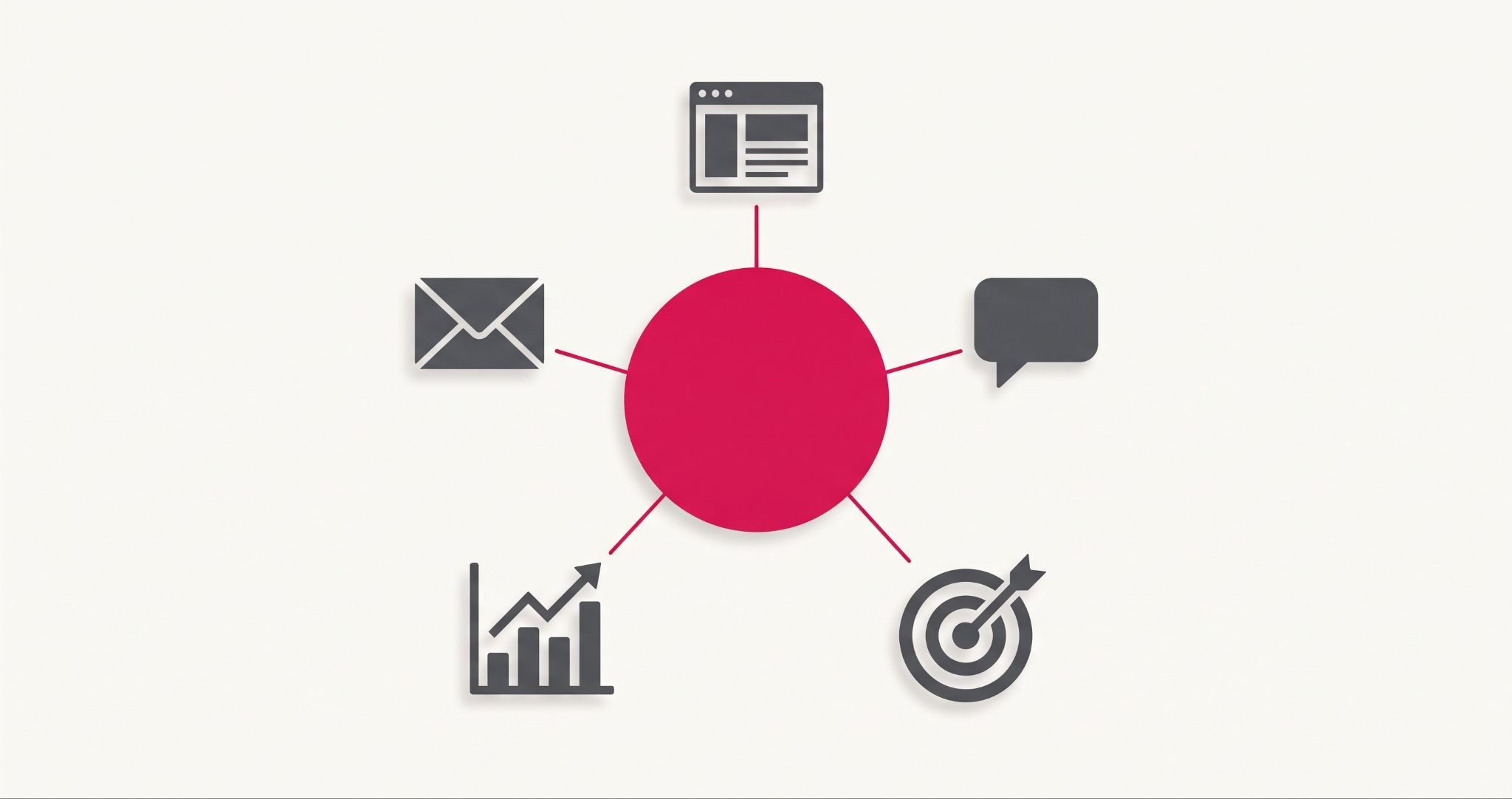
HubSpot digital marketing puts your website, emails, ads, social posts, and customer records in one place. That means you stop losing leads in the gaps between tools.
For most Australian businesses, the problem isn't a lack of marketing. It's that the pieces don't talk to each other. This guide shows how HubSpot connects them, where businesses go wrong, and how to start without wasting budget.
What Is HubSpot Digital Marketing?
HubSpot digital marketing is the use of HubSpot's connected tools to attract, convert, and keep customers from one platform. Your CRM, emails, landing pages, social posts, ads, and reports all share the same contact data. That means every team sees the same customer story, and you can track which marketing actually brings in revenue.
Most businesses build their marketing stack one tool at a time. An email tool here, a form plugin there, a spreadsheet for leads. Each tool works, but none of them shares what they know.
HubSpot works the other way round. The CRM sits at the centre, and every marketing tool reads from it and writes back to it. When someone fills in a form, opens an email, or clicks an ad, it all lands on one contact record.
Why Disconnected Marketing Tools Cost You Leads?
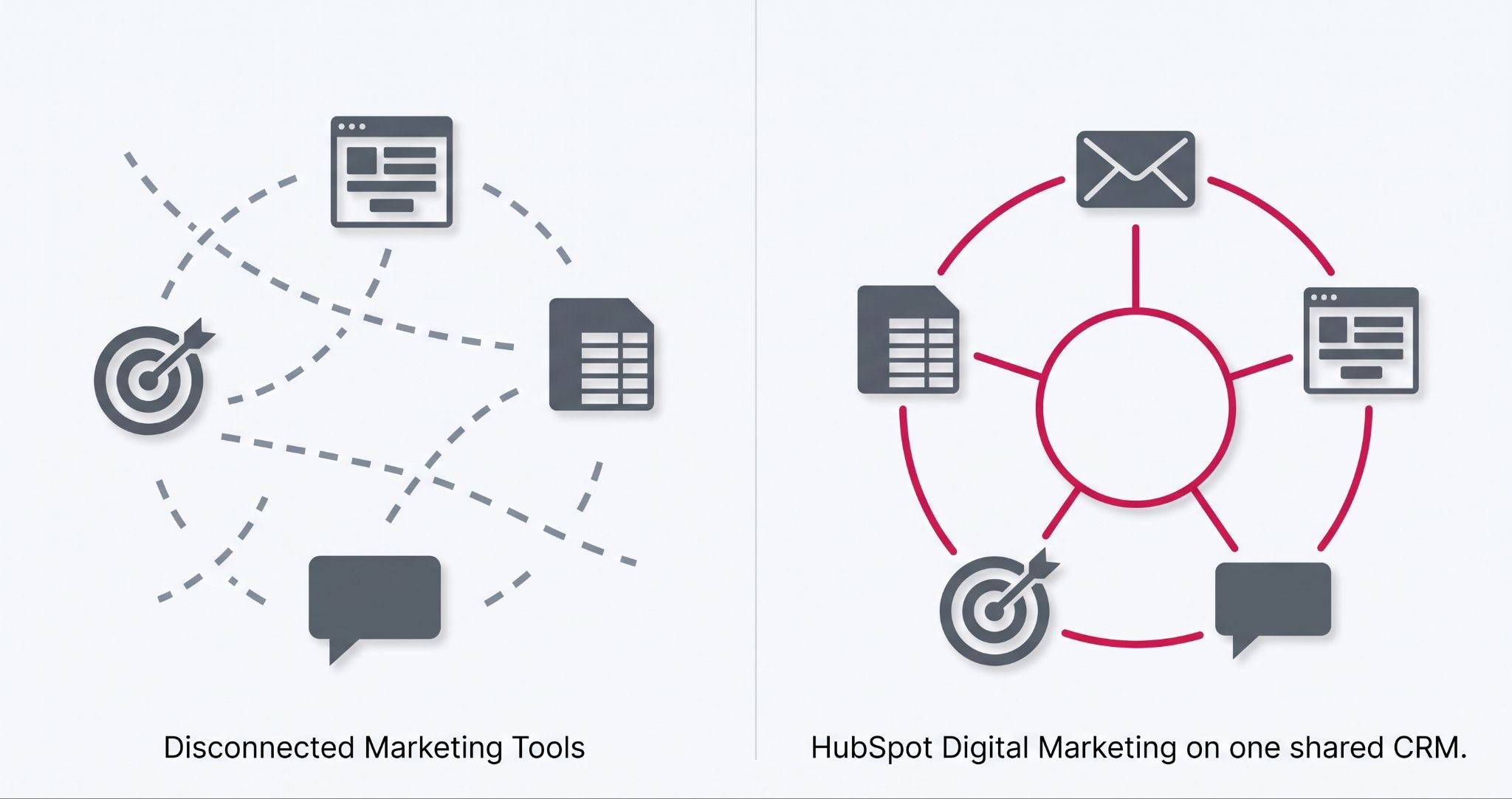
Disconnected tools cost you leads because no single system tracks where a contact came from, what they did, or when to follow up. Every gap between your email tool, CRM and ads creates a point where leads go cold. The result is wasted follow-up time and campaigns you cannot measure accurately.
Here's what that looks like in practice:
- Leads go cold in the gap: A form fill lands in an inbox, someone copies it into a spreadsheet, and the follow-up happens days later, if at all.
- Reports don't agree: Your email tool, Google Analytics, and your sales team each give a different number for the same campaign.
- Messages clash: A customer who bought last week still gets your "first order" discount email because the two systems never synced.
- Ad spend goes blind: You can see clicks, but you can't see which clicks turned into paying customers.
Each gap is small on its own. Together, they make it hard to know which marketing is worth paying for.
This hits small Australian teams hardest. When one person runs marketing, chases leads, and builds the monthly report, every manual copy-and-paste job comes out of their week.
How HubSpot Digital Marketing Tools Work Together?
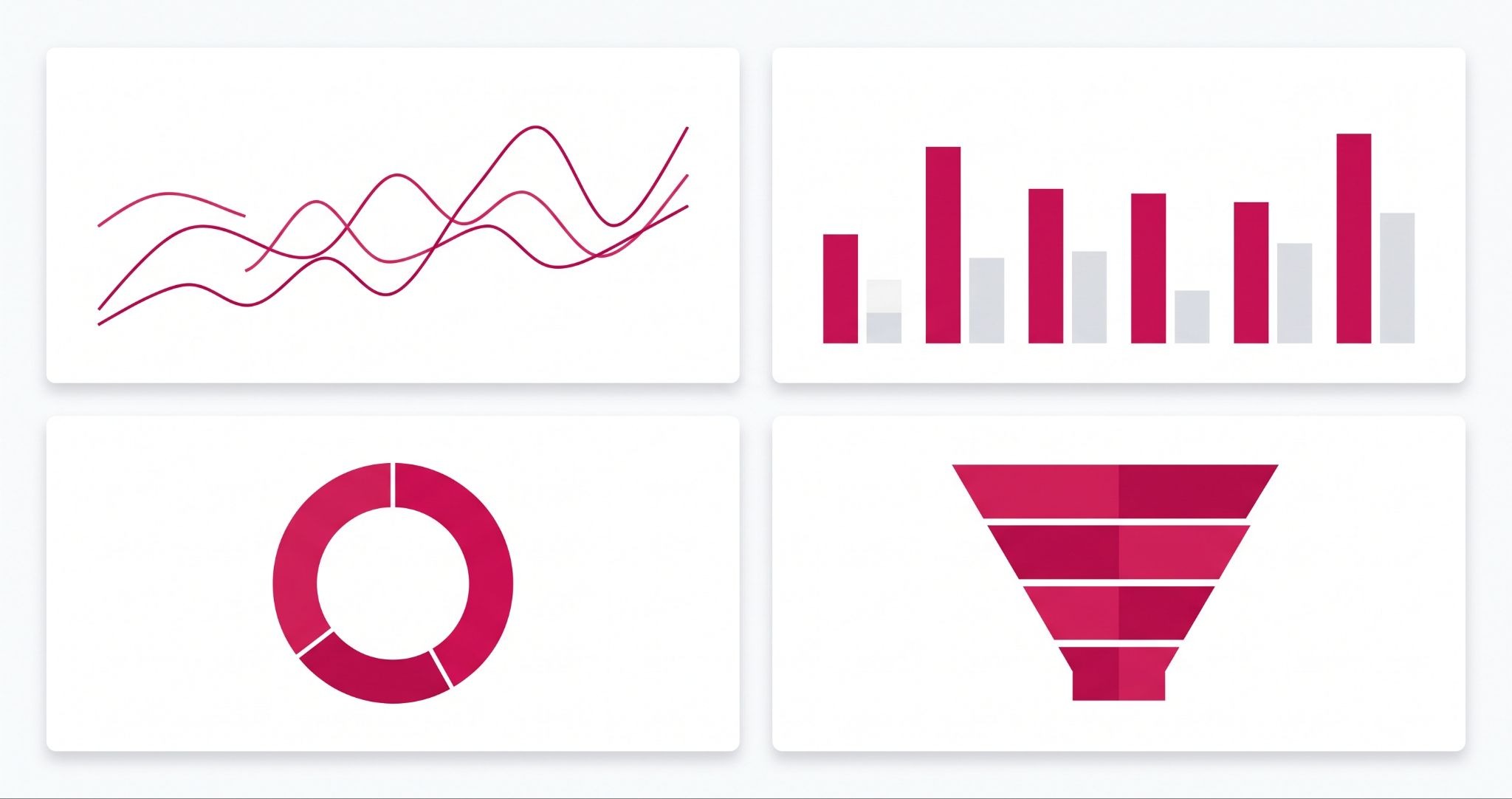
HubSpot's tools work together because they all read from and write to the same CRM. Your emails, forms, ads, and landing pages each add to one contact record. That means your reports reflect the same reality, and your team stops working from different numbers.
The CRM keeps one record per customer
Every contact gets one timeline. It shows the pages they viewed, the emails they opened, the forms they filled in, and the deals they're part of. Your sales team sees the same history your marketing team does.
Content and SEO tools bring people in
You can write blog posts, build landing pages, and get on-page SEO suggestions inside HubSpot. If your website runs on HubSpot's Content Hub, your pages and CRM share data by default. On higher tiers, that lets you show different content to new visitors and returning customers.
Forms, email, and automation turn visitors into leads
Forms, pop-ups, and live chat capture contact details. Emails then follow up based on what each person did, such as downloading a guide or visiting your pricing page. On Marketing Hub Professional and above, workflows can send those emails, assign leads to sales, and update records with no manual work.
Ads and social link spend on revenue
You can connect your Google, Facebook, and LinkedIn ad accounts, and publish and schedule social posts from the same place. Because ad clicks land on contact records, you can see which campaigns produced customers, not just clicks.
Reporting shows what's working
Dashboards pull data from every tool into one view. You can track traffic sources, conversion rates, and revenue by campaign. That's the part disconnected stacks rarely get right.
Is HubSpot Worth It for Australian Small Businesses?
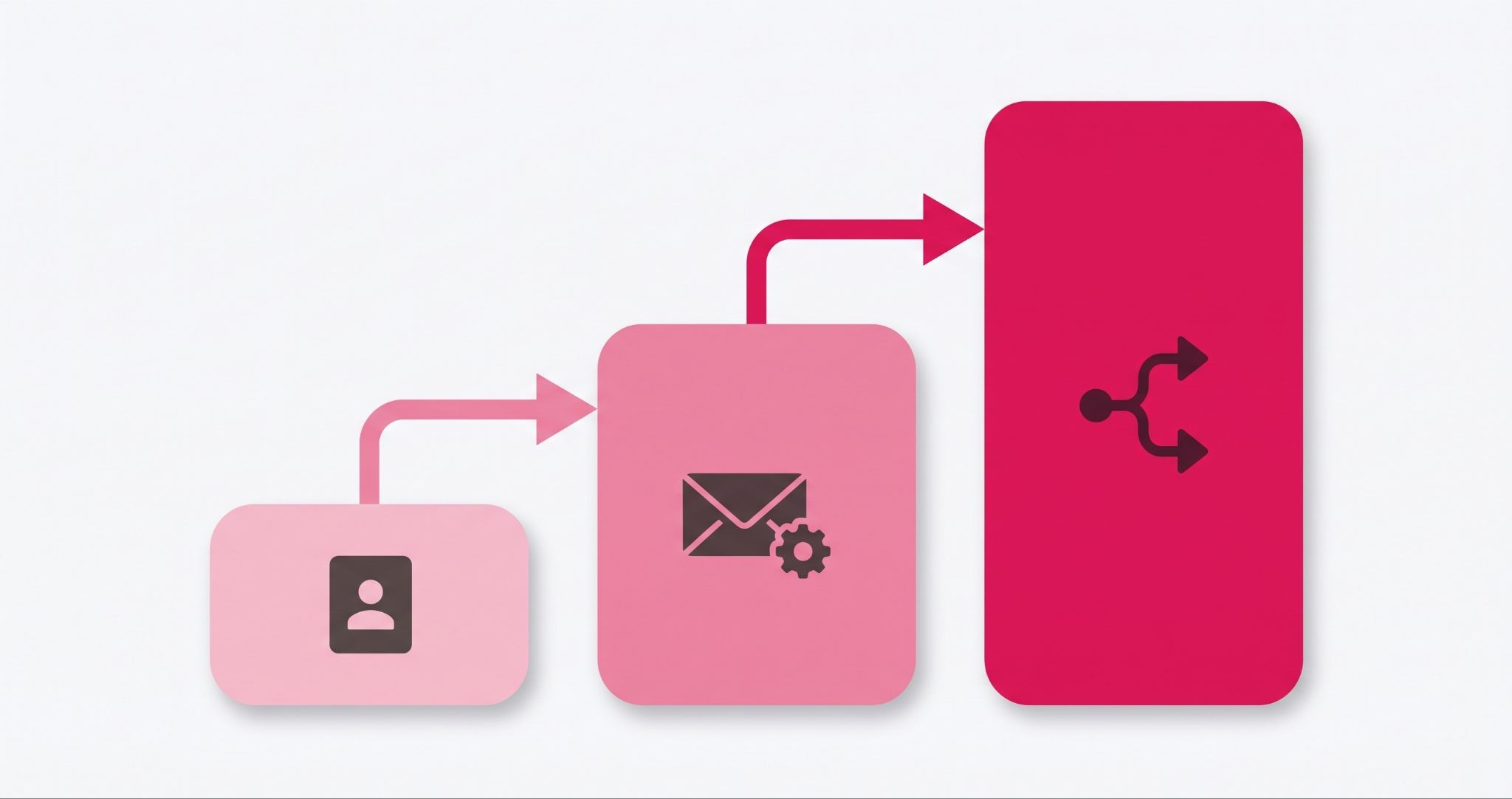
HubSpot is worth it for Australian small businesses when disconnected tools are costing you leads or time. You can start with free tools, then move to Starter or Professional as your needs grow. The value depends on the setup. A well-built portal pays its way, while a rushed one becomes an expensive address book.
HubSpot sells each hub in tiers: free, Starter, Professional, and Enterprise. The free tools include a CRM, forms, and basic email marketing, but they carry HubSpot branding and limits on contacts and features. Check HubSpot's current pricing page for exact limits, because they change.
The biggest jump is from Starter to Professional. That's where automation workflows, lead scoring, and deeper reporting sit, and where the price climbs most.
One cost catches people out. Paid Marketing Hub plans bill on marketing contacts, the people you actually send marketing to. You can keep other records as non-marketing contacts, so you don't pay to store people you never email.
Common HubSpot mistakes that waste your marketing budget
HubSpot doesn't fix a messy process on its own. When it disappoints, the cause is often the setup, not the software. Watch for these four mistakes:
- Importing every old contact. A messy list full of duplicates and cold contacts drives up your marketing contact bill and hurts email delivery.
- Buying a tier before you need it. Paying for Professional automation before you've mapped your sales process means paying for features no one uses.
- Skipping the sales handover. If marketing and sales don't agree on what a qualified lead looks like, leads still fall through the gap, just inside one system.
- Keeping your old tools "just in case". Running your old email platform next to HubSpot splits your data again and undoes the main benefit.
Each of these is avoidable with a clear plan before you build. Map how a lead moves from first visit to sale, then set HubSpot up to match.
How IBF gets HubSpot working for your marketing
IBF is a HubSpot Platinum Partner based in Melbourne. The team works with Australian businesses on HubSpot setup, CRM migration, marketing automation, HubSpot CMS websites, and ongoing support.
A strong setup starts with what you already have: your tools, your data and how leads move to a sale. From there, IBF's HubSpot implementation services cover data clean-up and migration, workflows and lead scoring, reporting dashboards, and training so your team actually uses the system.
If you already have a HubSpot portal that isn't pulling its weight, IBF can review and rebuild it. IBF also runs SEO, paid ads, and email marketing, so your campaigns and your HubSpot setup are planned together instead of in separate silos.
Frequently Asked Questions About HubSpot Digital Marketing
Is HubSpot good for digital marketing?
Yes, HubSpot is a strong choice for digital marketing because it keeps your CRM, email, landing pages, social posts, ads, and reports on one platform. Every marketing action lands on the same contact record. That lets you see which campaigns bring in customers, not just clicks. It suits businesses that want marketing and sales working from the same data.
Can I use HubSpot for free?
Yes, HubSpot offers free tools that include a CRM, forms, basic email marketing, landing pages, and live chat. The free tools carry HubSpot branding and have limits on contacts and features. HubSpot changes these limits from time to time, so check its current product catalogue before you plan around them. Most growing businesses upgrade once they need automation.
What's the difference between HubSpot Marketing Hub Starter and Professional?
Marketing Hub Starter covers the basics, such as email marketing, forms, landing pages and simple email follow-ups, without HubSpot branding. Professional adds automation workflows, lead scoring, deeper reporting, and campaign tools. Starter suits small teams sending regular emails. Professional suits teams that want leads nurtured and passed to sales automatically, and it costs a lot more.
Do I need a HubSpot partner to set up HubSpot?
You don't need a HubSpot partner to start, because the free tools and Starter plans are built for self-setup. A partner helps most when you're moving data from old systems, building automation, or connecting HubSpot to other software. A poor setup can cost more to fix later. That's why many businesses bring in a certified partner for Professional and Enterprise builds.
Can HubSpot work with my existing website?
Yes, HubSpot works with most websites, including WordPress, Shopify, and custom builds. You add HubSpot's tracking code to your site, then embed HubSpot forms, pop-ups, and live chat. Visitor activity then flows into your CRM. You only need to move your website onto HubSpot's Content Hub if you want your pages and CRM fully built into one system.
Get HubSpot Working for Your Business
Getting more from your online marketing starts with tools that share the same customer data. IBF is a HubSpot Platinum Partner that helps Australian businesses set up, connect, and grow on HubSpot. Start with a business growth audit and see where HubSpot fits your marketing.
.png?width=200&height=200&name=image%20(3).png)