
Shopify Payments Australia is the quickest way to start taking card payments on a Shopify store. The catch is that your cost per sale depends on your plan, your customer's card, and any other gateways you run. From 1 October 2026, you also can't pass card costs on as a surcharge, which makes your payment setup a direct margin decision.
Shopify Payments is Shopify's built-in payment processor that lets Australian stores accept cards and digital wallets without a separate merchant account. This guide covers how it works, what it costs on each plan, how to set it up, and when a third-party gateway still makes sense.
How does Shopify Payments work for Australian stores?
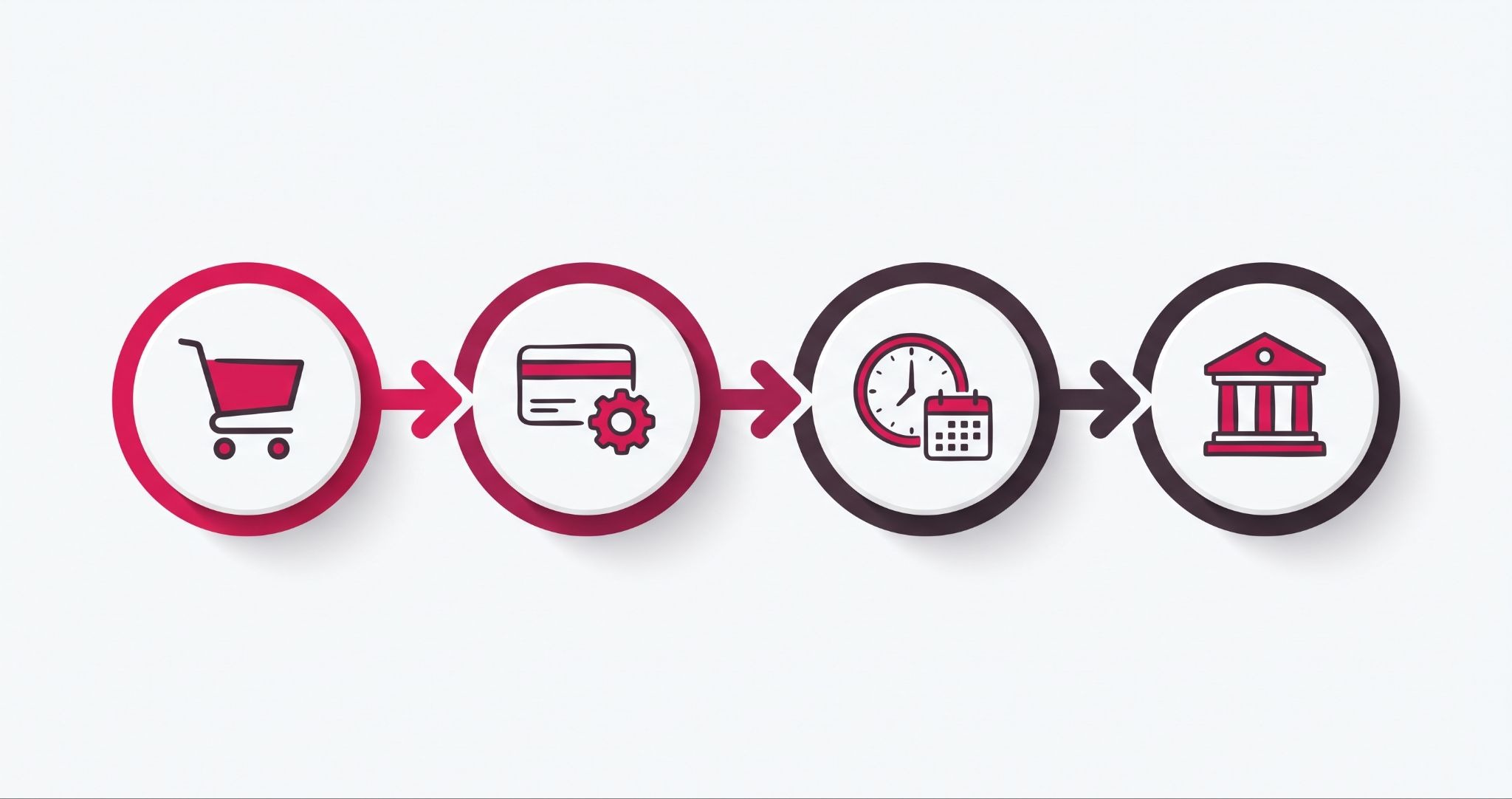
Shopify Payments processes your customers' card and digital wallet payments directly inside your Shopify checkout. When a customer pays, Shopify charges the card, deducts its processing fee, and holds the funds for a short settlement period. It then pays the balance into your Australian bank account on the payout schedule you choose.
Here's what that looks like in practice. A customer in Brisbane places a $120 order with a Mastercard. Shopify processes the charge, takes its fee, and adds the remainder to your pending balance, which you can track under Payouts in your admin.
In Australia, Shopify's minimum settlement time is two business days. Your bank can take another one to three business days to show the deposit, and weekends and public holidays push the date out.
Shopify Payments in Australia accepts Visa, Mastercard, American Express, and UnionPay cards. It also supports Apple Pay, Google Pay, and Shop Pay at checkout, plus EFTPOS cards for in-person sales through Shopify POS.
The practical advantage is that orders, refunds, chargebacks, and payouts all sit in one admin. Your bookkeeper reconciles one payout report instead of matching Shopify orders against a separate gateway statement.
Shopify Payments Australia fees for each plan
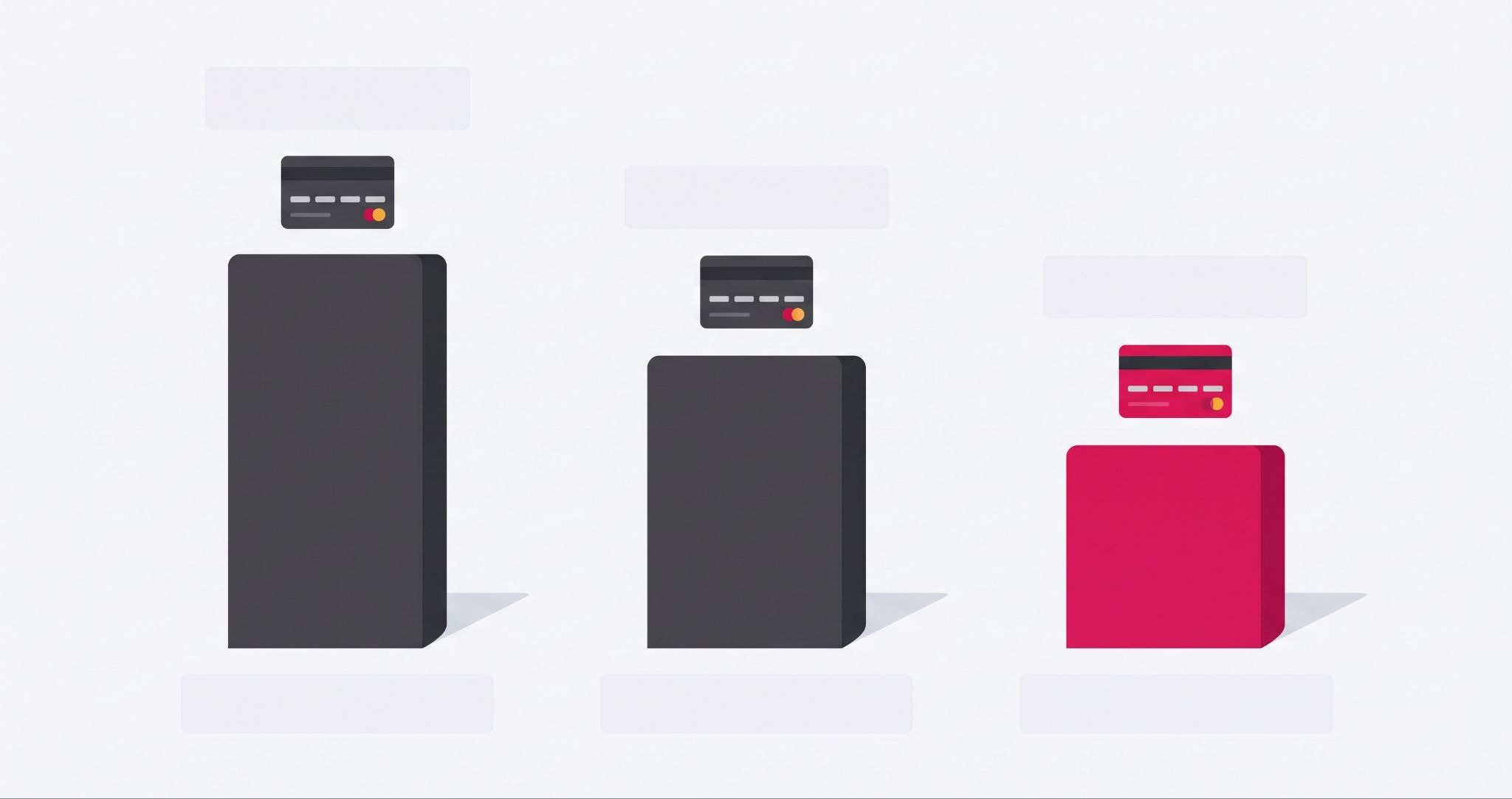
Shopify Payments Australia fees drop as you move up plans. Shopify lists domestic online card rates at 1.75% + 30c on Basic, 1.6% + 30c on Grow, and 1.4% + 30c on Advanced. Shopify Plus rates are negotiated with Shopify directly.
Those headline rates only cover Australian-issued cards. American Express and overseas-issued cards cost more. A store with lots of Amex or international buyers pays noticeably more than the advertised figure.
The bigger cost trap is using a different gateway. If you process orders through another provider, Shopify adds its own transaction fee on top of that provider's charges. It's 2% on Basic and 1% on Grow, with a smaller fee on Advanced.
Here's what that means on a $100 domestic order on Basic. Through Shopify Payments, you pay $2.05. Through an outside gateway charging the same 1.75% + 30c, you pay $4.05 once Shopify's 2% is added.
Orders paid through Shopify Payments, Shop Pay, and PayPal Express don't attract that extra fee. Neither do manual methods, such as bank transfer or cash on delivery.
Upgrading for the lower card rate alone rarely adds up for smaller stores. Grow costs $72 more per month than Basic on annual billing. A 0.15% rate saving only covers that once you process about $48,000 a month in domestic online card sales. Upgrade for the features and staff accounts first, and treat the lower rate as a bonus.
How to set up Shopify Payments on your Australian store
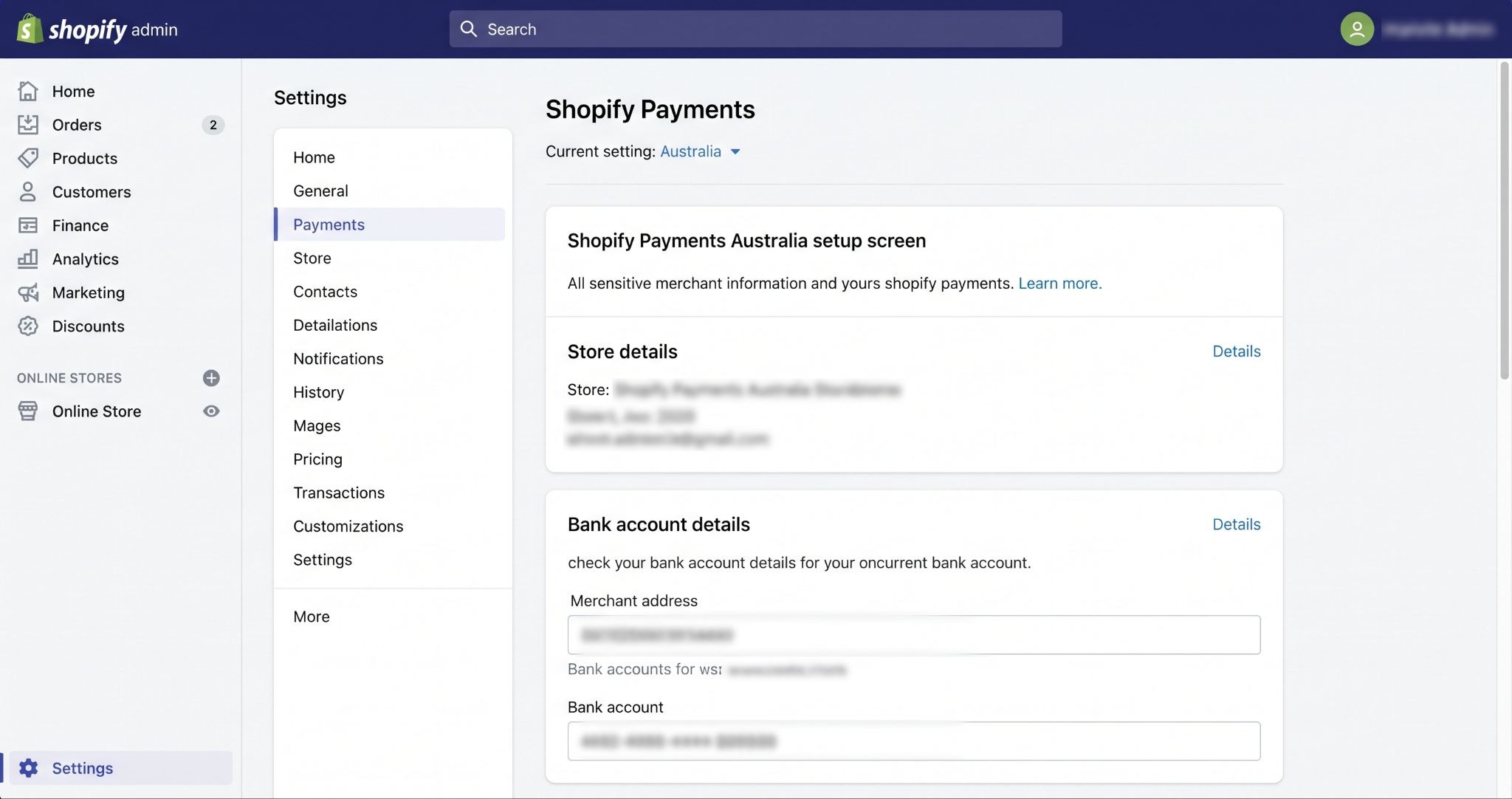
Setting up Shopify Payments is quick if your paperwork is ready. Most delays come from missing business details, so have your ABN, business address, and bank account on hand.
- Go to Settings, then Payments, in your Shopify admin and choose to activate Shopify Payments. If a third-party card gateway is already active, you'll need to deactivate it first.
- Enter your business details, including your business type and ABN if you have one, plus the owner's personal details for identity checks.
- Add the Australian bank account you want payouts sent to. Changing it later pauses your payouts for three to five business days, so choose the right account first.
- Turn on Apple Pay, Google Pay, and Shop Pay in the same section. These wallets remove form-filling on mobile, where typing card details is slowest.
- Set your payout schedule, then place a test order in test mode. Turn test mode off before launch, or real customers won't be charged.
Shopify may ask for extra verification documents before releasing your first payout. Complete setup at least a week before launch, so a document request doesn't hold up your cash flow in the first week of trading.
What does the October 2026 surcharge ban mean for Shopify stores?
From 1 October 2026, Australian businesses can no longer add a surcharge when customers pay with EFTPOS, Mastercard, or Visa cards. For Shopify Payments Australia users, card processing costs now have to sit inside your product prices. Switch off any surcharge app or checkout fee rule you use.
The ban comes from the Reserve Bank of Australia's review of merchant card payment costs. The same reforms lower interchange fee caps on Australian-issued cards from 1 October 2026. A cap on foreign-issued cards follows from 1 April 2027.
If your store currently charges a 1% to 2% card fee at checkout, that money now has to come from your pricing or your margin. Work out your average processing cost per order, then decide whether to lift prices slightly or absorb it on low-margin lines.
American Express and other networks set their own surcharging rules, so check with each provider before paying any fee. The RBA has also flagged a separate review covering buy now, pay later, mobile wallets, and e-commerce platforms, which could affect Shopify stores later.
When a third-party payment gateway still makes sense
Shopify Payments should be the primary gateway for most Australian stores, but it doesn't cover every situation. A second provider is worth adding in these cases:
- Buy now, pay later demand. Afterpay and Zip Connect are separate payment providers with their own merchant fees, which are usually higher than card rates. Add them when your average order value is high enough that instalments lift conversion.
- PayPal buyers. Some customers won't enter card details at a store they don't know. PayPal Express checkout gives them a familiar option without triggering Shopify's extra transaction fee.
- Restricted products. Shopify Payments won't process some product categories under its acceptable use policy. Stores in those categories need a specialist gateway.
Every extra provider adds another fee schedule, another dashboard, and another payout to reconcile. Add them because your order data shows demand, not because a competitor offers them.
How IBF sets up Shopify Payments for Australian stores
Most payment issues we diagnose on Australian Shopify stores are configuration problems, not platform problems.
The three we see most often are: a store on Basic processing enough volume to justify Grow, inactive third-party gateways quietly adding Shopify's 2% transaction fee to every order, and surcharge apps that haven't been switched off ahead of the October rule change.
IBF's Shopify development services cover the full payment setup. That includes choosing the right plan for your card mix and configuring Shopify Payments and digital wallets. It also covers connecting buy now, pay later providers where they earn their place, and testing checkout on mobile before launch.
For existing stores, we review your payment settings against your order data. That shows where fees are leaking, which gateways customers actually use, and whether a plan change pays for itself.
Frequently asked questions about Shopify Payments Australia
Is Shopify Payments available in Australia?
Yes, Shopify Payments is available to businesses based in Australia and pays out in Australian dollars to a local bank account. It accepts Visa, Mastercard, American Express, and UnionPay cards, along with Apple Pay, Google Pay, and Shop Pay. Most product categories are eligible, but Shopify's acceptable use policy excludes some restricted industries.
How long does Shopify Payments take to pay out in Australia?
Shopify's minimum settlement time in Australia is two business days after a sale. Once a payout is sent, your bank can take another one to three business days to show the funds. Weekends and public holidays extend the timeline, and changing your payout bank account pauses payouts for three to five business days.
Can I use Afterpay with Shopify Payments?
Yes, you can offer Afterpay alongside Shopify Payments, but Afterpay connects as a separate payment provider. It charges its own merchant fee, which is usually higher than standard card processing rates. Check the current terms in your Shopify admin to confirm whether Shopify's third-party transaction fee also applies to your plan.
Do I have to use Shopify Payments on my Shopify store?
No, Shopify stores can use a third-party payment gateway instead of Shopify Payments. However, Shopify then charges its own transaction fee on top of the gateway's fees, at 2% on the Basic plan and 1% on Grow. For most Australian stores, that extra cost makes Shopify Payments the cheaper option.
Can I still add a card surcharge on Shopify after October 2026?
No, Australian businesses can't surcharge EFTPOS, Mastercard or Visa payments from 1 October 2026. The change follows the Reserve Bank of Australia's review of card payment costs. Switch off any surcharge app or checkout fee rule before that date, and build your processing costs into product prices instead. Reviewing prices now stops the change from eating into your margins.
Get your Shopify Payments set up right
A Shopify store that keeps more of every sale starts with the right plan, payment setup, and pricing behind it. IBF's Shopify development team builds and optimises Shopify stores for Australian eCommerce businesses that want to grow. Get in touch with the IBF team to get started.